
How this comparison is made: Built from public information on each vendor's own pricing pages and product docs, plus public user reviews. I don't test the tools hands-on, and this guide is for general education. Some brands in this comparison may be featured partners or sponsors, and those spots are clearly labeled. Spot something missing or out of date? Email info@amitdeora.com and I'll update it. Editorial policy · Advertising disclosure.
HubSpot and Pipedrive are two of the most popular CRMs for small and mid-size businesses, but they are built differently. Pipedrive is a focused, visual sales pipeline. HubSpot is a broad platform that starts free and grows into marketing, sales and service tools.
I compared them on price, free options and fit, using each vendor's own US pricing page, checked on November 14, 2026.
The short verdict
For a small sales team that wants a simple pipeline, choose Pipedrive. It is easy to adopt and its mid-tier automation costs less than half of HubSpot's.
For a business that wants to start free and grow into marketing and service on one platform, choose HubSpot. Just plan for the price jump when you need Professional features.
Side-by-side comparison
 HubSpot |  Pipedrive | |
|---|---|---|
| Free option | Free for up to 2 users | No free plan; 14-day trial |
| Entry paid plan | Starter, $20 per seat a month (from $7 for new customers, yearly) | Lite, $14 per seat a month billed yearly |
| Sales automation tier (billed yearly) | $90 per seat a month, Sales Hub Professional | $39 per seat a month, Growth |
| Scope | Marketing, sales, service, content and data hubs | Sales pipeline first, with add-ons |
| Learning curve | More to learn as you add hubs | Quick to learn; visual pipeline |
| Best fit | Companies building one platform for every team | Sales teams that want focus and value |
| Setup fee | $1,500 one-time for Professional onboarding, $3,500 for Enterprise | No setup fee listed; Pipedrive says implementation is free on plans over $400 a year |
| Forecasting starts on | Sales Hub Professional | Growth, with forecast reports |
| Lead scoring starts on | Professional, up to 5 lead scores | Premium, with custom scoring models |
| Phone support | Email only on Starter; email and phone on Professional | Longer phone support hours on Ultimate |
| Spreadsheet import limits | Upload a file or paste data; one file or one per object | XLS, XLSX or CSV, up to 200,000 rows and under 50 MB |
| Undo an import | Fix mapping errors before you finish the import | Global admins can revert within 48 hours |
Which should you choose?
Choose HubSpot if
- You want to start on a free plan and upgrade only when needed.
- Marketing, sales and service should share one customer record.
- You plan to add marketing automation, content or support tools later.
- You have budget for Professional when your team grows.
Choose Pipedrive if
- Your main job is moving deals through a sales pipeline.
- You want automation at a mid-range price.
- Your reps need a tool they can learn quickly.
- You already use separate tools for marketing and support.
Strengths and limits
HubSpot: best for growing into an all-in-one platform
G2 rating 4.4out of 5 14,397 reviews · checked Nov 2026
- Starting price
- FreeUp to 2 users; Starter $20 per seat a month, from $7 for new customers
- Free plan
- Yes (2 users)
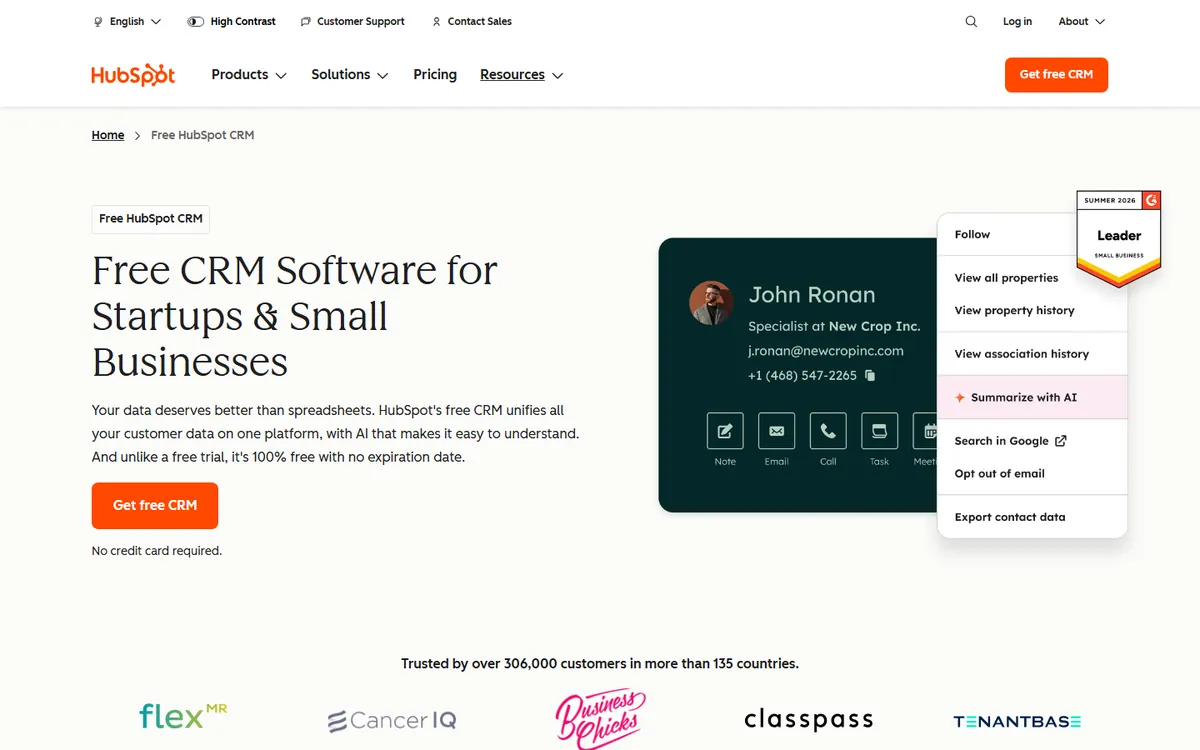
HubSpot is a customer platform made by HubSpot, Inc. Its CRM is free for up to 2 users, and paid Sales Hub plans add sequences, workflows and forecasting. It is known for putting marketing, sales and service data on one shared record. In this matchup, it is the pick for teams that want one system to grow into over time.
Key features
- Sequences: Sales Hub Professional allows 5,000 sequences per account, with up to 500 email sends per user each day.
- Workflows: Starter includes up to 50 workflows with limited triggers and actions, and Professional raises the cap to 300.
- Calling and transcription: Starter comes with 500 calling minutes, and Professional has 3,000 minutes plus 750 hours of call transcription a month.
- Forecasting and playbooks: Professional adds sales forecasting, 5 playbooks and up to 5 lead scores, according to the Sales Hub pricing page.
HubSpot plans and pricing
| Plan | Price | Notes |
|---|---|---|
| Free | $0 | Up to 2 users, no credit card; some tools show HubSpot branding |
| Sales Hub Starter | $20 per seat a month | List price; new customers can start from $7. Page does not clearly label which billing term each figure uses |
| Sales Hub Professional | $90 per seat a month, billed yearly | $100 a seat on monthly payment; one-time $1,500 onboarding fee |
| Sales Hub Enterprise | From $150 per seat a month | One-time $3,500 onboarding fee |
Why it made the list
HubSpot lets you start free and add marketing, sales, service and content tools as you grow, all sharing one customer record. Starter lists at $20 per seat a month, and new customers can get it from $7 on yearly billing. For many small teams, the free tools are enough for the first year.
Trade-offs to know
The step to Sales Hub Professional, where most sales automation lives, is $90 per seat a month billed yearly, or $100 paid monthly on a yearly commitment, plus a one-time $1,500 onboarding fee. Costs rise fast with seats. Some free tools show HubSpot branding.
Skip it if: Skip HubSpot if your team needs sequences and forecasting but cannot pay $90 a seat plus a $1,500 setup fee. It is also more than you need if you only want a deal pipeline and will never use its marketing or service tools.
Pipedrive: best for a focused, easy sales pipeline
G2 rating 4.3out of 5 5,122 reviews · checked Nov 2026
- Starting price
- $14 per seat a monthLite, billed yearly; Growth $39
- Free plan
- Free trial (14 days)
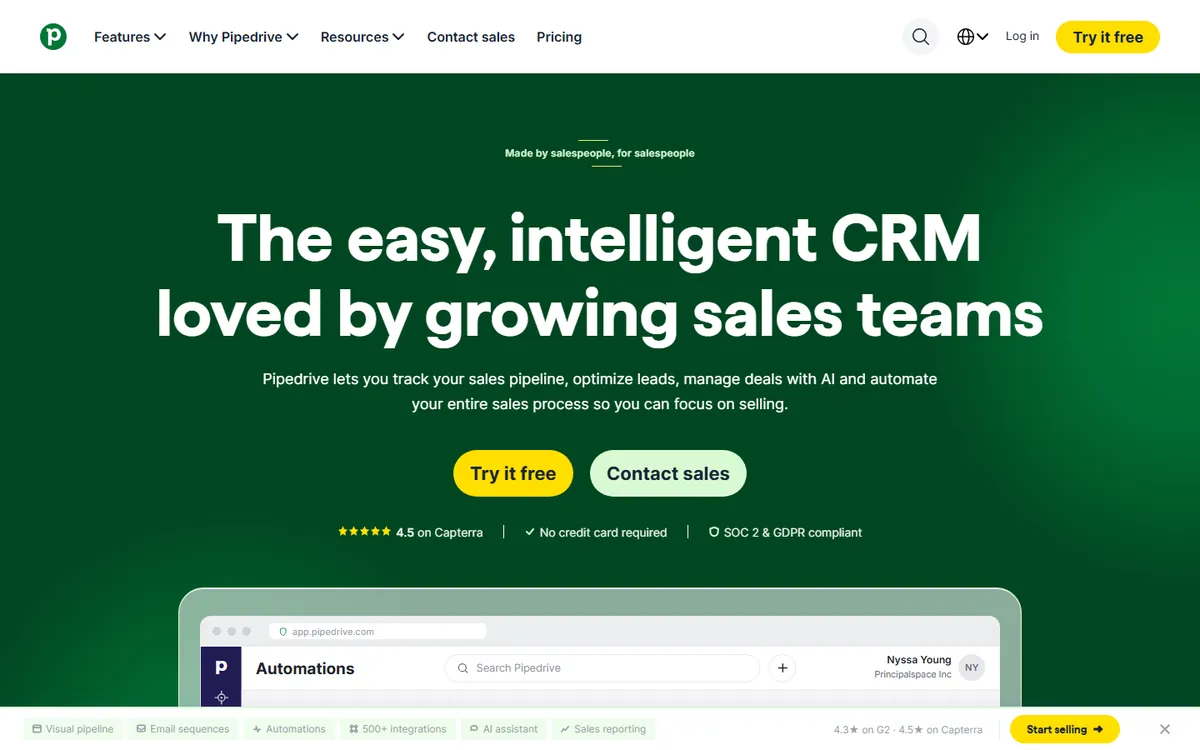
Pipedrive is a sales CRM from Pipedrive Inc. that centers on a visual deal pipeline. It has four paid plans, from Lite to Ultimate, and a 14-day free trial with no card needed. It is known for keeping sales work in one simple view. In this matchup, it fits teams that care about deals first and want lower prices per seat.
Key features
- Meeting intelligence: Lite includes Pipedrive Nova, which gives a brief before meetings, a call transcript and suggested CRM updates after.
- Automations and sequences: Growth adds workflow automation, email follow-up sequences and full email sync with open and click tracking.
- Lead capture and routing: Premium includes LeadBooster to capture leads and route them to reps; on other plans it is an add-on from $32.50.
- Contracts and e-signatures: Premium lets reps send and track quotes, proposals and contracts with built-in e-signatures.
Pipedrive plans and pricing
| Plan | Price | Notes |
|---|---|---|
| Lite | $14 per seat a month, billed yearly | One payment of $168 per seat a year |
| Growth | $39 per seat a month, billed yearly | One payment of $468 per seat a year |
| Premium | $59 per seat a month, billed yearly | One payment of $708 per seat a year; marked most popular |
| Ultimate | $79 per seat a month, billed yearly | One payment of $948 per seat a year; adds sandbox and extended phone support |
Why it made the list
Pipedrive is built around one clear, visual pipeline that reps can learn in a day. Lite includes meeting intelligence, and Growth adds email automation and follow-ups at $39 per seat a month billed yearly. It is predictable and sales-focused.
Trade-offs to know
There is no free plan. Marketing and service tools are not as broad as HubSpot's, so growing companies often add other software. Higher automation needs higher tiers.
Skip it if: Skip Pipedrive if you need a free plan or want email marketing and support tools in the same product, since those come as add-ons. Also note that yearly plans are prepaid and Pipedrive says they cannot be refunded.
How I evaluated
I compared HubSpot and Pipedrive on the plans small and mid-size teams buy most. On November 14, 2026, I read HubSpot’s US pricing pages and Pipedrive’s pricing page, including free options, billing terms and the tier where sales automation starts. Ratings are from G2, checked the same day.
This comparison is built from official pricing pages, product docs and public reviews. See my editorial policy.
What a five-person sales team pays
At list prices billed yearly, for the tier most teams end up on:
| Team of 5 | Yearly cost |
|---|---|
| HubSpot Starter | $1,200 ($420 with the new-customer discount) |
| HubSpot Sales Hub Professional | $5,400, plus a one-time $1,500 onboarding fee |
| Pipedrive Lite | $840 |
| Pipedrive Growth | $2,340 |
The real decision is which tier you need. If basic contact and deal tracking is enough, HubSpot’s free plan is hard to beat, and Starter is close to Pipedrive Lite if you get the new-customer discount. If you need automation, Pipedrive Growth costs less than half of HubSpot Professional.
Other CRMs worth a look
If neither fits, see the best Pipedrive alternatives for value picks like Zoho CRM and Close, or the best Salesforce alternatives if you need more depth.
What a 5-person and a 20-person sales team would pay
This compares the tier where sales automation starts on each tool: HubSpot Sales Hub Professional and Pipedrive Growth, both at list prices billed yearly.
| Tool | 5 people | 20 people | Plan used |
|---|---|---|---|
| HubSpot | $450 a month (5 x $90), plus $1,500 one-time | $1,800 a month (20 x $90), plus $1,500 one-time | Sales Hub Professional, billed yearly, with the required onboarding fee |
| Pipedrive | $195 a month (5 x $39) | $780 a month (20 x $39) | Growth, billed yearly ($468 per seat a year) |
List prices on November 19, 2026; taxes, add-ons, HubSpot credits and promo discounts are not included.
How to move from one to the other
- Export your data first. Pipedrive lets you export leads, deals, people, organizations, products, activities and notes as XLSX or CSV, but only admins or users with export rights can do it (Pipedrive help).
- Export activities, notes and files on their own. Pipedrive says those linked to deals and contacts must be exported separately. Download files soon, since export files expire after 28 days.
- Going the other way? HubSpot exports contacts, companies, deals and more as CSV, XLS or XLSX, sent to you as a download link that expires after 30 days (HubSpot help).
- Clean the files and pick one unique ID per record, such as contact email or company domain. HubSpot uses these to avoid duplicates when you import (HubSpot help).
- Import a small test batch and check the field mapping. Pipedrive maps columns by name and lets you add custom fields, with a limit of 200,000 rows and 50 MB per file (Pipedrive help).
- Run the full import before your old plan renews. Pipedrive yearly plans are prepaid and cannot be refunded, so time the move to the end of your term.
The bottom line
Pipedrive is the better pure sales CRM for most small teams, with easy adoption and affordable automation. HubSpot is the better long-term platform if marketing and service will share one system, as long as you budget for Professional. Start with the tier you truly need, not the headline price.
Next steps:
- Explore more options in the best Pipedrive alternatives.
- Bigger team? See the best Salesforce alternatives.
- Paying commission? See the best commission tracking software.
Frequently asked questions
Is HubSpot cheaper than Pipedrive?
At the start, yes. HubSpot is free for 2 users, and Starter lists at $20 per seat a month, with a new-customer price from $7, against Pipedrive Lite at $14. But for sales automation, HubSpot Sales Hub Professional is $90 per seat a month billed yearly, while Pipedrive Growth is $39.
Does Pipedrive have a free plan?
No. Pipedrive offers a 14-day free trial, then paid plans from $14 per seat a month billed yearly. If you need a free CRM, HubSpot is free for 2 users and Zoho CRM is free for 3.
Which is easier to use, HubSpot or Pipedrive?
Pipedrive is usually quicker to learn because it centers on one visual pipeline. HubSpot is also friendly at the free and Starter levels, but there is more to learn as you add hubs and features.
Can I switch from Pipedrive to HubSpot later?
Yes. Both let you export contacts, companies and deals, and HubSpot offers import tools. Plan the move around your Pipedrive renewal and test a small import first to check that fields map correctly.
Which CRM is better for marketing?
HubSpot, by a wide margin. Its Marketing Hub shares the same customer record as its sales tools. Pipedrive focuses on sales, so teams that need marketing automation usually connect a separate tool.
Does HubSpot charge a setup fee?
Only on higher tiers. HubSpot's Sales Hub pricing page lists a one-time $1,500 onboarding fee for Professional and $3,500 for Enterprise. The free plan and Starter show no onboarding fee. Pipedrive lists no setup fee and says implementation is free on plans over $400 a year.
Can I get a refund if I cancel a yearly Pipedrive plan?
No. Pipedrive's help center says yearly plans are prepaid and cannot be refunded, but you keep access until the term ends. Monthly plans can be canceled anytime, and the change applies on the next payment date. Pipedrive says yearly billing saves up to 42%.
What if my import goes wrong?
On Pipedrive, a global admin can revert an import from the import history tab within 48 hours. On HubSpot, the import tool flags mapping errors so you can fix them before you finish. Either way, test a small file first to check your fields.
Sources I checked (3)
Prices checked Nov 19, 2026, in US dollars. Vendors change plans often, so confirm on the vendor's page before you buy. If you see a change or something I missed, email info@amitdeora.com with a link to the vendor's page.