
How this list is made: Built from public information on each vendor's own pricing pages and product docs, plus public user reviews. I don't test the tools hands-on, and this guide is for general education. Some brands in this list may be featured partners or sponsors, and those spots are clearly labeled. Spot something missing or out of date? Email info@amitdeora.com and I'll update it. Editorial policy · Advertising disclosure.
DocuSign is the best-known name in e-signatures, but it is rarely the cheapest. Its Standard plan costs $30 per user a month on a yearly plan, and it caps you at 100 envelopes per user per year. If you send a lot of contracts, or you only need simple signing, you can pay much less.
I compared seven DocuSign alternatives on price, free plans, sending limits and who each one suits best. Every price below comes from the vendor's own pricing page, checked on November 13, 2026.
Quick comparison
| Tool | Best for | Starting price | Free plan | Rating |
|---|---|---|---|---|
 PandaDoc | Sales proposals and quotes | $19 per seat a month | Yes (5 documents a month) | 4.7/5 (G2) |
 Dropbox Sign | Teams that already use Dropbox | $15 a month | Free trial | 4.7/5 (G2) |
 signNow | The lowest price with unlimited users | $8 a month | Free trial | 4.6/5 (G2) |
 BoldSign | A generous free plan | $5 per user a month | Yes (25 envelopes a month) | 4.7/5 (G2) |
 DocuSeal | An open-source option you can host yourself | $20 per user a month | Yes (open source, or 10 requests a month in the cloud) | 4.9/5 (G2) |
 SignWell | Simple pricing for small teams | $10 a month | Yes (limited) | 4.8/5 (G2) |
 Zoho Sign | Teams already on Zoho apps | $10 per user a month | Yes (5 envelopes a month) | 4.4/5 (G2) |
The 7 best picks, ranked
1. PandaDoc: Best for sales proposals and quotes
G2 rating 4.7out of 5 3,864 reviews · checked Nov 2026
- Starting price
- $19 per seat a monthStarter, billed yearly
- Free plan
- Yes (5 documents a month)
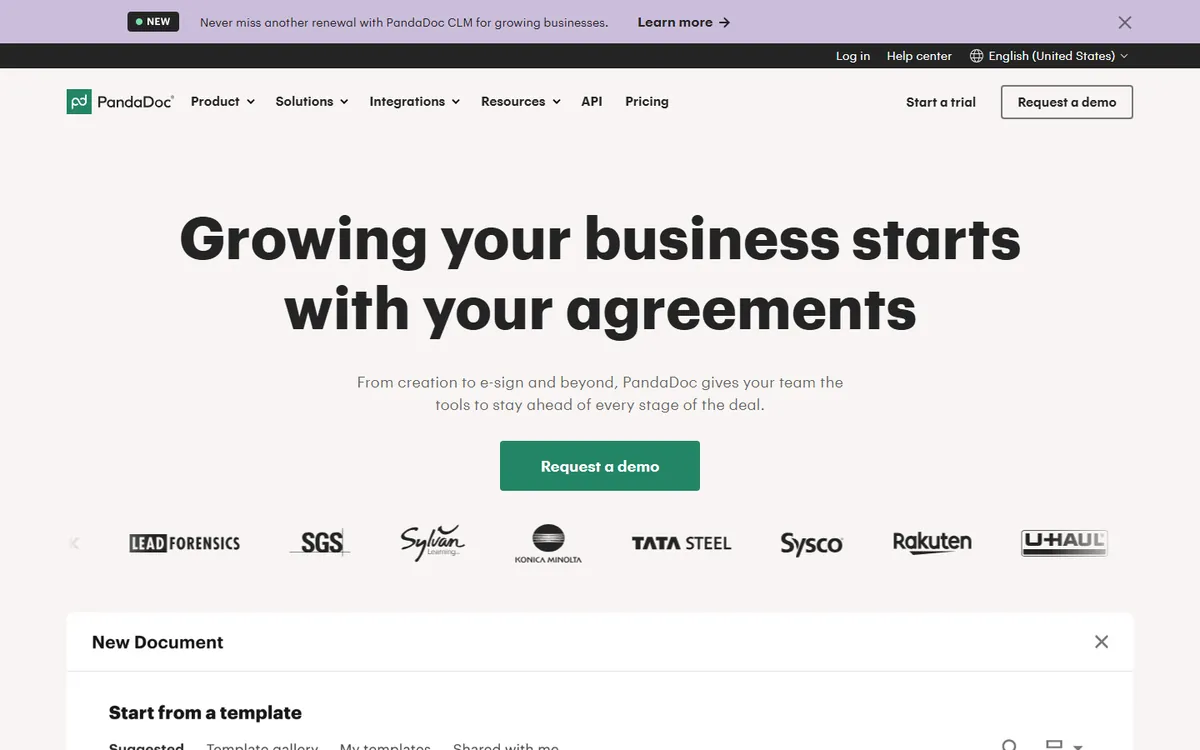
PandaDoc is a document platform made by PandaDoc. It is known for building proposals, quotes and contracts, then getting them signed in the same place. Against DocuSign, it trades a pure signing focus for sales paperwork, and its Starter seat costs $19 a month on a yearly plan, which is $11 less than DocuSign Standard.
Key features
- Unlimited e-signatures: Starter includes unlimited uploads and e-signatures for documents made in the app, so there is no yearly envelope count like DocuSign Standard has.
- Drag-and-drop editor: every plan, including Free, lets you build a document in the browser instead of uploading a finished PDF.
- CRM integrations and approvals: the Business plan adds CRM sync, approval workflows and custom branding for sales teams.
- Deal rooms: Business includes up to 3 deal rooms, and Enterprise removes that limit.
PandaDoc plans and pricing
| Plan | Price | Notes |
|---|---|---|
| Free | $0 | 5 documents a month shared across the team, up to 5 templates |
| Starter | $19 per seat a month, billed yearly | Unlimited UI documents; API and automations need usage credits; monthly rate not shown |
| Business | $49 per seat a month, billed yearly | Unlimited templates; web forms and bulk send use usage credits |
| Enterprise | Custom quote | Adds SSO, team workspaces and US or EU data residency |
Why it made the list
PandaDoc is more than a signing tool. You build the proposal, quote or contract in a drag-and-drop editor, send it, track when it is opened, and collect the signature in one place. Starter covers unlimited uploads and e-signatures. Business, at $49 per seat a month billed yearly, adds CRM sync, approvals, branding and bulk send.
Trade-offs to know
The features that sales teams want most, like CRM sync, bulk send and approval steps, sit on the $49 Business plan, not Starter. Documents made through the API, Zapier or bulk send use paid usage credits. If you only need people to sign a PDF, PandaDoc is more tool than you need, and a simpler option below will cost less.
Skip it if: Skip PandaDoc if you leave DocuSign only to sign finished PDFs at a lower price. Its main value is in building sales documents, and bulk send or API use draws on paid usage credits.
2. Dropbox Sign: Best for teams that already use Dropbox
G2 rating 4.7out of 5 2,286 reviews · checked Nov 2026
- Starting price
- $15 a monthEssentials, $180 billed yearly
- Free plan
- Free trial
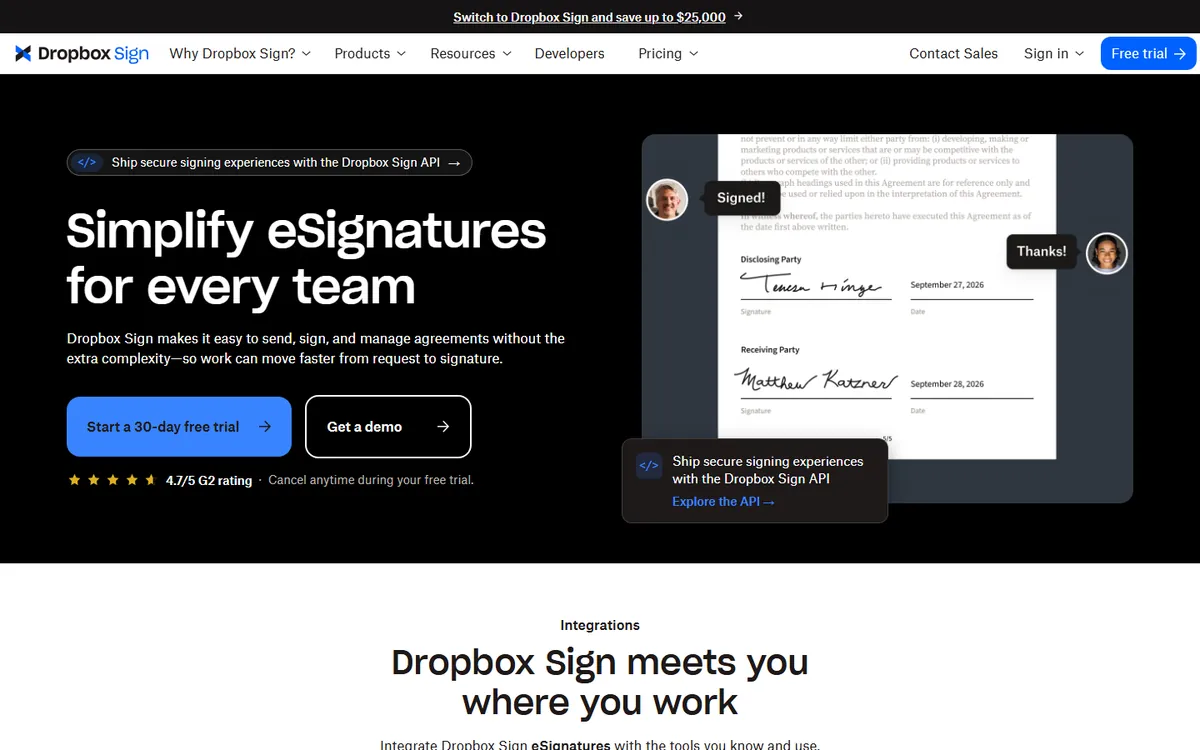
Dropbox Sign is the e-signature product from Dropbox. It is known for a simple signing flow and a strong tie to Dropbox file storage. Compared with DocuSign, its pricing page promotes unlimited signature requests with no hidden fees, which matters to teams that keep bumping into DocuSign's 100 envelope yearly cap.
Key features
- Unlimited signature requests: the pricing page headlines unlimited requests with no hidden fees, rather than a per-user yearly count.
- Bulk send and team admin: these come with Standard, which is sold to teams of 2 or more users.
- SSO and data residency: Premium adds single sign-on, advanced reporting and data residency for teams of 5 or more.
Dropbox Sign plans and pricing
| Plan | Price | Notes |
|---|---|---|
| Essentials | $15 a month, billed yearly ($180 a year) | 1 user; $20 a month billed monthly |
| Standard | $25 per user a month, billed yearly | 2 or more users, from $600 a year; $30 per user billed monthly |
| Premium | Custom quote | 5 or more users |
Why it made the list
Dropbox Sign, once called HelloSign, is an easy switch if DocuSign feels cluttered. The signing screen is clean, and it saves signed files straight into Dropbox, Google Drive or Microsoft storage. Dropbox says there are no overages on signature requests. Standard, for small teams, is $25 per user a month.
Trade-offs to know
Standard starts at $600 a year, because it is priced for at least two users. Bulk send and in-person signing are kept for Standard and above. For 5 or more users, Dropbox asks you to contact sales. If you do not use Dropbox for storage, the main reason to choose it gets weaker.
Skip it if: Skip Dropbox Sign if your team has 5 or more people and you want a self-serve price, since Dropbox asks larger teams to contact sales. Solo users who need bulk send should also look elsewhere, as Essentials does not include it.
3. signNow: Best for the lowest price with unlimited users
G2 rating 4.6out of 5 1,776 reviews · checked Nov 2026
- Starting price
- $8 a monthBusiness, billed yearly ($20 billed monthly)
- Free plan
- Free trial
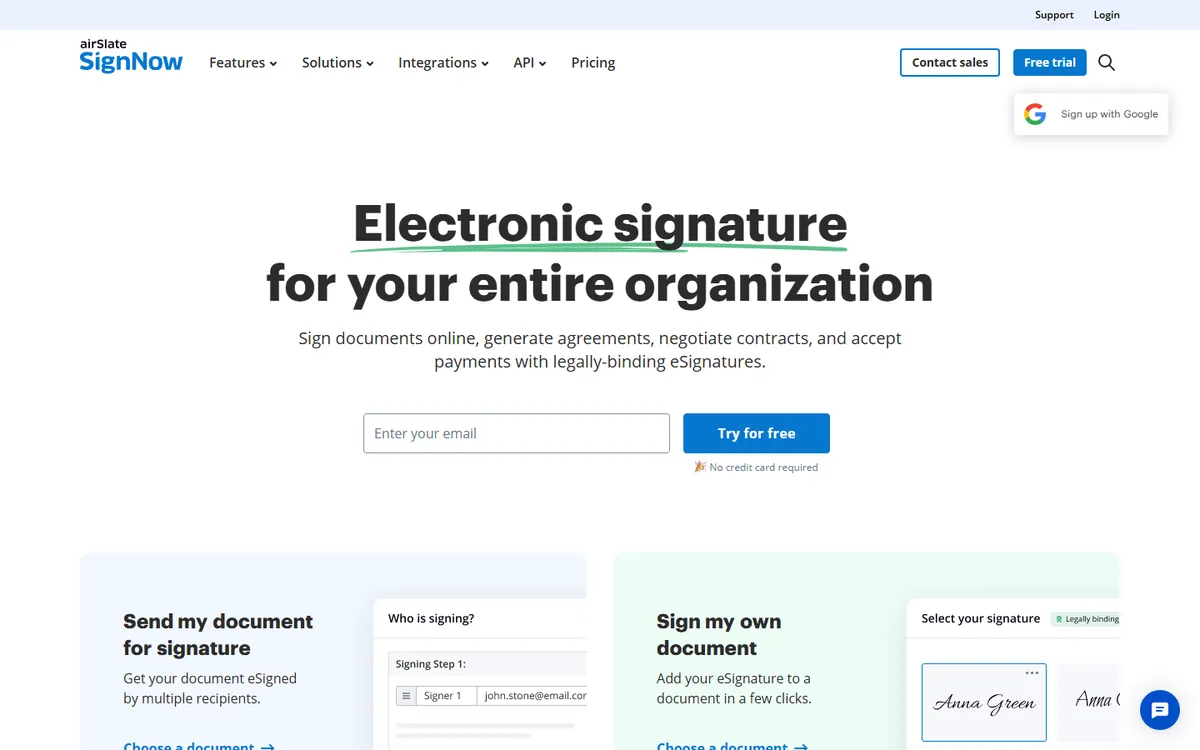
signNow is an e-signature tool from airSlate. It is known for low entry prices and plans that allow unlimited users. Next to DocuSign, its Business plan costs $8 a month on a yearly bill for the whole account, but it keeps a similar limit: 100 signature invites a year.
Key features
- Unlimited users: Business, Business Premium and Enterprise each allow unlimited users on one plan price.
- Bulk send and payments: Business Premium adds bulk send, signing links, scheduled sending and payment collection.
- Approval workflows: Enterprise adds approval steps, conditional fields, SMS delivery and advanced signer checks.
- Per-invite Site License: heavy senders can buy a Site License at $1.50 per signature invite with full API access and SSO.
signNow plans and pricing
| Plan | Price | Notes |
|---|---|---|
| Business | $8 a month, billed yearly | $20 billed monthly; 100 invites a year |
| Business Premium | $15 a month, billed yearly | $30 billed monthly; 100 invites a year |
| Enterprise | $30 a month, billed yearly | $50 billed monthly; 100 invites a year |
| Site License | Custom quote | $1.50 per signature invite, custom volumes |
Why it made the list
signNow has the lowest paid entry price on this list. The Business plan is $8 a month billed yearly, and every plan allows unlimited users, so a growing team does not pay more per seat. Business Premium, at $15 a month billed yearly, adds more automation. For heavy senders there is a Site License priced at $1.50 per signature invite.
Trade-offs to know
The low price comes with a firm cap. Business, Business Premium and Enterprise each include 100 signature invites per year, so check your volume before you buy. Monthly billing is much higher at $20 a month for Business. If you send more than a few contracts a week, run the numbers on the per-invite license.
Skip it if: Skip signNow if the 100 envelope cap is your main reason for leaving DocuSign. Its regular plans also stop at 100 invites a year, so a busy team would need the per-invite Site License.
- Starting price
- $5 per user a monthGrowth, billed yearly
- Free plan
- Yes (25 envelopes a month)
BoldSign is an e-signature platform and API from Syncfusion. It is known for a free plan with 25 envelopes a month and low paid prices. As a DocuSign swap, its Growth plan costs $5 per user a month on a yearly bill and gives 50 envelopes per user each month, a monthly allowance rather than DocuSign's yearly one.
Key features
- Free Essential plan: 25 envelopes a month for one sender, with audit trail, reminders and signer checks.
- Template sharing and in-person signing: Growth adds 10 templates, team management and in-person signing.
- Unlimited envelopes: Business removes the envelope limit and adds SSO, custom roles and HubSpot integration.
- Pay-per-use extras: SMS costs $0.20 a message and ID checks cost $2 each, listed on Business and higher.
BoldSign plans and pricing
| Plan | Price | Notes |
|---|---|---|
| Essential | $0 | 25 envelopes a month; personal emails get 5 until verified |
| Growth | $5 per user a month, billed yearly | $15 billed monthly; 50 envelopes per user a month |
| Business | $15 per user a month, billed yearly | $25 billed monthly; unlimited envelopes |
| Premium | $99 a month flat, billed yearly | $138 billed monthly; unlimited users, 250 envelopes a month |
| Enterprise API | From $30 a month | 40 envelopes included, then $0.75 each |
Why it made the list
BoldSign, made by Syncfusion, gives you 25 envelopes a month on its free Essential plan. One envelope can hold several documents and signers. Paid plans stay cheap: Growth is $5 per user a month and Business is $15 per user a month, both billed yearly. Extras like SMS delivery and ID checks are sold as small add-ons.
Trade-offs to know
The free plan's full allowance is for business email sign-ups. BoldSign notes that personal email sign-ups, such as Gmail, get a smaller limit. Add-ons like bulk send, SMS and ID verification are charged per use, so costs can creep up. It is a younger brand than DocuSign, which matters to some legal teams.
Skip it if: Skip BoldSign if you need Salesforce on the Enterprise API plan, since the pricing page says it is not included there. Teams that sign up with Gmail-style addresses should expect only 5 free envelopes until BoldSign verifies the business.
5. DocuSeal: Best for an open-source option you can host yourself
G2 rating 4.9out of 5 379 reviews · checked Nov 2026
- Starting price
- $20 per user a monthCloud Pro, or $200 a year
- Free plan
- Yes (open source, or 10 requests a month in the cloud)
DocuSeal is an open-source document signing tool. It is known for letting teams run it on their own servers or use a hosted cloud plan. Compared with DocuSign, its cloud Pro plan has no cap on signature requests, and the open-source edition costs nothing in license fees, which appeals to teams that want to keep files in-house.
Key features
- Free open-source edition: the on-premises Open Source plan allows unlimited signature request emails at no license cost.
- Unlimited requests in the cloud: cloud Pro lifts the request cap and includes 20 SMS and 50 bulk-send signatures a month.
- API and embedded signing: each document signed through the API or embedding costs $0.20 and needs a Pro seat.
- Qualified signatures: cloud Pro sells EU qualified e-signatures at $2 to $4 each.
DocuSeal plans and pricing
| Plan | Price | Notes |
|---|---|---|
| Cloud Basic | $0 | 10 request emails a month; 4% fee on collected payments |
| Cloud Pro | $200 per user a year, billed yearly | $20 per user billed monthly; unlimited requests |
| On-premises Open Source | $0 | No SMS or bulk send; self-signed certificate |
| On-premises Pro | $240 per user a year, billed yearly | Unlimited emails, SMS and bulk send |
Why it made the list
DocuSeal is open source. With a developer, you can host it on your own server for free. The cloud version has a free Basic plan with 10 request emails a month, and Pro removes the cap on signature requests. Its API and embedded signing cost $0.20 per completed document, which suits software teams that build signing into their own app.
Trade-offs to know
Self-hosting means you own updates, backups and security. That is a real job, not a free lunch. Pro features on a self-hosted install cost $240 per user a year. The interface is simpler than DocuSign's, with fewer of the approval and admin tools that large companies expect.
Skip it if: Skip DocuSeal if nobody on your team can run and patch a server and you are counting on the free edition. The free self-hosted plan also has no SMS or bulk send, which DocuSign users may expect.
6. SignWell: Best for simple pricing for small teams
G2 rating 4.8out of 5 575 reviews · checked Nov 2026
- Starting price
- $10 a monthLight, billed yearly ($12 monthly)
- Free plan
- Yes (limited)
SignWell is an e-signature tool with flat, sender-based pricing. It is known for simple plans and a free API tier. For a DocuSign user, its biggest draw is a template import: the pricing page invites you to bring your DocuSign templates over when you switch, and it says this is available on all plans.
Key features
- DocuSign template import: listed on every plan, which cuts the setup work after you leave DocuSign.
- Unlimited documents: Light and Business remove the document count for each sender.
- HIPAA support: Light and higher include a BAA and the SOC 2 Type II report.
- Business controls: Business adds in-person signing, conditional fields, custom branding, 50 SMS credits a month and 21 CFR Part 11 controls.
SignWell plans and pricing
| Plan | Price | Notes |
|---|---|---|
| Free | $0 | 1 sender, 3 documents a month, 1 template |
| Light | $10 a month, billed yearly | $12 billed monthly; 1 sender, 5 templates |
| Business | $30 a month for 3 senders, billed yearly | $36 billed monthly; extra senders $12 a month yearly |
| Enterprise | Custom quote | Large teams and high-volume API |
Why it made the list
SignWell keeps things plain and cheap. Light is $10 a month billed yearly for one sender. Business is $30 a month billed yearly and includes three senders, with extra senders at $12 each. It also offers an easy import for DocuSign templates, which cuts the work of switching. A Zapier connection links it to thousands of other apps.
Trade-offs to know
The free plan is tight, so most real use needs Light or Business. Its API is priced per document, at $0.85 each before volume discounts. SignWell has fewer advanced workflow and compliance tools than DocuSign, so regulated firms should check the feature list closely.
Skip it if: Skip SignWell if you need its Free plan for real work, since it covers only 3 documents a month. Teams that need custom branding or SMS should budget for Business, not Light.
7. Zoho Sign: Best for teams already on Zoho apps
G2 rating 4.4out of 5 64 reviews · checked Nov 2026
- Starting price
- $10 per user a monthStandard, billed yearly; Professional $16
- Free plan
- Yes (5 envelopes a month)
Zoho Sign is the e-signature app from Zoho, maker of Zoho CRM and Zoho Books. It is known for tying into the wider Zoho suite and for digital signature certificates. Measured against DocuSign, its Standard plan gives 25 envelopes per user each month for $10 per user on a yearly bill, a third of DocuSign Standard's price.
Key features
- Monthly envelope allowance: Standard includes 25 envelopes per user per month, plus approval and manager workflows.
- Own certificates: Standard lets you use your own USB-token or PFX digital signature certificates.
- Unlimited envelopes: Professional removes the cap and adds unlimited templates, branding and reports.
- Compliance and payments: Enterprise adds bulk send, payment collection, qualified signatures and 21 CFR Part 11 controls.
Zoho Sign plans and pricing
| Plan | Price | Notes |
|---|---|---|
| Free | $0 | 1 user, 5 envelopes a month |
| Standard | $10 per user a month, billed yearly | 25 envelopes per user a month; SMS uses credits |
| Professional | $16 per user a month, billed yearly | Unlimited envelopes; automations use credits |
| Enterprise | $22 per user a month, billed yearly | Bulk send, SignForms, in-person signing |
| API / Custom | Custom quote | Pay per envelope with credits, or custom plan via sales |
Why it made the list
Zoho Sign makes the most sense if you already use Zoho CRM, Zoho Books or Zoho Workplace, since it plugs straight into them. The Standard plan includes 25 envelopes per user per month, which is more generous than DocuSign Standard's yearly cap. Professional, at $16 per user a month, adds unlimited envelopes, unlimited templates and branding.
Trade-offs to know
The free plan covers one user and 5 envelopes a month. Zoho shows prices by region, so check the page in your country. Outside the Zoho suite, its integrations are thinner than DocuSign's or PandaDoc's.
Skip it if: Skip Zoho Sign if you need bulk send without paying for the top tier, since bulk send sits on Enterprise. Zoho shows prices by region and currency, so non-US buyers should check their own price.
Why do people look for a DocuSign alternative?
Most people leave DocuSign because of cost and limits, not because it stops working. Here is what DocuSign charges, from its own pricing page:
| DocuSign plan | Price (billed yearly) | Sending limit |
|---|---|---|
| Personal | $11 a month | 5 envelopes a month |
| Standard | $30 per user a month | 100 envelopes per user a year |
| Business Pro | $45 per user a month | 100 envelopes per user a year |
Two things stand out. First, a five-person team on Standard pays $1,800 a year. Second, 100 envelopes per user per year is only about two a week. A busy sales or HR team can hit that cap fast.
Other reasons come up too. Some teams want proposals and signing in one tool. Some want to self-host for privacy. Others only need a few signatures a month and do not want a yearly contract.
How I evaluated
I compared tools that show up most often in “DocuSign alternative” searches and that sell to small and mid-size businesses. For each one, I checked the official pricing page on November 13, 2026, and read the product docs for limits like envelope caps and seat minimums.
This guide is built from official pricing pages, product docs and public reviews. I ranked them on price, free plan value, sending limits, ease of switching and who they fit best. Prices are in US dollars and change often, so confirm on the vendor’s page before you buy.
How to choose the right DocuSign alternative
Start with how many documents you send, not with features. Then match your situation:
- You send proposals and quotes: pick PandaDoc. Signing is built into the sales document.
- You need the lowest paid price: pick signNow, as long as 100 invites a year is enough.
- You need a real free plan: pick BoldSign for 25 envelopes a month.
- You want to own your data: pick DocuSeal and host it yourself.
- You store files in Dropbox: pick Dropbox Sign.
- You run on Zoho apps: pick Zoho Sign.
- You want simple flat pricing for a small team: pick SignWell.
Before you pay for a year, send three real documents through your top two picks. Check how the signing screen looks on a phone, how the audit log reads, and whether it connects to the tools you already use. Start on monthly billing if you are unsure, even though it costs more.
What the law says about e-signatures
This is general information, not legal advice. In the United States, the federal ESIGN Act, approved in 2000, covers electronic signatures in commerce, and most states have their own e-signature laws. The EU has separate rules called eIDAS. Whether a document can be signed electronically depends on the type of document and where you are.
Each tool here says it keeps an audit trail of who signed, when and from where. Some documents, such as certain wills and court papers, may have special signing rules. For any contract that matters, ask a lawyer before you rely on an e-signature.
Is it hard to switch away from DocuSign?
Not very, if you plan it. Most of the work is rebuilding your templates in the new tool.
- Export your history. Download every signed document and its certificate of completion from DocuSign.
- List your templates. Note which ones you use often, and rebuild those first.
- Check integrations. Make sure the new tool connects to your CRM, storage or HR system.
- Time the switch. Cancel DocuSign close to your renewal date so you do not pay for unused months.
SignWell offers an import for DocuSign templates, which can save time. With the others, plan for an afternoon of field placement per handful of templates.
What a 5-person and a 20-person team would pay
Here is the monthly cost on yearly billing for a 5-person and a 20-person team, next to DocuSign Standard.
| Tool | 5 people | 20 people | Plan used |
|---|---|---|---|
| DocuSign (baseline) | $150 (5 x $30) | $600 (20 x $30) | Standard; 100 envelopes per user a year |
| PandaDoc | $95 (5 x $19) | $380 (20 x $19) | Starter |
| Dropbox Sign | Custom quote | Custom quote | Premium; Dropbox asks teams of 5 or more to contact sales |
| signNow | $8 | $8 | Business; unlimited users but 100 invites a year |
| BoldSign | $25 (5 x $5) | $100 (20 x $5) | Growth; 50 envelopes per user a month |
| DocuSeal | $83.33 (5 x $200 / 12) | $333.33 (20 x $200 / 12) | Cloud Pro at $200 per user a year |
| SignWell | $54 ($30 + 2 x $12) | $234 ($30 + 17 x $12) | Business; 3 senders included |
| Zoho Sign | $50 (5 x $10) | $200 (20 x $10) | Standard; 25 envelopes per user a month |
List prices from each vendor’s pricing page on November 19, 2026, billed yearly, with taxes, add-ons and usage credits not included.
How to switch from DocuSign
- Download your signed files first. DocuSign’s support guide says you can download or print any document that is in your account, and only completed envelopes show every signer’s details.
- Save the certificate of completion for each important envelope. DocuSign lists it as its own item in its guide to managing envelopes.
- Export your envelope history to a spreadsheet. DocuSign says envelope data you sent, received or were shared can be exported to a CSV file.
- Pull the source files from your templates. DocuSign has a help page on downloading a template document, so you have a clean copy to rebuild in the new tool.
- Rebuild or import templates. SignWell says you can bring your DocuSign templates over, while most other tools mean placing fields again by hand.
- Send a few live documents in the new tool, then cancel DocuSign once your team has moved over.
The bottom line
DocuSign is solid, but most small teams can pay less and send more.
PandaDoc is the best pick for sales teams that want proposals and signing together. signNow is the cheapest paid plan if you send fewer than 100 documents a year. BoldSign gives you the most on a free plan, and DocuSeal is the choice if you want to host your own. Test two tools with real documents, then commit.
Next steps:
- See every option ranked in the best e-signature software.
- Know what you pay today: DocuSign pricing explained.
- Weighing the two leaders? Read DocuSign vs PandaDoc, or compare everything in the best e-signature software.
Frequently asked questions
What is the cheapest alternative to DocuSign?
BoldSign and DocuSeal both have free plans you can use for real work. BoldSign gives 25 envelopes a month for free, and DocuSeal is free to host yourself. For a paid plan, signNow Business is the cheapest at $8 a month billed yearly, with unlimited users but a cap of 100 signature invites a year.
Is there a free DocuSign alternative?
Yes. BoldSign's free Essential plan includes 25 envelopes a month. PandaDoc's free plan allows 5 documents a month. DocuSeal is open source, so you can run it on your own server at no license cost, or use its free cloud plan with 10 request emails a month. Free plans suit light use, not a busy sales team.
Which DocuSign alternative is best for sales teams?
PandaDoc is the best fit. It lets reps build the proposal or quote, track when the buyer opens it, and collect the signature in one flow. Its Business plan, at $49 per seat a month billed yearly, adds CRM integrations, approval steps and bulk send, which most sales teams need.
Can I move my templates from DocuSign to another tool?
Usually, but it takes some work. SignWell offers an import for DocuSign templates. With most other tools, you upload the original document again and place the fields again. Before you cancel DocuSign, download your signed documents and their completion certificates, so you keep a full record.
Do DocuSign alternatives have the same audit trail?
Most do. The tools on this list record who signed, when, and from what device, and they attach a completion certificate or audit log to the signed file. Ask each vendor for a sample certificate if your legal team needs a specific format, or if you work in a regulated field.
Which DocuSign alternative lets me add users without paying per seat?
signNow's Business, Business Premium and Enterprise plans all allow unlimited users for one price, starting at $8 a month billed yearly. BoldSign Premium also allows unlimited users for $99 a month flat on a yearly bill, with 250 envelopes a month. DocuSign Standard and Business Pro are priced per user.
Is there a DocuSign alternative for HIPAA or regulated work?
SignWell lists HIPAA support with a BAA on its Light plan and above, and adds 21 CFR Part 11 controls on Business. BoldSign says HIPAA is available on its annual Business plan. Zoho Sign Enterprise lists controls for 21 CFR Part 11 and EU GMP Annex 11.
Can I collect payments at signing like DocuSign Business Pro?
DocuSign keeps payment collection on Business Pro at $45 per user a month billed yearly. signNow adds it on Business Premium at $15 a month billed yearly. Zoho Sign lists it on Enterprise. DocuSeal Cloud Pro charges a 0% payment fee, while its free Basic plan takes 4%.
Sources I checked (9)
- DocuSign eSignature plans and pricing
- PandaDoc pricing
- Dropbox Sign pricing
- signNow pricing
- BoldSign pricing
- DocuSeal pricing
- SignWell pricing
- Zoho Sign pricing
- ESIGN Act, Public Law 106-229 (GovInfo)
Prices checked Nov 19, 2026, in US dollars. Vendors change plans often, so confirm on the vendor's page before you buy. If you see a change or something I missed, email info@amitdeora.com with a link to the vendor's page.