
How this list is made: Built from public information on each vendor's own pricing pages and product docs, plus public user reviews. I don't test the tools hands-on, and this guide is for general education. Some brands in this list may be featured partners or sponsors, and those spots are clearly labeled. Spot something missing or out of date? Email info@amitdeora.com and I'll update it. Editorial policy · Advertising disclosure.
Proposal software helps you build a polished proposal or quote, send it as a link, see when the buyer opens it, and get it signed, all in one place. It replaces the old loop of Word files, PDFs and a separate signing tool.
I compared five popular proposal tools for freelancers, agencies and sales teams. Every price comes from the vendor's own pricing page, checked on November 13, 2026.

Quick comparison
| Tool | Best for | Starting price | Free plan | Rating |
|---|---|---|---|---|
 PandaDoc | Most teams, from solo to sales department | $19 per seat a month | Yes (5 documents a month) | 4.7/5 (G2) |
 Qwilr | Interactive, web-page style proposals | $35 per user a month | Free trial | 4.6/5 (G2) |
 Better Proposals | Freelancers and small agencies on a budget | $13 a month | Free trial | 4.3/5 (G2) |
 Bonsai | Freelancers who want proposals, contracts and invoices together | $19 per user a month | Free trial | No rating yet |
 Proposify | Sales teams that need control over every proposal | $39 per user a month | 14-day free trial | 4.6/5 (G2) |
The 5 best picks, ranked
1. PandaDoc: Best for most teams, from solo to sales department
G2 rating 4.7out of 5 3,864 reviews · checked Nov 2026
- Starting price
- $19 per seat a monthStarter, billed yearly; Business $49
- Free plan
- Yes (5 documents a month)
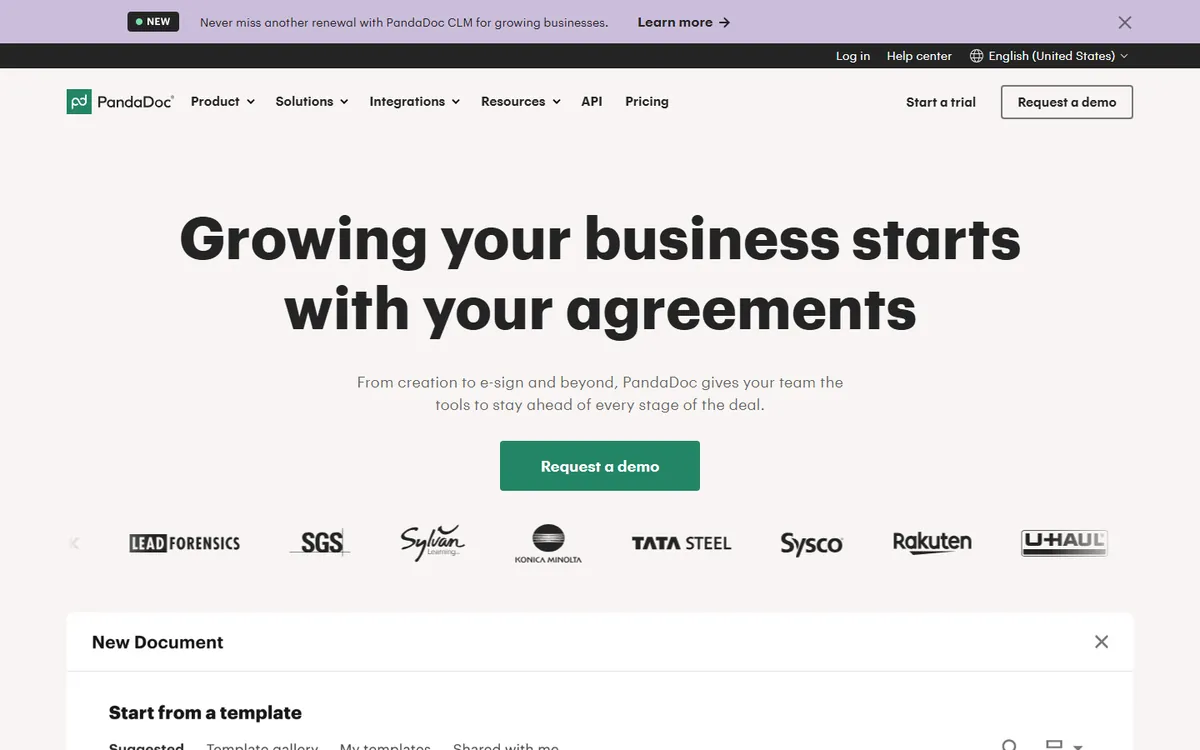
PandaDoc is a document platform from the company of the same name, used for proposals, quotes and contracts. It is one of the few tools on this list with a free plan, which allows 5 documents a month. As proposal software, it covers drafting, open tracking and signing in one app, and adds quoting tools on Business.
Key features
- Named CRM links: Business lists HubSpot, Salesforce, Pipedrive and Monday integrations, and Salesforce needs a paid add-on.
- Approvals and reusable content: Business adds approval workflows and a shared content library for sections your team reuses.
- Smart content and CPQ: Enterprise lists smart content, and CPQ is sold as an optional Enterprise add-on.
- Word to template: on Starter, Business and Enterprise, PandaDoc can turn .docx and .doc files into editable templates, though page color, borders and margins do not come across.
PandaDoc plans and pricing
| Plan | Price | Notes |
|---|---|---|
| Free | $0 | 5 documents a month shared by the account; up to 5 templates |
| Starter | $19 per seat a month, billed yearly | Up to 5 templates; monthly rate not shown |
| Business | $49 per seat a month, billed yearly | Unlimited templates; up to 3 deal rooms |
| Enterprise | Custom quote | Per-seat or per-document pricing |
Why it made the list
PandaDoc covers the whole flow: a drag-and-drop editor, real-time open tracking and unlimited e-signatures on Starter. Business adds custom quotes, CRM integrations, a content library, deal rooms and approval workflows, and web forms there use usage credits. The free plan lets you test it on real proposals.
Trade-offs to know
Most sales features live on the $49 Business plan, and Enterprise is custom priced. Sends through the API, Zapier or bulk send use paid usage credits. For a solo freelancer, it can feel like more tool than needed.
Skip it if: Skip PandaDoc if you need more than 5 templates but only want to pay Starter prices, since unlimited templates begin on Business. Teams that plan to send through web forms or bulk send should budget for usage credits on top of seat costs.
2. Qwilr: Best for interactive, web-page style proposals
G2 rating 4.6out of 5 938 reviews · checked Nov 2026
- Starting price
- $35 per user a monthStarter, billed yearly ($49 monthly)
- Free plan
- Free trial

Qwilr, from Qwilr Pty Ltd, makes proposals that open as web pages rather than PDF files. Its plans include e-sign, analytics and a payment tool called QwilrPay from the entry tier up. On a proposal software shortlist, it is the option for teams that want each proposal to feel like a branded website.
Key features
- Analytics history: Starter keeps engagement history for 60 days, Growth for 120 days, and Scale with no time limit.
- Branding and automations: Growth adds custom branding, automations, identity verification and a dedicated Customer Success Manager.
- Smart Proposal Engine: Scale adds conditional content, the Smart Proposal Engine, AI Prefill and team-level permissions.
- Microsoft Dynamics: Growth lists a Dynamics integration, on top of the HubSpot, Zoho and Pipedrive links that come with Starter.
Qwilr plans and pricing
| Plan | Price | Notes |
|---|---|---|
| Starter | $35 per user a month, billed yearly | $49 billed monthly; no seat minimum |
| Growth | $55 per user a month, billed yearly | At least 5 users; no monthly option |
| Scale | $75 per user a month, billed yearly | At least 10 users; no monthly option |
Why it made the list
Qwilr is the pick if you want your proposal to look and feel like a modern website. Buyers scroll through a mobile-friendly page rather than open a PDF. Qwilr's own pricing page cites a 4.6 out of 5 rating from 938 G2 reviews.
Trade-offs to know
The $35 Starter price is not the real team price. Growth costs $55 per user a month with a 5-user minimum, and Scale needs 10 users; both are billed yearly only. Some traditional buyers still prefer a classic PDF.
Skip it if: Skip Qwilr if you want custom branding but have fewer than 5 users, since branding is listed on Growth, which needs 5 seats on a yearly plan. Freelancers who pay month to month should also note that Qwilr says monthly Starter plans do not include free documents.
3. Better Proposals: Best for freelancers and small agencies on a budget
G2 rating 4.3out of 5 51 reviews · checked Nov 2026
- Starting price
- $13 a monthStarter, 1 user, billed yearly ($19 monthly)
- Free plan
- Free trial

Better Proposals sells proposal software on three tiers, starting with a one-user plan for solo workers. E-signatures and payment integrations are on every tier, according to its pricing page. On a general shortlist, it is the low-cost option for freelancers and small agencies, and its free trial runs on the Premium plan.
Key features
- Payments from day one: even the one-user Starter plan lists payment integrations next to e-signatures.
- Your own domain: Premium and Enterprise let you remove the Better Proposals badge and send from a custom domain.
- Team editing: Enterprise adds simultaneous editing, inline commenting and advanced user permissions.
- Unlimited templates: every plan lists unlimited templates, with basic analytics on Starter and detailed analytics from Premium.
Better Proposals plans and pricing
| Plan | Price | Notes |
|---|---|---|
| Starter | $13 a month, billed yearly | One user; up to 10 documents sent a month |
| Premium | $21 per user a month, billed yearly | Add as many users as needed; 50 sends a month |
| Enterprise | $42 per user a month, billed yearly | No send cap; manager approvals |
Why it made the list
For a solo freelancer, Better Proposals is the cheapest serious option: $13 a month billed yearly, and e-signatures are included even on Starter. Growing teams can step up to Premium at $21 per user a month billed yearly, which ties into tools they already use.
Trade-offs to know
Starter covers one person only. If you need to lock content or approve proposals before they go out, that sits on Enterprise at $42 per user a month billed yearly. Quoting options are lighter than PandaDoc's.
Skip it if: Skip Better Proposals if you are a solo freelancer sending more than 10 proposals a month, since Starter caps sends at 10. Agencies that need a manager to sign off before a proposal goes out will need Enterprise at $42 per user a month billed yearly.
4. Bonsai: Best for freelancers who want proposals, contracts and invoices together
- Starting price
- $19 per user a monthEssentials, billed yearly
- Free plan
- Free trial
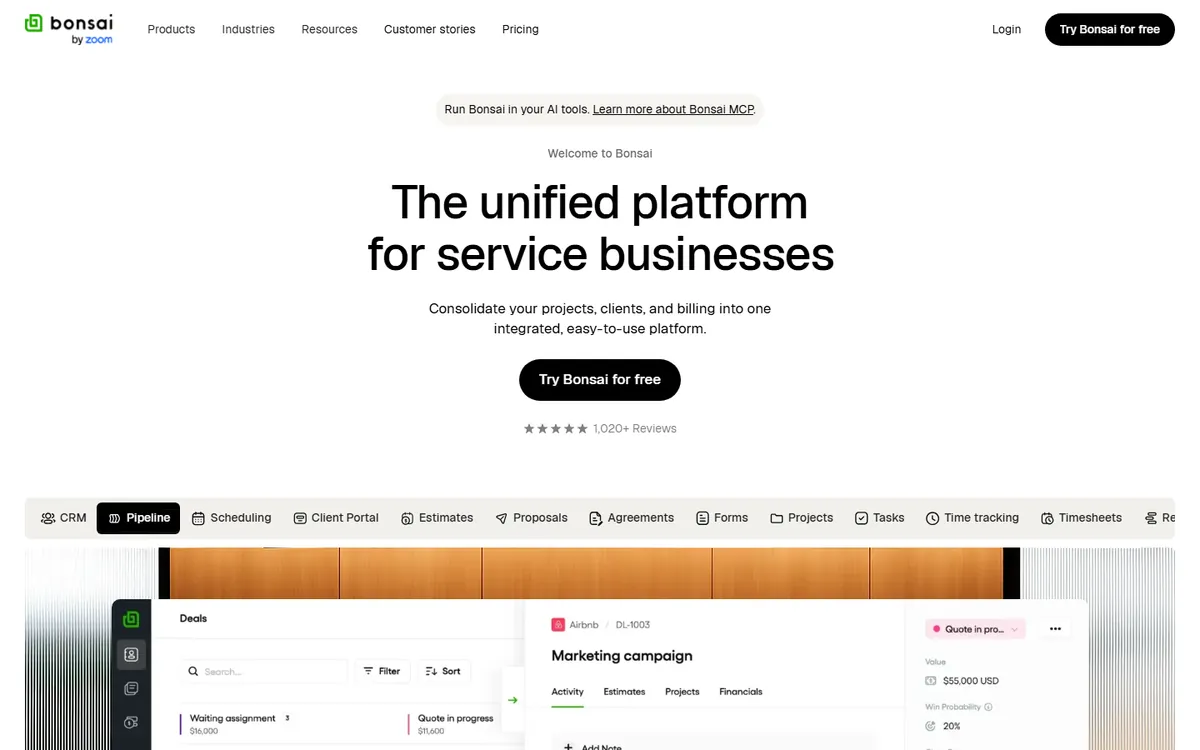
Bonsai, at hellobonsai.com, is a business app for freelancers and small service firms. Proposals sit next to contracts, invoices, payments, scheduling and a client portal. As proposal software, it fits people who want one app for the client side of their work, but proposals start on Essentials, not the cheapest tier.
Key features
- Proposals and contracts: Essentials adds proposals, contracts and access to all templates.
- Invoices and client portal: Essentials also includes invoices and payments, forms and questionnaires, and a client portal.
- Accounting and calendar links: Premium lists QuickBooks, Xero, Zapier, Calendly and Google integrations, plus a deals pipeline.
- Custom data import: Elite adds custom data import, custom permissions and timesheet locking, with a 3-user minimum.
Bonsai plans and pricing
| Plan | Price | Notes |
|---|---|---|
| Basic | $9 per user a month, billed yearly | $15 billed monthly; no proposals |
| Essentials | $19 per user a month, billed yearly | $25 billed monthly; proposals start here |
| Premium | $29 per user a month, billed yearly | $39 billed monthly; remove Bonsai branding |
| Elite | $49 per user a month, billed yearly | $59 billed monthly; 3 users minimum |
Why it made the list
Bonsai is a full client toolkit, not just a proposal tool. Essentials includes proposals and contracts, invoices and payments, forms, scheduling and a client portal. For a freelancer, that can replace three or four separate apps.
Trade-offs to know
Proposals start on Essentials; the $9 Basic plan does not include them. Removing Bonsai branding and adding integrations like QuickBooks, Xero and Zapier needs Premium at $29 per user a month. Elite needs at least 3 users.
Skip it if: Skip Bonsai if you need proposals to sync with a sales CRM like HubSpot or Salesforce, since its Premium integration list names QuickBooks, Xero, Zapier, Calendly and Google instead. Anyone who wants proposals free of Bonsai branding should budget for Premium.
5. Proposify: Best for sales teams that need control over every proposal
G2 rating 4.6out of 5 1,146 reviews · checked Nov 2026
- Starting price
- $39 per user a monthBuild, billed yearly ($49 monthly)
- Free plan
- 14-day free trial
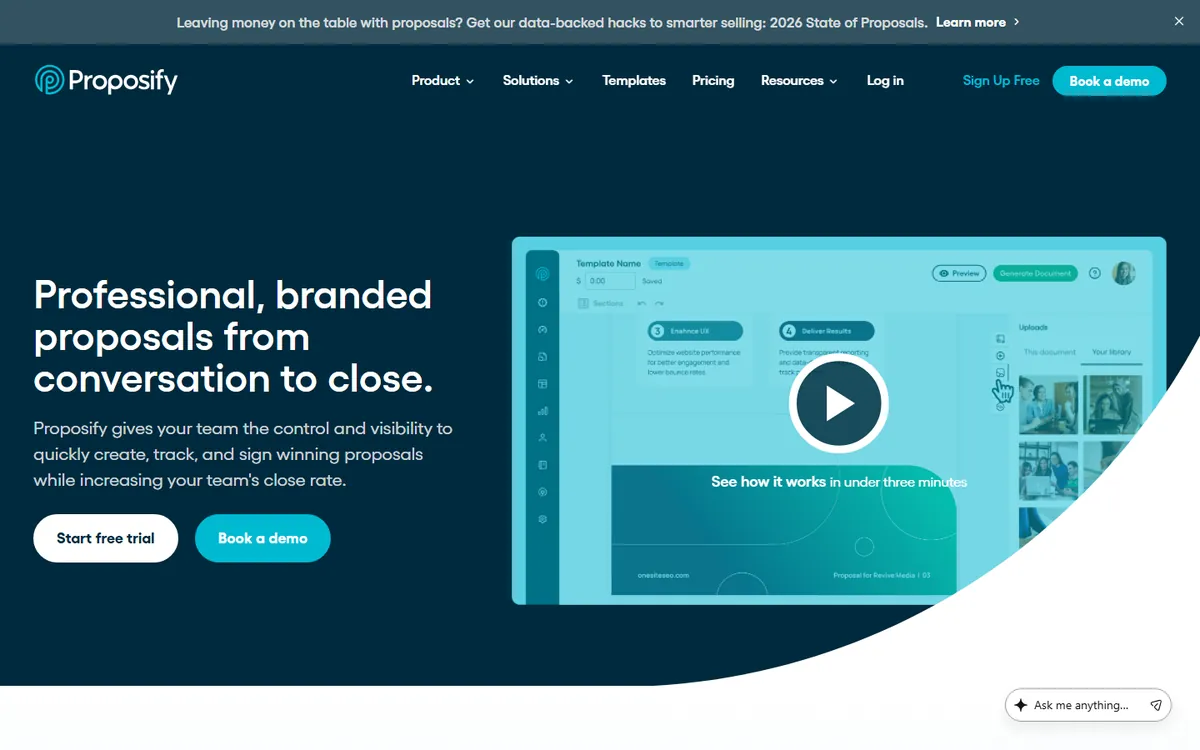
Proposify is proposal software aimed at sales teams that want every document to follow the same approved format. Its pricing page lists unlimited documents and signatures from the Build plan up. On a general shortlist, it sits at the higher end of the price range, with paid onboarding options and a platform fee on its largest plan.
Key features
- Library and catalog: Build includes a content library, a product catalog, document insights, and integrations and automations.
- Custom fields and variables: Grow adds custom fields, variables and account metrics for teams that fill in deal details often.
- Launch kit: Grow offers a $2,000 one-time kit with onboarding, a custom template design and 30 days of priority support.
- Dedicated success manager: Scale adds a success manager, custom reporting and onboarding with priority support.
Proposify plans and pricing
| Plan | Price | Notes |
|---|---|---|
| Build | $39 per user a month, billed yearly | $49 billed monthly; 14-day trial, no card |
| Grow | $65 per user a month, billed yearly | Billed at $780 per user a year |
| Scale | $107 per user a month, billed yearly | $12,800 a year platform fee covers 10 users |
| High volume | Custom quote | Custom pricing for high-volume senders |
Why it made the list
Proposify suits managers who want every rep to send the same polished, approved proposal. The Grow plan, $65 per user a month billed yearly, is aimed at exactly that kind of control. Build starts at $39 per user a month billed yearly, with a 14-day trial and no card needed.
Trade-offs to know
Costs climb quickly. A custom template design runs $1,500 on Build, and the Scale plan carries a $12,800 yearly platform fee covering 10 users. Freelancers and small shops will usually get more for their money from Better Proposals or PandaDoc.
Skip it if: Skip Proposify if you send only a few proposals a month and want low fixed costs, since setup help is sold separately and sends past the monthly limit carry a fee. Buyers who want monthly billing on Grow will not find that option on the pricing page.
What is proposal software?
Proposal software is a tool for creating, sending and closing sales documents like proposals, quotes and statements of work. Instead of emailing a PDF, you send a link. The buyer reads it, picks options, and signs online.
Most tools also show you when the buyer opens the proposal and which parts they read. That helps you follow up at the right time, instead of guessing.
How I evaluated
I chose proposal tools that freelancers, agencies and small sales teams compare most often, with public pricing. On November 13, 2026, I read each vendor’s own pricing page and checked seat minimums, billing rules and what each plan adds.
This guide is built from official pricing pages, product docs and public reviews. Ratings quoted are the vendor’s own figures from its pricing page. Prices are in US dollars. See my editorial policy.
How to choose the right proposal software
| Your situation | Best fit |
|---|---|
| Solo freelancer, tight budget | Better Proposals Starter |
| Freelancer who also invoices clients | Bonsai Essentials |
| Small team, wants a free start | PandaDoc |
| Want proposals that feel like a website | Qwilr |
| Sales team needing approval and control | Proposify or PandaDoc Business |
Then check three things before you commit:
- Seat minimums. Qwilr Growth needs 5 users, and Bonsai Elite needs 3.
- Where e-signatures sit. All five include signing, but advanced controls cost more.
- CRM connection. If you live in a CRM, confirm the plan you pick includes that integration.
Do you need proposal software or just e-signature software?
If your proposals are short and built once in Word, you may only need a signing tool. Those cost less: BoldSign starts at $5 per user and signNow at $8 a month, both billed yearly. See the best e-signature software for that side.
If you send many proposals, reuse sections, or want to know when buyers read them, proposal software pays for itself in saved time.
What a 5-person and a 20-person team would pay
Below is the monthly list cost on yearly billing for each tool’s first plan that includes proposals for a whole team.
| Tool | 5 people | 20 people | Plan used |
|---|---|---|---|
| PandaDoc | $95 (5 x $19) | $380 (20 x $19) | Starter; Business would be $245 and $980 |
| Qwilr | $175 (5 x $35) | $700 (20 x $35) | Starter; Growth would be $275 and $1,100 |
| Better Proposals | $105 (5 x $21) | $420 (20 x $21) | Premium, since Starter is one user |
| Bonsai | $95 (5 x $19) | $380 (20 x $19) | Essentials, the first plan with proposals |
| Proposify | $195 (5 x $39) | $780 (20 x $39) | Build |
List prices on November 19, 2026, billed yearly; taxes, add-ons, usage credits, setup fees and payment processing fees are not included.
How to roll out proposal software
- Count how many proposals you sent last quarter and compare that to send limits. PandaDoc Free allows 5 documents a month, Better Proposals Starter allows 10 sends and Premium 50, and Proposify lists monthly send caps with a fee for each extra send.
- Count your senders and check seat rules. Better Proposals Starter is for one user, Bonsai Elite needs 3, and Qwilr Growth and Scale need 5 and 10 users on yearly terms.
- Move in two or three proposals that already win deals. Better Proposals has a Word importer that skips tables (help.betterproposals.io/en/articles/7228081). PandaDoc converts .docx files into templates on Starter and higher (support.pandadoc.com/en/articles/9714561). Qwilr turns PDFs under 25 MB into pages (help.qwilr.com/article/844).
- Build one pricing table and a set of approved sections, then decide who signs off. Approval workflows sit on PandaDoc Business, Proposify Grow and Better Proposals Enterprise.
- Connect the tools you already use, on the plan that includes them: PandaDoc Business for HubSpot, Pipedrive or Monday, Qwilr Starter for HubSpot, Zoho or Pipedrive, and Bonsai Premium for QuickBooks, Xero or Zapier.
- Pilot with one or two senders during the free trial, then add seats. Qwilr’s pricing page says added seats are prorated, while seat cuts only take effect at renewal.
The bottom line
PandaDoc is the safest all-round choice, with a free plan to start. Qwilr is best if you want modern, interactive proposals. Better Proposals is the budget pick for freelancers, Bonsai suits freelancers who want one app for proposals and invoices, and Proposify fits sales teams that need tight control.
Next steps:
- Leaving PandaDoc? Read the best PandaDoc alternatives.
- Weighing PandaDoc against DocuSign? Read DocuSign vs PandaDoc.
- Only need signatures? See the best e-signature software.
Frequently asked questions
What is the best proposal software for small businesses?
PandaDoc is the best all-round choice, with a free plan and paid plans from $19 per seat a month billed yearly. If budget is tight, Better Proposals starts at $13 a month for one user. Freelancers who also need invoices may prefer Bonsai.
Is there free proposal software?
PandaDoc has a free plan that allows 5 documents a month, with open tracking. The other tools in this guide offer free trials rather than free plans, so you can test them before paying.
Does proposal software include e-signatures?
Yes. PandaDoc, Qwilr, Better Proposals and Proposify all list online acceptance or e-signatures. PandaDoc Starter includes unlimited e-signatures, and Better Proposals says its Starter plan includes e-signatures.
What is the difference between proposal software and e-signature software?
E-signature software gets a finished document signed. Proposal software also helps you build the document, add pricing, track when it is opened and then collect the signature. If you only sign finished contracts, e-signature software is usually cheaper.
Which proposal software is best for agencies?
Better Proposals and Qwilr are both popular with agencies. Better Proposals is cheaper for small teams. Qwilr creates interactive web-page proposals, but its Growth plan needs at least 5 users on yearly billing.
Can clients pay inside a proposal?
Yes, on several tools. Qwilr includes QwilrPay on every plan, with a 0.09% fee per transaction on Starter and none on Growth or Scale, plus Stripe's own fees. PandaDoc lists payment collection on Business. Better Proposals lists payment integrations from Starter, and Bonsai includes invoices and payments on Essentials.
Can I bring my Word proposals into proposal software?
Usually, with some rework. Better Proposals has a Word importer, but its help center says tables are not imported. PandaDoc turns .docx and .doc files into templates on paid plans, dropping borders and margins. Qwilr converts PDFs under 25 MB, and Proposify places imported PDF pages as static images.
Which proposal software lets a manager approve proposals before they go out?
PandaDoc lists approval workflows on Business at $49 per seat a month. Proposify adds approval workflows on Grow at $65 per user a month. Better Proposals puts manager approvals and content locking on Enterprise at $42 per user a month. All three prices are for yearly billing.
Sources I checked (5)
Prices checked Nov 19, 2026, in US dollars. Vendors change plans often, so confirm on the vendor's page before you buy. If you see a change or something I missed, email info@amitdeora.com with a link to the vendor's page.