
How this list is made: Built from public information on each vendor's own pricing pages and product docs, plus public user reviews. I don't test the tools hands-on, and this guide is for general education. Some brands in this list may be featured partners or sponsors, and those spots are clearly labeled. Spot something missing or out of date? Email info@amitdeora.com and I'll update it. Editorial policy · Advertising disclosure.
Contract management software, often called CLM, keeps your contracts in one place. It helps you draft and approve them. It also warns you before a renewal or deadline slips past. It replaces shared drives, email threads and missed auto-renewals.
I compared eight popular tools on price, pricing model and who each one suits. Only three publish prices, so for the rest I explain how their quotes are built, from their own pages, checked on November 14, 2026.
Quick comparison
| Tool | Best for | Starting price | Free plan | Rating |
|---|---|---|---|---|
 ContractSafe | A simple, searchable contract repository | $450 a month | Free trial | 4.6/5 (G2) |
 Concord | Clear team pricing with users included | $499 a month | Demo | 4.2/5 (G2) |
 PandaDoc | Sales contracts on a smaller budget | $49 per seat a month | Yes (5 documents a month) | 4.7/5 (G2) |
 Ironclad | Legal teams that want a flexible, full CLM | Custom quote | Demo | 4.4/5 (G2) |
 Juro | Fast-moving teams that agree contracts in-browser | Custom quote | Demo | 4.5/5 (G2) |
 SpotDraft | Implementation and migration included | Custom quote | Demo | 4.5/5 (G2) |
 DocuSign CLM | Companies already standardized on DocuSign | Custom quote | Demo | 4.3/5 (G2) |
 Agiloft | Highly configurable CLM for complex organizations | Custom quote | Demo | 4.5/5 (G2) |
The 8 best picks, ranked
1. ContractSafe: Best for a simple, searchable contract repository
G2 rating 4.6out of 5 137 reviews · checked Nov 2026
- Starting price
- $450 a monthOrganize, starting price billed yearly ($540 month to month); Finalize from $660; Maximize from $815
- Free plan
- Free trial
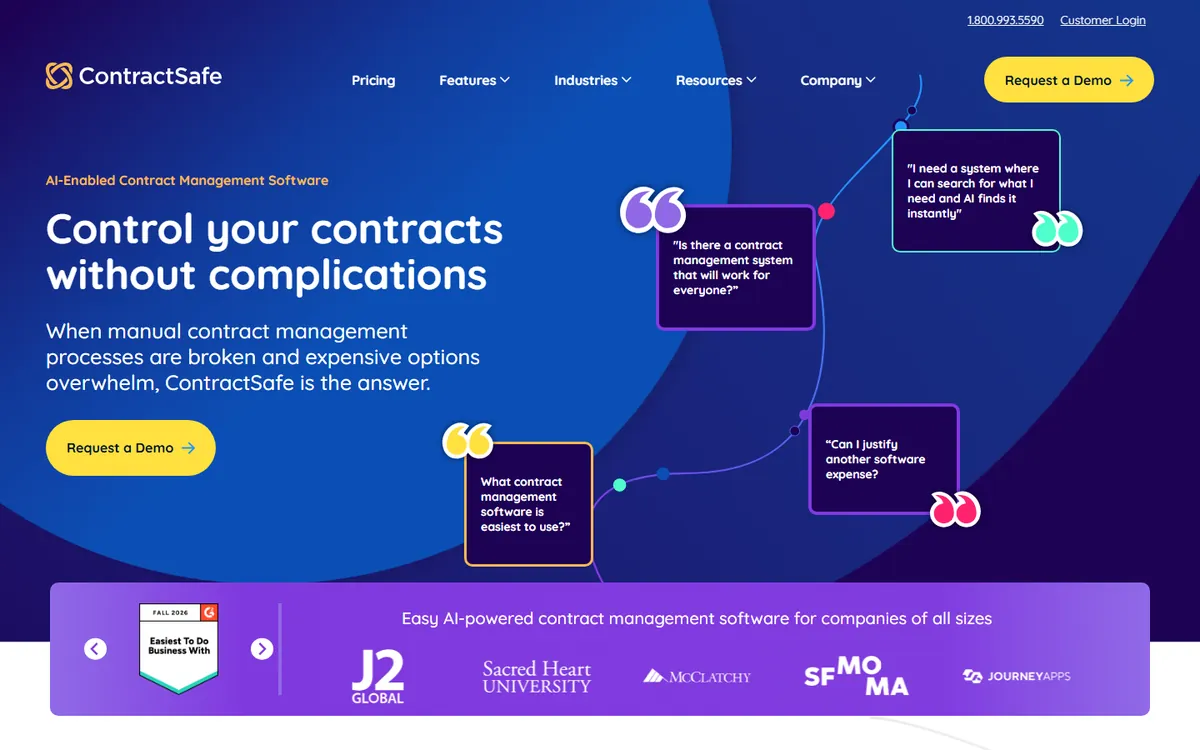
ContractSafe is a contract repository and CLM tool sold in three plans: Organize, Finalize and Maximize. Every plan includes unlimited users, and price scales with how many active contracts you store. In this guide it fits teams that first need to find, track and get reminders on the contracts they already have, then add drafting tools later.
Key features
- AI data extraction and contract chat: Organize includes AI that pulls key data from contracts and lets you ask questions about them, per the pricing page.
- Redlining and approval workflows: Finalize adds these, plus e-signature, commenting, single sign-on and Word and DocuSign links.
- Lifecycle tracking and AI contract review: Maximize adds stage tracking, cycle-time reports, intake forms, templates, APIs and Salesforce.
- Jump Start add-on: Paralegals pull data from your existing contracts, starting at $2.50 per contract, the page says.
ContractSafe plans and pricing
| Plan | Price | Notes |
|---|---|---|
| Organize | From $450 a month, prepaid yearly | $540 month to month; unlimited users; scales with contract count |
| Finalize | From $660 a month, prepaid yearly | Adds e-signature, approvals and redlining |
| Maximize | From $815 a month, prepaid yearly | Adds APIs, Salesforce and lifecycle tracking |
Why it made the list
ContractSafe starts with the job most teams need first: getting every contract into one secure, searchable place. Organize gives you storage, search and user permissions. Its AI pulls key dates and terms out of each contract and sorts files for you. Finalize adds editing, approvals, e-signature, and DocuSign and Word integrations.
Trade-offs to know
Prices are starting points that rise with your active contract count, though every plan includes unlimited users. APIs and the Salesforce integration sit on Maximize at $815 a month. It is lighter on complex drafting workflows than Ironclad or Agiloft.
Skip it if: Skip it if you store thousands of active contracts and need a low fixed price, since the starting figures rise with contract volume. Teams that need Salesforce or an API must step up to Maximize.
2. Concord: Best for clear team pricing with users included
G2 rating 4.2out of 5 133 reviews · checked Nov 2026
- Starting price
- $499 a monthEssentials, billed yearly, 5 users included
- Free plan
- Demo
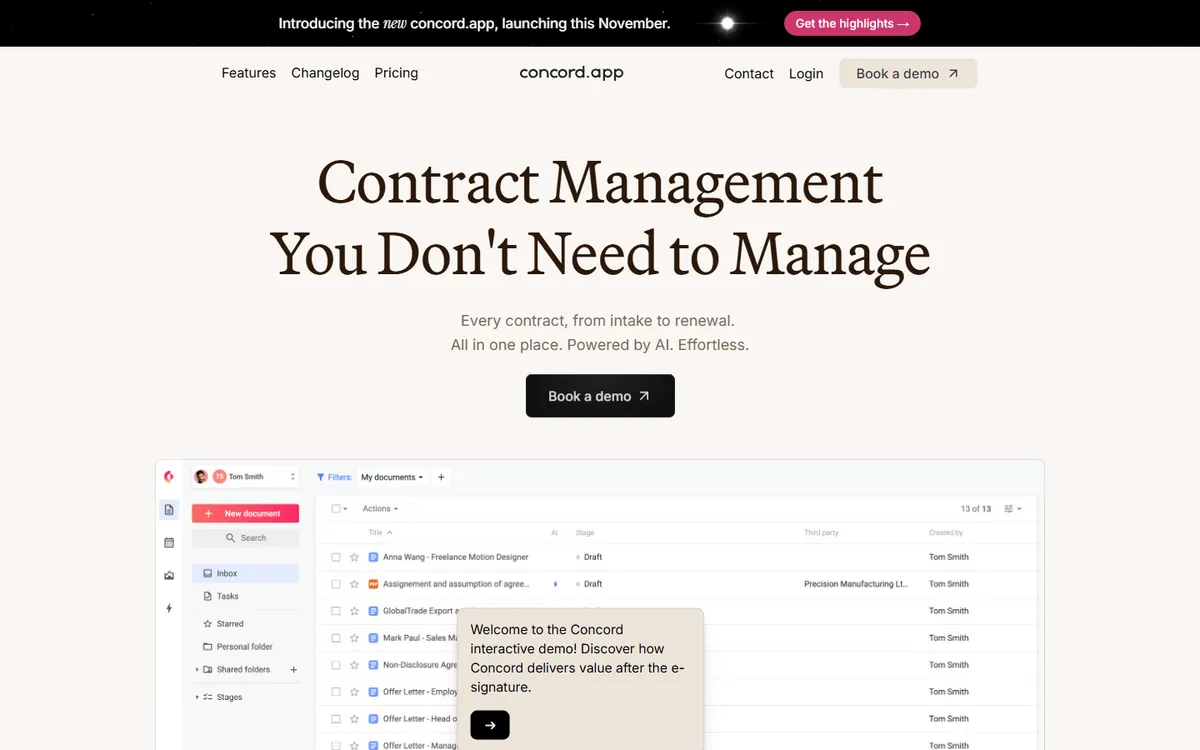
Concord is a contract management app with three posted plans, each with 5 users included. It covers drafting, negotiation, e-signature and renewal reminders in one place. In this guide it fits small and mid-size companies that want to know the full yearly cost up front and add seats one at a time as more people need access.
Key features
- Unlimited e-signatures and documents: Essentials includes both, plus free viewers and guests, the pricing page says.
- AI Copilot and extraction: Essentials includes an AI helper that reads contracts, plus deadline reminders and amendment management.
- Intake forms and approval workflows: Business adds these, plus custom roles and links to Salesforce, HubSpot, Box and Zapier.
- Clause library and bulk send: Enterprise adds both, plus subsidiary management, Open API and custom branding.
Concord plans and pricing
| Plan | Price | Notes |
|---|---|---|
| Essentials | $499 a month, billed yearly | 5 users included; extra users $49 a month each |
| Business | $899 a month, billed yearly | 5 users included; extra users $69 a month each |
| Enterprise | $1,299 a month, billed yearly | 5 users included; extra users $89 a month each |
Why it made the list
Concord publishes its prices, which is rare in this category. Essentials comes with 5 users, an AI helper that reads your contracts, deadline reminders and a way to track changes. Business, at $899 a month billed yearly, adds intake forms and Zapier connections for teams across the company.
Trade-offs to know
Extra users cost $49 a month each on Essentials and more on higher plans. Enterprise starts at $1,299 a month billed yearly. Very small teams may find even the entry price high for what they need.
Skip it if: Skip it if you need a clause library on a budget, since that sits on Enterprise at $1,299 a month. The page lists only yearly prices, so it is not a fit if you want to pay month to month.
3. PandaDoc: Best for sales contracts on a smaller budget
G2 rating 4.7out of 5 3,864 reviews · checked Nov 2026
- Starting price
- $49 per seat a monthBusiness, billed yearly; Starter $19
- Free plan
- Yes (5 documents a month)
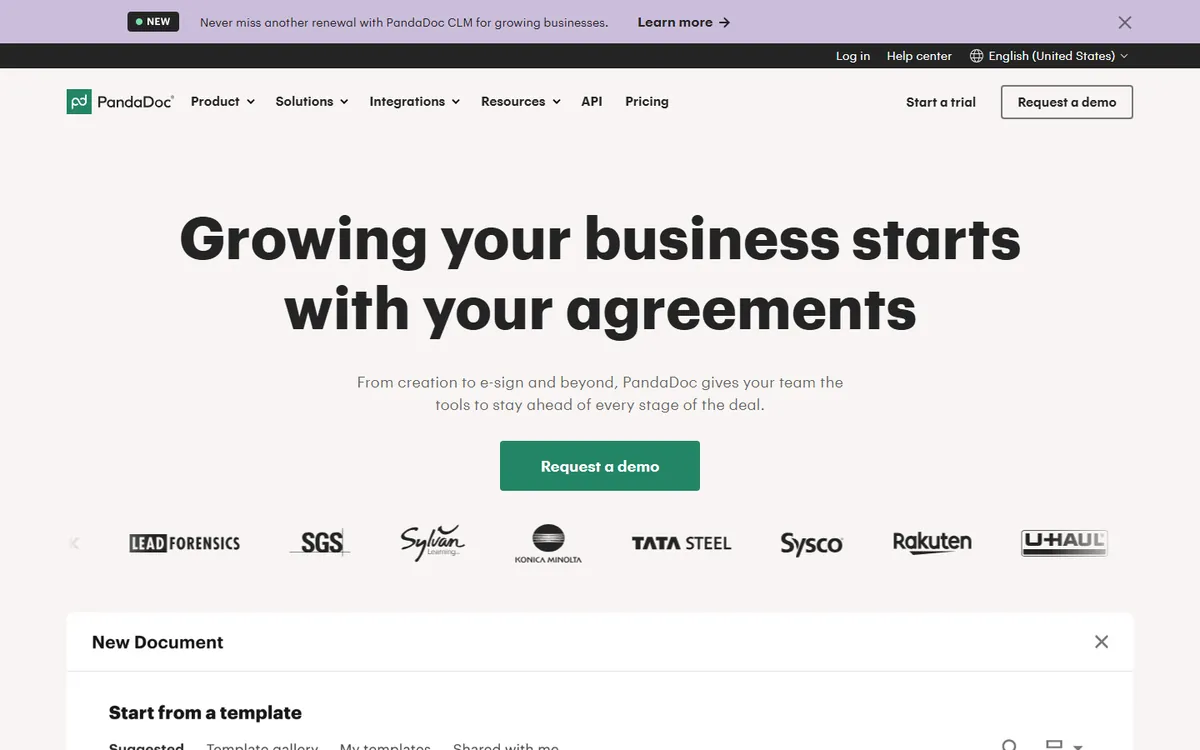
PandaDoc is a document platform for quotes, proposals and sales agreements, with e-signature on every paid plan. It is priced per seat, which keeps it far cheaper than most CLM suites for small teams. In this guide it fits sales-led businesses whose contracts start from a template and need approval before they go out.
Key features
- Approval workflows and content library: Business adds both, along with CRM integrations, custom branding and unlimited templates.
- Web forms and bulk send: Available on Business, but they use usage credits, according to the pricing page.
- Smart content and workflow automation: Enterprise adds these, plus single sign-on, team workspaces and custom user roles.
- CPQ and Salesforce: CPQ is an optional Enterprise add-on, and the Salesforce integration is a paid add-on on Business and Enterprise.
PandaDoc plans and pricing
| Plan | Price | Notes |
|---|---|---|
| Free | $0 | 5 documents a month, up to 5 templates |
| Starter | $19 per seat a month, billed yearly | $35 billed monthly; no approval workflows |
| Business | $49 per seat a month, billed yearly | $65 billed monthly; Salesforce is a paid add-on |
| Enterprise | Custom quote | Quoted per seat or per document |
Why it made the list
For sales-led contracts, PandaDoc covers a lot of CLM ground: templates, a content library, approval workflows, e-signatures and CRM integrations on Business. Enterprise adds workflow automation and smart content. It is far cheaper per user than most full CLM platforms.
Trade-offs to know
It is a document and proposal tool first, not a legal CLM. It has less depth for clause libraries, obligation tracking and complex legal review than Ironclad or Agiloft. Automations and API use consume usage credits.
Skip it if: Skip it if your legal team needs obligation tracking and deep clause review, since it is built around sales documents. Teams that rely on Salesforce should price the paid add-on before they compare.
4. Ironclad: Best for legal teams that want a flexible, full CLM
G2 rating 4.4out of 5 332 reviews · checked Nov 2026
- Starting price
- Custom quoteShaped by products, users and workflows
- Free plan
- Demo

Ironclad sells contract software as building blocks: CLM, an AI assistant and eSignature, which you combine into one package. Its pricing page says the quote depends on products, users, workflows and growth. In this guide it fits in-house legal teams at larger companies that want to choose who runs the rollout and pay only for the modules they use.
Key features
- Modular products: You pick CLM, the AI assistant, eSignature or a mix, per the pricing page.
- Three rollout paths: Deploy it yourself, use Ironclad's legal engineers, or bring a partner.
- Salesforce integration: Ironclad says its Salesforce link is AppExchange approved; some integrations are add-ons.
- Free learning tools: Academy, community and in-app guides come with every package at no extra charge.
Ironclad plans and pricing
| Plan | Price | Notes |
|---|---|---|
| CLM | Custom quote | Shaped by products, users and workflows |
| AI assistant | Custom quote | Can be bought with CLM |
| eSignature | Custom quote | Can be bought with CLM |
Why it made the list
Ironclad offers CLM, an AI assistant and e-signatures that you can combine. You can run the rollout yourself, use Ironclad's legal engineers, or work with a partner. Its academy, community and in-app guides are included for free.
Trade-offs to know
It is quote-only, and the price depends on products, users and workflows. Integrations, the API and extra instances are add-ons. It is more platform than a small team usually needs.
Skip it if: Skip it if you need a price without a sales call, since none is posted. API access, some integrations and extra instances are add-ons, so budget for them.
5. Juro: Best for fast-moving teams that agree contracts in-browser
G2 rating 4.5out of 5 248 reviews · checked Nov 2026
- Starting price
- Custom quoteBased on contracts per month
- Free plan
- Demo
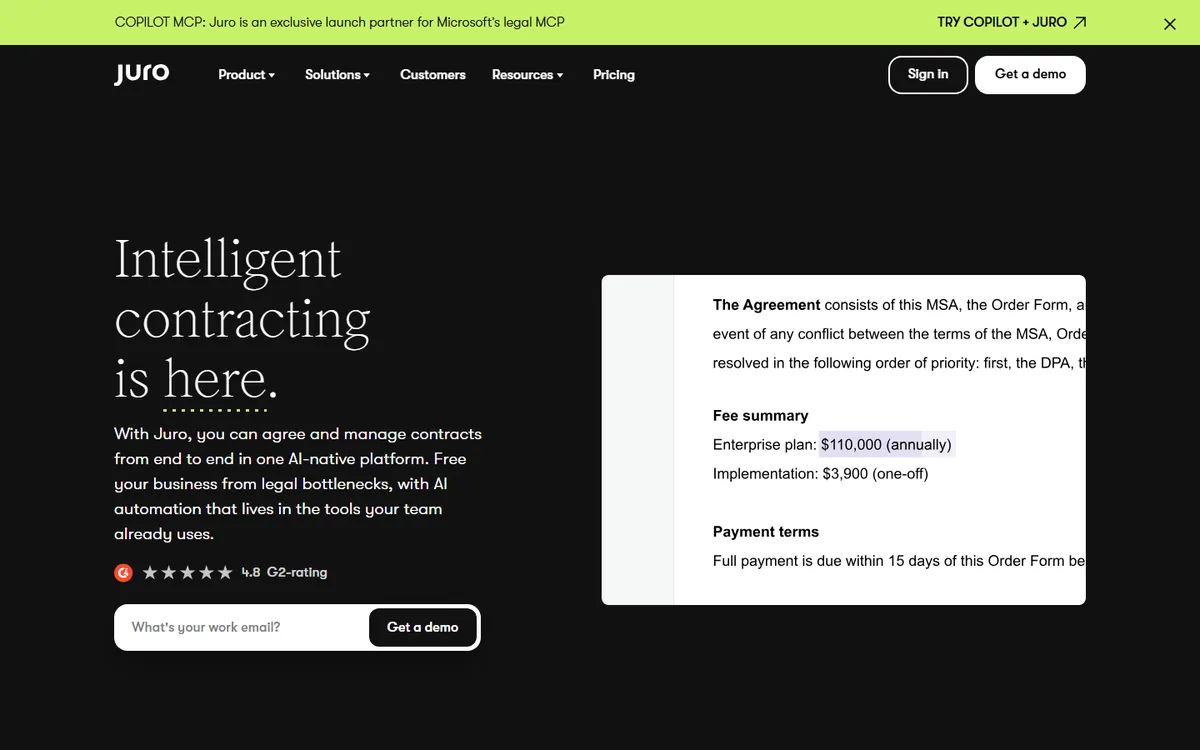
Juro is a browser-based contract tool for drafting, negotiating and signing agreements, with AI features for drafting, review and data extraction. Its pricing FAQ says every plan has unlimited users, workflows and templates. In this guide it fits companies where sales, HR and finance all create contracts and the team does not want to pay by seat.
Key features
- Unlimited users on every plan: The pricing FAQ says all plans include unlimited users, workflows and templates.
- AI Extract, AI Draft and AI Review: Listed as options on the pricing page, which does not say which plan includes each.
- Built-in integrations: Slack, Google Drive and Companies House links are included on all plans.
- Deeper integrations: Salesforce, HubSpot and Workday links cost extra, according to the pricing page.
Juro plans and pricing
| Plan | Price | Notes |
|---|---|---|
| Custom plan | Custom quote | Based on monthly contract volume and integration needs |
Why it made the list
Juro lets teams create, negotiate and sign contracts end to end, with AI automation built in. Its pricing starts from your monthly contract volume, with bands from under 20 to over 1,000 contracts. Implementation help is scoped to how complex your workflows are.
Trade-offs to know
There is no public price, so you need a call to get a number. Juro's page says Salesforce, HubSpot and Workday integrations cost extra, though all plans include unlimited users. Very heavy legal teams may prefer the depth of Agiloft or Ironclad.
Skip it if: Skip it if you need a posted price to compare, since you must request a demo. Teams that rely on Salesforce or HubSpot should expect those integrations to raise the quote.
6. SpotDraft: Best for implementation and migration included
G2 rating 4.5out of 5 203 reviews · checked Nov 2026
- Starting price
- Custom quoteBased on contract volume
- Free plan
- Demo
SpotDraft is a CLM platform priced by contract volume, with its own team doing setup and moving old contracts in. It includes a native e-signature feature and more than 30 integrations. In this guide it fits growing legal teams that want help with migration included in the deal rather than hiring a partner.
Key features
- In-house implementation: SpotDraft staff build templates, workflows and integrations and migrate legacy contracts at no extra fee, per its pricing page.
- Dedicated account manager: Every customer gets a dedicated account manager and 24/7 support, the vendor says.
- Native e-signature: SpotDraft says its signing feature meets ESIGN, eIDAS and ECA standards.
- 30+ integrations: Logos on the page include Word, Outlook, Slack, HubSpot, Salesforce, SAP and Jira.
SpotDraft plans and pricing
| Plan | Price | Notes |
|---|---|---|
| Custom plan | Custom quote | Based on contract volume; setup and migration included |
Why it made the list
SpotDraft prices by how many contracts you handle. Its own team sets you up at no extra fee. That covers workflows, app links and moving your old contracts in. Every customer gets dedicated success support and 24/7 help. It also has native e-signatures.
Trade-offs to know
You still need a quote to compare costs. Volume-based pricing can rise quickly if your contract count grows. Check the integrations you rely on during the demo.
Skip it if: Skip it if your contract count swings a lot from year to year, since pricing follows volume. Its ISO, GDPR, HIPAA and SOC 2 badges are vendor claims, so ask for the reports.
7. DocuSign CLM: Best for companies already standardized on DocuSign
G2 rating 4.3out of 5 504 reviews · checked Nov 2026
- Starting price
- Custom quoteContact sales
- Free plan
- Demo
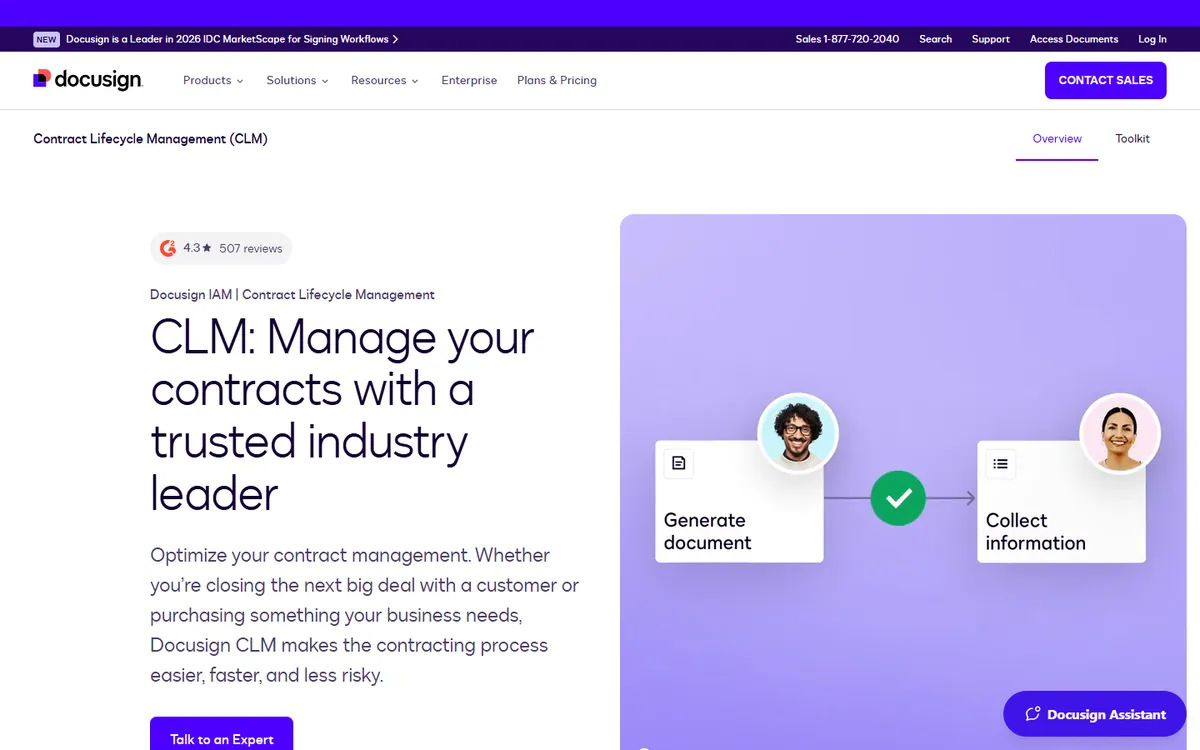
DocuSign CLM is DocuSign's contract lifecycle product and the most advanced app on its Intelligent Agreement Management platform. It adds clause libraries, AI risk review and visual workflows on top of DocuSign signing. In this guide it fits large companies where legal, procurement and sales already send agreements through DocuSign and want one shared system.
Key features
- Pre-approved clause library: Legal sets up approved clauses that other teams reuse, per the CLM product page.
- AI risk analysis: DocuSign says its AI flags non-standard clauses and suggests approved language.
- Drag-and-drop workflow editor: Build contract processes with 100+ prebuilt steps, approval routing and audit trails.
- Procurement and CRM links: The page names SAP Ariba and Coupa connectors and filling agreements with Salesforce data.
DocuSign CLM plans and pricing
| Plan | Price | Notes |
|---|---|---|
| CLM | Custom quote | Contact sales; no tiers listed on the product page |
Why it made the list
DocuSign CLM sits on top of the DocuSign signing many companies already use. It adds saved clauses, AI that flags risky terms and tools to work on a draft together. It serves legal, procurement and sales teams in one platform, which helps larger organizations standardize.
Trade-offs to know
It is sold through sales with no public price. It suits large companies more than small teams. If you only need signatures and storage, it is far more than you need.
Skip it if: Skip it if you do not already use DocuSign or you only need storage and reminders. The page lists no prices and makes few specific security claims, so ask sales for both.
8. Agiloft: Best for highly configurable CLM for complex organizations
G2 rating 4.5out of 5 113 reviews · checked Nov 2026
- Starting price
- Custom quoteCLM, including its AI features
- Free plan
- Demo
Agiloft sells a configurable enterprise CLM that now includes Astra, its contract AI, in the CLM package. Teams can change workflows, fields, rules and data models without developers, the vendor says. In this guide it fits large organizations with many contract types, portals for suppliers and customers, and strict internal rules to follow.
Key features
- Clause library and obligation tracking: Listed as included CLM features, along with document comparison and version tracking.
- GenAI Prompt Lab and BYO LLM: Pre-built AI agents summarize and compare clauses, and you can plug in your own LLM, per the pricing page.
- 1,000+ pre-built connectors: Agiloft names Salesforce, SAP and Oracle, plus Workato, Boomi and MuleSoft connectors.
- E-signature through partners: The page says it works with DocuSign and Adobe Sign out of the box.
Agiloft plans and pricing
| Plan | Price | Notes |
|---|---|---|
| CLM (includes Astra) | Custom quote | Request pricing through the form |
| Astra | Custom quote | Contract AI, also sold on its own |
Why it made the list
Agiloft can be shaped to fit almost any process. That suits groups with odd approval chains, many contract types or strict rules to follow. Its CLM includes its AI capabilities, sold as one package through its sales team.
Trade-offs to know
It is quote-only, and configuration depth means a longer setup. Smaller teams usually do better with ContractSafe, Concord or PandaDoc.
Skip it if: Skip it if you want to be live in days with a fixed price, since everything is quoted. A small team with one contract type will likely not use most of the configuration options.
What is contract management software?
Contract management software keeps every agreement in one place. It tracks each one from first draft to approval, signing, storage, renewal and end date. The most useful feature for many teams is simple: knowing what you have signed and when it renews.
More advanced tools add clause libraries, AI review, intake forms for requests from other teams, and obligation tracking.
How I evaluated
I compared CLM tools that legal, sales and operations teams search for most. On November 14, 2026, I read each vendor’s own pricing page and noted published prices, pricing models, users included and what drives quotes. Ratings are from G2, checked the same day, where a verified G2 page exists.
This guide is built from official pricing pages, product docs and public reviews. Prices are in US dollars. See my editorial policy.
How to choose the right contract management software
| Your situation | Best fit |
|---|---|
| Need one searchable home for contracts | ContractSafe |
| Want clear pricing with users included | Concord |
| Mostly sales contracts, smaller budget | PandaDoc |
| Legal team wants a full, flexible CLM | Ironclad or Agiloft |
| Want setup and migration included | SpotDraft |
| Already standardized on DocuSign | DocuSign CLM |
Ask every vendor three questions: how many users and contracts are included, what implementation costs, and which integrations are add-ons.
What drives the price of CLM software?
Across these vendors, the same factors come up: number of users, contract volume, the products or modules you choose, integrations, and implementation. ContractSafe and Concord publish entry prices; the others shape quotes around these inputs.
What a 5-person or 20-person team would pay
Here is the monthly cost for 5 and 20 users on each tool’s entry plan, using yearly billing and the lowest contract tier where it applies.
| Tool | 5 people | 20 people | Plan used |
|---|---|---|---|
| ContractSafe | $450 | $450 | Organize starting price; unlimited users, rises with contract count |
| Concord | $499 | $1,234 | Essentials: $499 with 5 users; 15 more x $49 = $735 |
| PandaDoc | $245 | $980 | Business: $49 x seats; usage credits and Salesforce extra |
| Ironclad | Custom quote | Custom quote | By products, users and workflows |
| Juro | Custom quote | Custom quote | Unlimited users; priced by contract volume |
| SpotDraft | Custom quote | Custom quote | By contract volume; setup included |
| DocuSign CLM | Custom quote | Custom quote | Contact sales |
| Agiloft | Custom quote | Custom quote | CLM includes Astra |
List prices on vendor pages checked November 20, 2026. Taxes, add-ons, usage credits and higher contract-volume tiers are not included.
How to move your contracts into a CLM tool
- Gather every signed contract from shared drives, email and old tools into one folder, then count the active ones. ContractSafe counts only active contracts toward its tiers, and Juro quotes by monthly contract volume.
- Decide who will do the upload and data entry. ContractSafe includes data and document migration at no implementation fee, and SpotDraft says its team migrates legacy contracts at no extra fee.
- Pick the fields you must track for each contract, such as renewal date, notice period, value and owner. Turn on reminders for those dates first.
- Rebuild your most-used templates and approval steps. Check the plan: approval workflows sit on ContractSafe Finalize, Concord Business and PandaDoc Business.
- Connect the tools you already use. Salesforce is on ContractSafe Maximize and Concord Business, and it is a paid add-on on PandaDoc.
- Set user roles, train each team on how to request a contract, and retire the old folders once everything is in.
The bottom line
ContractSafe is the simplest way to get control of your contracts, Concord has the clearest team pricing, and PandaDoc is the budget pick for sales agreements. For complex legal work, get quotes from Ironclad, Juro, SpotDraft, Agiloft or DocuSign CLM, and compare implementation and integration costs line by line.
Next steps:
- Getting contracts signed? Compare the best e-signature software.
- Sending proposals first? See the best proposal software.
- Weighing PandaDoc? Read DocuSign vs PandaDoc.
Frequently asked questions
What is contract management software?
Contract management software, or CLM, stores contracts in one searchable place and helps you draft, approve, sign and track them. Most tools also send reminders before renewals and deadlines, so contracts do not auto-renew or lapse without anyone noticing.
How much does contract management software cost?
Published prices start around $450 to $499 a month for ContractSafe and Concord, billed yearly. PandaDoc's Business plan is $49 per seat a month for lighter sales contracts. Ironclad, Juro, SpotDraft, Agiloft and DocuSign CLM are quote-only.
What is the best contract management software for small businesses?
For a small business, ContractSafe is a simple way to get every contract into one searchable place, and Concord includes 5 users in its entry plan. If most contracts are sales agreements, PandaDoc is cheaper per user.
Do I need CLM if I already use DocuSign?
Not always. DocuSign handles signatures, but CLM adds storage, search, approvals, clause libraries and renewal tracking. If you mainly sign and file contracts, an e-signature tool may be enough. If you track many obligations and renewals, CLM helps.
How long does it take to set up CLM software?
It depends on how many contracts and workflows you have. Simple repositories can be live quickly, while configurable platforms need longer setups. SpotDraft includes implementation and contract migration in its price; ask every vendor how they handle setup.
Do contract management tools charge per user?
Some do and some do not. ContractSafe and Juro say every plan has unlimited users, and they price by contract count instead. Concord includes 5 users, then charges $49 to $89 a month per extra user by plan. PandaDoc charges per seat, from $19 a month billed yearly.
Can I pay for contract management software month to month?
A few tools allow it. ContractSafe says there is no annual commitment, with Organize from $540 month to month. PandaDoc Starter is $35 and Business is $65 per seat billed monthly. Concord lists its prices as paid annually, and the quote-only tools set terms in the contract.
Which contract management tools include e-signatures?
Concord Essentials includes unlimited e-signatures, and PandaDoc includes them on Starter and up. ContractSafe adds e-signature on Finalize. SpotDraft and Ironclad offer their own signing products, while Agiloft connects to DocuSign and Adobe Sign. Ask your own counsel about signing rules for your contracts.
Sources I checked (8)
- ContractSafe pricing
- Concord pricing
- PandaDoc pricing
- Ironclad pricing
- Juro pricing
- SpotDraft pricing
- DocuSign CLM
- Agiloft pricing
Prices checked Nov 20, 2026, in US dollars. Vendors change plans often, so confirm on the vendor's page before you buy. If you see a change or something I missed, email info@amitdeora.com with a link to the vendor's page.