
How this comparison is made: Built from public information on each vendor's own pricing pages and product docs, plus public user reviews. I don't test the tools hands-on, and this guide is for general education. Some brands in this comparison may be featured partners or sponsors, and those spots are clearly labeled. Spot something missing or out of date? Email info@amitdeora.com and I'll update it. Editorial policy · Advertising disclosure.
DocuSign and PandaDoc both get documents signed. But they are built for different jobs. DocuSign is a signing tool for finished documents. PandaDoc is a document builder for proposals and quotes, with signing built in.
Below I compare them on price, limits and fit, using each vendor's own pricing page, checked on November 13, 2026.

The short verdict
For signing finished contracts, choose DocuSign. It is the more trusted name and has the wider integration list, but watch its 100-envelope yearly cap on team plans.
For proposals, quotes and sales documents, choose PandaDoc. It costs less to start, includes unlimited e-signatures on Starter, and lets you build and track the document, not just sign it.
Side-by-side comparison
 DocuSign |  PandaDoc | |
|---|---|---|
| Main job | Getting finished documents signed | Building proposals and quotes, then signing |
| Free option | Free trial, no card needed | Free plan, 5 documents a month |
| Entry price (billed yearly) | $11 a month, Personal, 5 envelopes a month | $19 per seat a month, Starter |
| Team plan (billed yearly) | $30 per user a month, Standard | $19 per seat a month, Starter |
| Sending limit on team plans | 100 envelopes per user per year | Unlimited e-signatures on Starter |
| Sales plan (billed yearly) | $45 per user a month, Business Pro | $49 per seat a month, Business |
| Document builder | Templates; no proposal editor | Drag-and-drop editor, content library |
| CRM integrations | Salesforce, Dynamics and NetSuite on Enhanced plans, via sales | On Business and above |
| Bulk send | Business Pro | Business (uses usage credits) |
| Extras | SMS from $0.36, ID check from $2.40 | Usage credits for API and automations |
| Payment collection | Business Pro | Business |
| Web forms | Business Pro | Business, uses usage credits |
| API access | Developer account and APIs on Business Pro | Usage credits needed; API is credit-pack only |
| HIPAA | DocuSign lists HIPAA support through a BAA on Enhanced plans | PandaDoc lists optional HIPAA compliance on Enterprise |
| Going over the limit | Extra envelopes billed pay-as-you-go | API creation pauses when credits run out; other overage up to $5 per document |
| Trial and refunds | Refund within 30 days of buying an annual plan | 14-day free trial, no card; upgrades are prorated |
Which should you choose?
Choose DocuSign if
- You sign finished contracts drafted elsewhere, by your lawyer or in Word.
- Your clients or legal team expect a well-known signing brand.
- You need a very wide set of integrations.
- You send fewer than about two documents per user each week.
Choose PandaDoc if
- Your team writes proposals, quotes or sales contracts.
- You want to see when a buyer opens and reads your document.
- You send a lot of documents and do not want a yearly envelope cap.
- You want a free plan to start, or a lower entry price for a team.
Strengths and limits
DocuSign: best for signing finished contracts with a trusted brand
G2 rating 4.5out of 5 2,925 reviews · checked Nov 2026
- Starting price
- $11 a monthPersonal, billed yearly; Standard $30 per user
- Free plan
- Free trial only
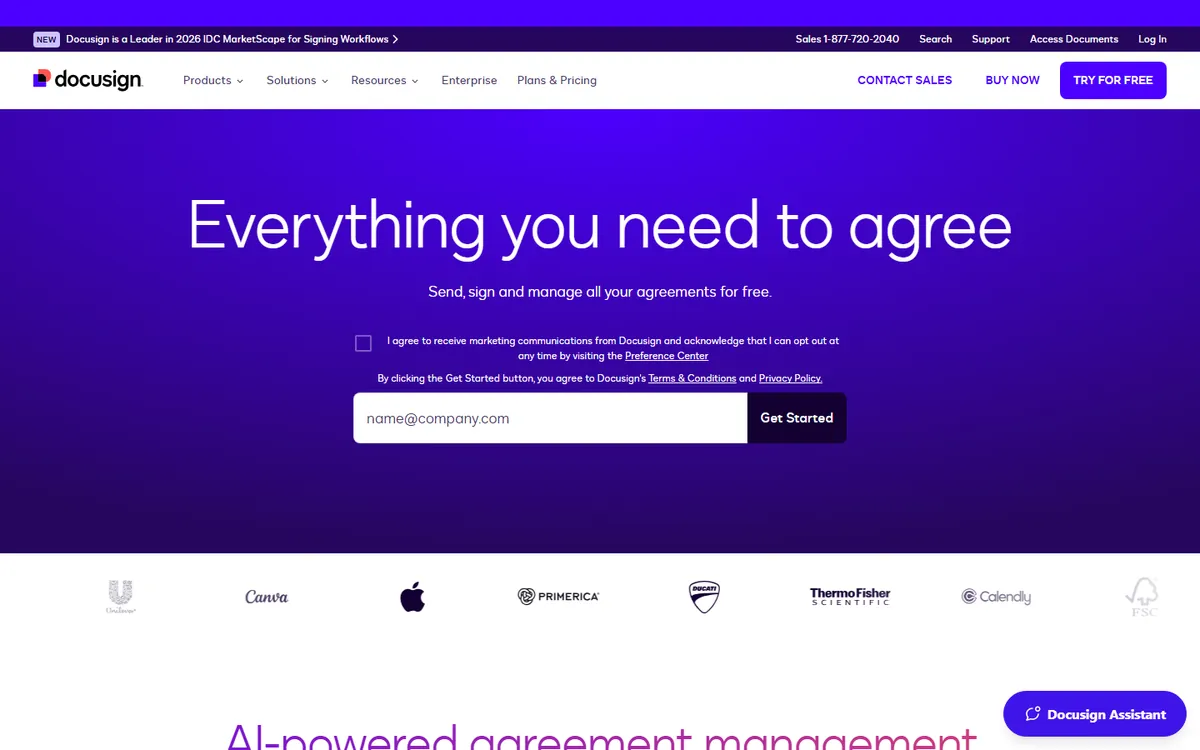
Docusign, Inc. makes DocuSign eSignature, which takes a file you already have, adds signature fields and routes it to signers. Its pricing FAQ says signers do not need an account. It is known for envelope-based plans and a large partner app center. Next to PandaDoc, it covers the last step, getting the signature, rather than writing the proposal.
Key features
- AI-assisted summary: every plan, Personal included, lists an AI summary meant to help signers get through an agreement faster.
- Signer attachments and PowerForms: Business Pro lets signers upload files with their signature and adds PowerForms for self-serve signing.
- Checks as signers type: Business Pro adds interactive form fields that verify data in real time.
- eWitness and managed stamps: Business Pro and Enhanced plans list both, for papers that need a witness or a company stamp.
DocuSign plans and pricing
| Plan | Price | Notes |
|---|---|---|
| Personal | $11 a month, billed yearly | $132 a year; single user, 5 envelopes a month |
| Standard | $30 per user a month, billed yearly | $360 per user a year; 100 envelopes per user a year; monthly rate |
| Business Pro | $45 per user a month, billed yearly | $540 per user a year; developer account and APIs included |
| Enhanced | Custom quote | Custom envelope limits; Salesforce and Dynamics integrations; contact sales |
Why it made the list
DocuSign is the brand most signers already know, which helps with cautious clients and legal teams. It lists an AI-assisted summary feature, and 1,000+ partner integrations on Business Pro. Business Pro adds web forms, payment collection and bulk send for teams with heavier workflows.
Trade-offs to know
Standard and Business Pro allow 100 envelopes per user per year, under two a week. Plans are yearly commitments; after the first 30 days you owe the rest of the year if you cancel. It has no proposal builder with pricing tables.
Skip it if: Skip DocuSign if you need a Salesforce or Microsoft Dynamics connection but do not want a sales-quoted plan, since DocuSign lists those integrations only on Enhanced plans. Teams that write quotes from scratch will also find no pricing-table editor on any self-serve tier.
PandaDoc: best for sales teams that build proposals and quotes
G2 rating 4.7out of 5 3,864 reviews · checked Nov 2026
- Starting price
- $19 per seat a monthStarter, billed yearly; Business $49
- Free plan
- Yes (5 documents a month)
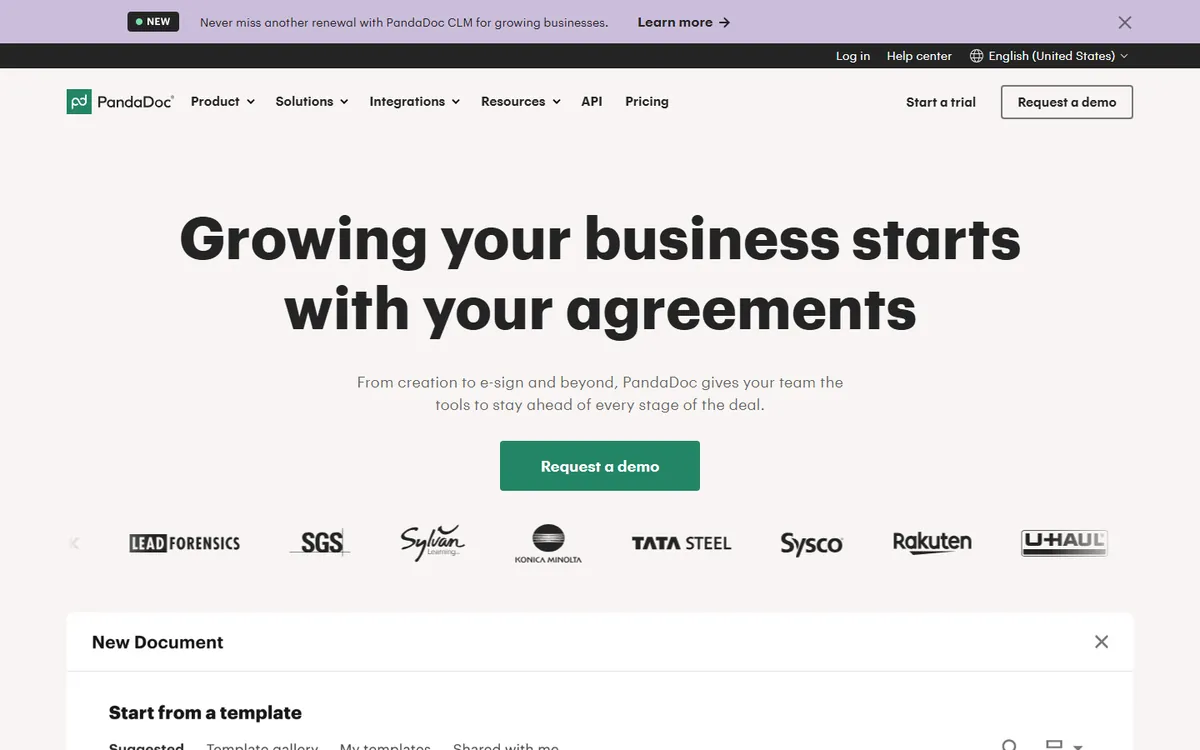
PandaDoc is made by PandaDoc and is built around sales paperwork: proposals, quotes and agreements with pricing inside. It is known for letting the buyer review, pay and sign in the same file. Head to head with DocuSign, it fits when the work starts before a contract exists, and its Free plan lets a team try 5 documents a month.
Key features
- Pricing tables and product catalog: Business lists both, so reps can add line items from a saved list of products.
- In-person signing and payments: Business lets a client sign on your device and pay as part of the document.
- AI assistants via MCP: every plan lists a beta connection to AI assistants such as ChatGPT and Claude.
- Recipient analytics and auto reminders: Business adds reports on how recipients engage, plus automatic follow-ups.
PandaDoc plans and pricing
| Plan | Price | Notes |
|---|---|---|
| Free | $0 | 5 documents a month shared by the team, up to 5 templates, no card needed |
| Starter | $19 per seat a month, billed yearly | 14-day trial, no card; monthly rate |
| Business | $49 per seat a month, billed yearly | Unlimited templates; web forms and bulk send use usage credits |
| Enterprise | Custom quote | Per-seat or per-document pricing; SSO, optional HIPAA |
Why it made the list
PandaDoc lets reps build a branded proposal, add pricing, track when the buyer opens it, and collect the signature in one flow. Starter includes unlimited document uploads and e-signatures. Business adds CRM integrations, approval workflows and deal rooms.
Trade-offs to know
CRM sync, approvals and bulk send need the $49 Business plan. Documents created through the API, Zapier or bulk send use paid usage credits. If you only sign finished PDFs, you pay for an editor you will not use.
Skip it if: Skip PandaDoc if your contracts arrive as final Word files with careful layout, since its Word import keeps only a few fonts and drops page borders, margins and complex tables. Teams that plan to send through Zapier, forms or the API at volume should also budget for usage credits.
How I evaluated
I compared DocuSign eSignature and PandaDoc on the plans most small teams buy. On November 13, 2026, I read both official pricing pages. I checked send limits, what each plan adds, and the billing rules.
This comparison is built from official pricing pages, product docs and public reviews. Prices are in US dollars on yearly billing; monthly billing costs more on both. See my editorial policy.
How the costs compare for a real team
Take a five-person team on the most common plans, billed yearly:
| Team of 5 | Yearly cost | Sending |
|---|---|---|
| DocuSign Standard | $1,800 | 500 envelopes a year in total |
| PandaDoc Starter | $1,140 | Unlimited e-signatures |
| DocuSign Business Pro | $2,700 | 500 envelopes a year in total |
| PandaDoc Business | $2,940 | Unlimited e-signatures, plus sales features |
On the basic team plans, PandaDoc costs less and has no send cap. At the sales tier, the prices are close. So the choice comes down to one thing: do you need a proposal builder?
What the law says about e-signatures
This is general information, not legal advice. In the United States, the federal ESIGN Act, approved in 2000, covers electronic signatures in commerce, and most states have their own e-signature laws. The EU has separate rules called eIDAS. Whether a document can be signed electronically depends on the type of document and where you are.
Both vendors say they record an audit trail of who signed, when and from where. The brand choice is often about habit and trust. Some clients and legal teams prefer a name they know, which is a fair reason to pick DocuSign. For any contract that matters, ask a lawyer before you rely on an e-signature.
What about other options?
If neither fits, there are good tools on both sides. For cheaper signing, see the best DocuSign alternatives. For other proposal tools, see the best PandaDoc alternatives. For a full ranking, see the best e-signature software.
What a 1-person and a 10-person team would pay
Below is the monthly cost on yearly billing for one sender and for ten, on each vendor’s entry tier.
| Tool | 1 user | 10 users | Plan used |
|---|---|---|---|
| DocuSign | $11 (Personal) | $300 (10 x $30) | Personal for 1 user, capped at 5 envelopes a month; Standard for 10 users, 100 envelopes each a year |
| PandaDoc | $19 (Starter) | $190 (10 x $19) | Starter, unlimited uploads and e-signatures in the app; API and automations need usage credits |
List prices on November 19, 2026, billed yearly; taxes, add-ons, usage credits and promo codes are not included.
How to switch between them
- Moving from DocuSign? Save your signed files first. DocuSign’s help guide says you can download any document in your account, and that only completed envelopes carry every signer’s details (support.docusign.com/en/guides/ndse-user-guide-download-or-print-your-document).
- Bring finished contracts into PandaDoc with bulk import. PandaDoc says it works on all plans, lets you mark files as Completed, and takes files up to 150MB and 2,000 pages per PDF (support.pandadoc.com/en/articles/9714844-bulk-import-documents-to-pandadoc).
- Turn Word files into editable templates. PandaDoc lists this on Starter, Business and Enterprise for .docx and .doc files, but warns that custom fonts, margins and complex tables do not carry over (support.pandadoc.com/en/articles/9714561-convert-docx-files-into-editable-templates-documents).
- Moving from PandaDoc to DocuSign? DocuSign takes Word files, spreadsheets and images and combines them into one tamper-sealed PDF for signing, so you can upload your final documents as they are.
- Run a few real deals through the new tool before you cancel. PandaDoc’s trial lasts 14 days with no card, and DocuSign refunds annual plans bought on its site within 30 days.
- Turn off the old renewal. DocuSign lets you switch off auto-renewal in your account settings; after the first 30 days, you owe the rest of the term if you cancel.
The bottom line
DocuSign and PandaDoc are both solid. But they answer different questions. If your question is “how do I get this finished contract signed?”, choose DocuSign. If it is “how do I send a winning proposal and get it signed fast?”, choose PandaDoc. For most small sales teams, PandaDoc gives more for less.
Next steps:
- See what you really pay with DocuSign pricing explained.
- Compare cheaper signing tools in the best DocuSign alternatives.
- Compare proposal tools in the best PandaDoc alternatives.
Frequently asked questions
Is PandaDoc cheaper than DocuSign?
For a team, usually yes. PandaDoc Starter is $19 per seat a month billed yearly with unlimited e-signatures, while DocuSign Standard is $30 per user a month billed yearly with 100 envelopes per user per year. For one person sending very little, DocuSign Personal at $11 a month is cheaper.
Can PandaDoc replace DocuSign?
For most small and mid-size teams, yes. PandaDoc says its e-signatures include an audit trail. Teams that rely on DocuSign's specific integrations, advanced identity checks or enterprise controls should confirm PandaDoc covers them before switching.
Which is better for sales teams, DocuSign or PandaDoc?
PandaDoc. It is built around sales documents, with a proposal editor, pricing, open tracking and CRM integrations on the Business plan. DocuSign is better when the sales document is already finished and you only need the signature.
Do DocuSign and PandaDoc have free plans?
PandaDoc has a free plan with 5 documents a month. DocuSign does not have a free plan, but it offers a free trial with no credit card. Its cheapest plan, Personal, costs $11 a month on a yearly plan.
Can I use DocuSign and PandaDoc together?
You can, but most teams do not need both. Paying for two tools only makes sense if one team builds proposals in PandaDoc while another department is locked into DocuSign for contracts. Otherwise, pick the one that matches your main job.
Does PandaDoc charge extra for bulk send or the API?
Yes, through usage credits. PandaDoc says documents made through the API, Zapier, Make, forms or bulk send use credits. New Starter and Business customers get trial credits. When API credits run out, API document creation pauses, and other overage can cost up to $5 per document.
Which one supports HIPAA work?
Neither lists it on self-serve plans. DocuSign lists HIPAA support through a BAA on Enhanced plans, which need a sales quote. PandaDoc lists optional HIPAA compliance on Enterprise. This is general information, not legal advice; ask a lawyer or compliance advisor about your own needs.
Can I move my old signed contracts into PandaDoc?
Yes. PandaDoc's bulk import, on all plans, lets you upload PDF, Word, PowerPoint and image files and mark them as Completed. Each file can be up to 150MB, and a PDF can have up to 2,000 pages. Unzip any archive before you upload.
Sources I checked (3)
Prices checked Nov 19, 2026, in US dollars. Vendors change plans often, so confirm on the vendor's page before you buy. If you see a change or something I missed, email info@amitdeora.com with a link to the vendor's page.