
How this list is made: Built from public information on each vendor's own pricing pages and product docs, plus public user reviews. I don't test the tools hands-on, and this guide is for general education. Some brands in this list may be featured partners or sponsors, and those spots are clearly labeled. Spot something missing or out of date? Email info@amitdeora.com and I'll update it. Editorial policy · Advertising disclosure.
PandaDoc does a lot: proposals, quotes, contracts and e-signatures in one place. But the features most sales teams want, like CRM sync and approvals, sit on the $49 per seat a month Business plan. That adds up fast for a growing team.
I split the alternatives into two groups. Some are better proposal tools. Others are cheaper if you mainly need signatures. Every price comes from the vendor's own pricing page, checked on November 13, 2026.
Quick comparison
| Tool | Best for | Starting price | Free plan | Rating |
|---|---|---|---|---|
 Qwilr | Proposals that look like interactive web pages | $35 per user a month | Free trial | 4.6/5 (G2) |
 Better Proposals | Freelancers and small agencies on a budget | $13 a month | Free trial | 4.3/5 (G2) |
 Proposify | Sales teams that need control over what reps send | $39 per user a month | 14-day free trial | 4.6/5 (G2) |
 DocuSign | Teams that mainly need trusted signing | $11 a month | Free trial (no card needed) | 4.5/5 (G2) |
 BoldSign | Cheap signing with a real free plan | $5 per user a month | Yes (25 envelopes a month) | 4.7/5 (G2) |
 signNow | The lowest price for a whole team | $8 a month | Free trial | 4.6/5 (G2) |
 DocuSeal | Developers who want to embed signing | $20 per user a month | Yes (open source) | 4.9/5 (G2) |
The 7 best picks, ranked
1. Qwilr: Best for proposals that look like interactive web pages
G2 rating 4.6out of 5 938 reviews · checked Nov 2026
- Starting price
- $35 per user a monthStarter, billed yearly ($49 monthly)
- Free plan
- Free trial

Qwilr is made by Qwilr Pty Ltd, the name in its site footer. It builds sales proposals and quotes as web pages that buyers open in a browser, with e-sign and payments on every plan. For a team leaving PandaDoc, it is the swap that keeps a full proposal builder while changing how the document looks and reads.
Key features
- CRM links on the entry plan: Starter lists HubSpot, Zoho and Pipedrive integrations, so a small team can sync deals without buying a top tier.
- QwilrPay: buyers can pay from the page, and Qwilr charges 0.09% per transaction on Starter and 0% on Growth and Scale, with Stripe fees on top.
- Salesforce on Scale: the Salesforce integration, conditional content and AI Prefill are listed on Scale, which needs at least 10 users.
- PDF converter: Qwilr's help center says a Convert a PDF button on the dashboard turns a PDF under 25 MB into a Qwilr page.
Qwilr plans and pricing
| Plan | Price | Notes |
|---|---|---|
| Starter | $35 per user a month, billed yearly | $49 billed monthly; 14-day trial, no card |
| Growth | $55 per user a month, billed yearly | 5 users minimum; yearly billing only |
| Scale | $75 per user a month, billed yearly | 10 users minimum; yearly billing only; larger teams contact sales |
Why it made the list
Qwilr turns a proposal into a mobile-friendly web page instead of a PDF. Buyers can scroll, watch video and accept the quote on the page. Its pricing page cites 4.6 out of 5 from 938 G2 reviews. Growth, at $55 per user a month, adds more power for sales teams.
Trade-offs to know
Growth needs at least 5 users and Scale needs at least 10, both on yearly billing only. That puts the real starting cost for a team well above the Starter price. If your buyers expect a classic PDF, the web-page style may feel unfamiliar.
Skip it if: Skip Qwilr if you run Salesforce and have fewer than 10 sellers, since the Salesforce integration is listed only on Scale. Teams that want to pay month to month also lose access to Growth and Scale, which are sold on yearly terms only.
2. Better Proposals: Best for freelancers and small agencies on a budget
G2 rating 4.3out of 5 51 reviews · checked Nov 2026
- Starting price
- $13 a monthStarter, 1 user, billed yearly ($19 monthly)
- Free plan
- Free trial

Better Proposals is a proposal tool with three plans and e-signatures on each of them. Its pricing page shows the lowest list price of the full proposal builders in this guide. For PandaDoc users, it also publishes its own switching guide, which suggests exporting PandaDoc documents as .docx files and loading them through its Word importer.
Key features
- Word importer: its help center says Templates, then Create Template, then Import Word doc splits a file into sections and blocks, though tables are left out.
- CRM, API and Zapier: Premium lists CRM integrations, an API, Zapier and an MCP server.
- Monthly send limits: Starter allows 10 documents a month, Premium allows 50, and Enterprise has no cap.
- Locking and approvals: Enterprise adds content locking, manager approvals, inline comments and advanced user permissions.
Better Proposals plans and pricing
| Plan | Price | Notes |
|---|---|---|
| Starter | $13 a month, billed yearly | 1 user only; 10 sends a month |
| Premium | $21 per user a month, billed yearly | Unlimited seats; 50 sends a month; trial runs on this plan |
| Enterprise | $42 per user a month, billed yearly | Unlimited sends; content locking and approvals |
Why it made the list
Better Proposals has the lowest entry price of the proposal tools here. Starter covers one user for $13 a month billed yearly, with e-signatures included, according to its pricing page. Premium, at $21 per user a month, connects proposals to the tools a growing team already uses.
Trade-offs to know
Starter is for one user only, so a team starts on Premium. Content locking and approval controls sit on Enterprise at $42 per user a month billed yearly. It has fewer CPQ and pricing-table options than PandaDoc's top plans.
Skip it if: Skip Better Proposals if your team sends more than 50 proposals a month but cannot justify Enterprise, since Premium stops at 50 sends. Teams whose PandaDoc quotes depend on complex tables should expect to rebuild them, because the Word importer does not bring tables across.
3. Proposify: Best for sales teams that need control over what reps send
G2 rating 4.6out of 5 1,146 reviews · checked Nov 2026
- Starting price
- $39 per user a monthBuild, billed yearly ($49 monthly)
- Free plan
- 14-day free trial
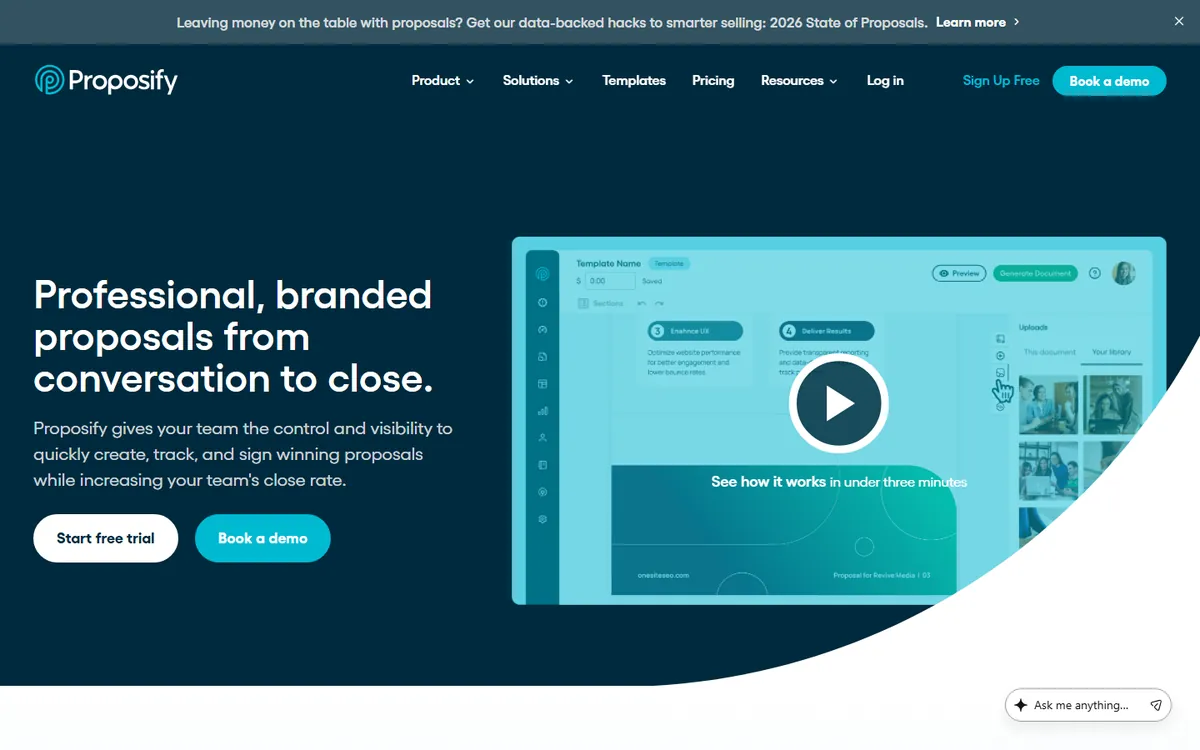
Proposify is a proposal and quote platform with three priced plans and a custom option for high volume. Its pricing page lists unlimited documents and signatures on the entry plan, plus a content library and product catalog. For a PandaDoc user, it is the alternative built around manager control, with roles and approval workflows on its Grow plan.
Key features
- Roles and approvals: Grow adds user roles and permissions, approval workflows, custom fields and API access.
- Salesforce add-on: Proposify lists Salesforce and Aspire as premium add-ons at $9 per user a month, grouped with the premium integrations on Scale.
- SSO and workspaces: Scale lists single sign-on through Okta, Azure or Salesforce, plus multiple workspaces and custom reporting.
- PDF import: a Proposify product update says an imported PDF appears as a static image in a new section, and you can choose which pages to bring in.
Proposify plans and pricing
| Plan | Price | Notes |
|---|---|---|
| Build | $39 per user a month, billed yearly | $49 billed monthly; custom template design $1,500 |
| Grow | $65 per user a month, billed yearly | $780 per user a year; no monthly option listed; $2,000 launch kit |
| Scale | $107 per user a month, billed yearly | $12,800 yearly platform fee includes 10 users; extra users $780 a year |
| High volume | Custom quote | Custom pricing for high-volume accounts |
Why it made the list
Proposify is built for teams that want consistent proposals. Grow, at $65 per user a month billed yearly, is aimed at teams that need control over what goes out. It also offers custom template design for teams that want a polished look from day one.
Trade-offs to know
Custom template design costs $1,500 on Build. The Scale plan adds a $12,800 yearly platform fee that includes 10 users. For a small team, that is a big step up from PandaDoc Starter.
Skip it if: Skip Proposify if you want PandaDoc templates to arrive as editable content, because its PDF import places pages as static images. Small teams that need Salesforce should also add the $9 per user add-on to the seat cost before comparing.
4. DocuSign: Best for teams that mainly need trusted signing
G2 rating 4.5out of 5 2,925 reviews · checked Nov 2026
- Starting price
- $11 a monthPersonal, billed yearly; Standard $30 per user
- Free plan
- Free trial (no card needed)
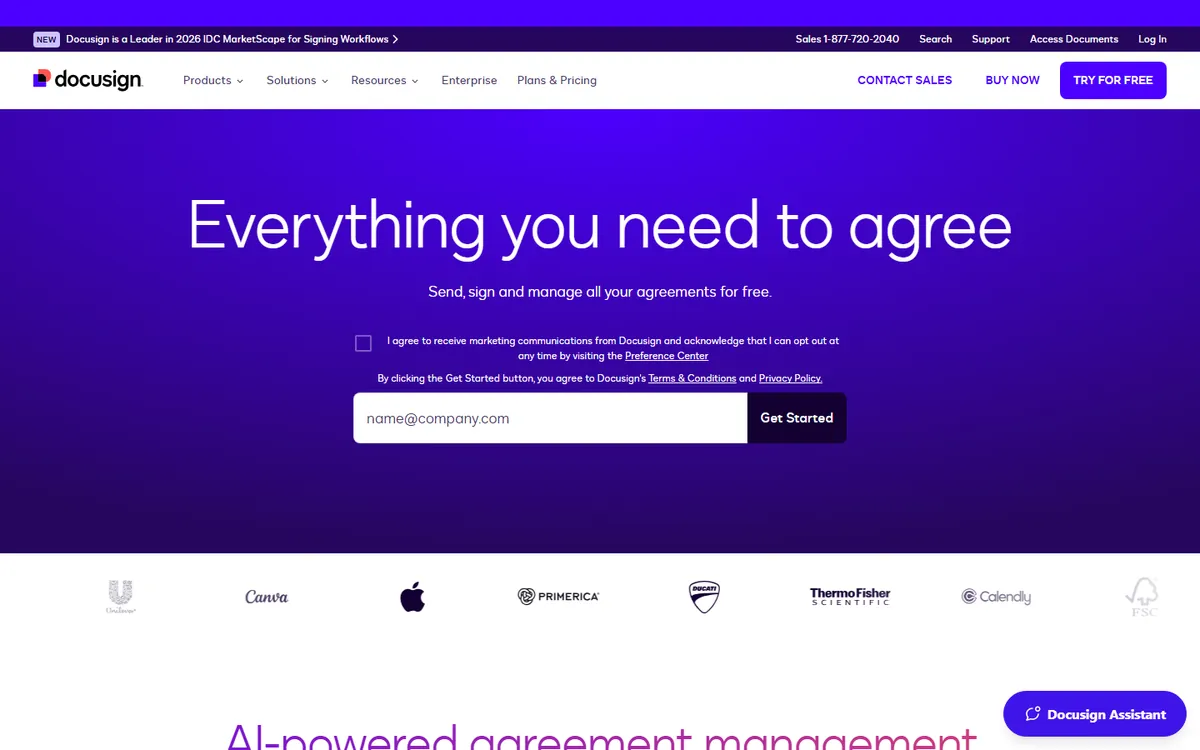
DocuSign eSignature comes from Docusign, Inc. and is a signing service, not a document builder. You upload a finished file, place fields and send it out. For a team leaving PandaDoc, it fits when proposals are already written in Word or Google Docs and only the signing step needs a new home.
Key features
- Partner apps: DocuSign's plan table lists 1,000+ partner integrations on Business Pro and Enhanced.
- Payments and web forms: Business Pro includes payment collection and web forms for gathering signer data.
- Text delivery add-on: sending agreements by SMS is an extra, starting at $0.36 per delivery.
- ID verification add-on: signer ID checks are also extra, starting at $2.40 per attempt.
DocuSign plans and pricing
| Plan | Price | Notes |
|---|---|---|
| Personal | $11 a month, billed yearly | 1 user; 5 envelopes a month |
| Standard | $30 per user a month, billed yearly | 100 envelopes per user a year |
| Business Pro | $45 per user a month, billed yearly | 100 envelopes per user a year; payments and web forms |
| Enhanced | Custom quote | Salesforce and Dynamics integrations; contact sales |
Why it made the list
If your proposals are built elsewhere and you just need a trusted way to get them signed, DocuSign is the default. It lists 1,000+ partner integrations on Business Pro and up. Business Pro adds web forms, payment collection and bulk send.
Trade-offs to know
DocuSign is a signing tool, not a proposal builder, so you lose PandaDoc's editor and pricing tables. Standard and Business Pro cap sends at 100 envelopes per user per year. See my full list of DocuSign alternatives.
Skip it if: Skip DocuSign if you send many quotes each week, since Standard and Business Pro allow 100 envelopes per user a year and extra ones are billed as you go. Teams that need Salesforce or Dynamics sync will be sent to sales for an Enhanced plan.
5. BoldSign: Best for cheap signing with a real free plan
G2 rating 4.7out of 5 497 reviews · checked Nov 2026
- Starting price
- $5 per user a monthGrowth, billed yearly; Business $15
- Free plan
- Yes (25 envelopes a month)
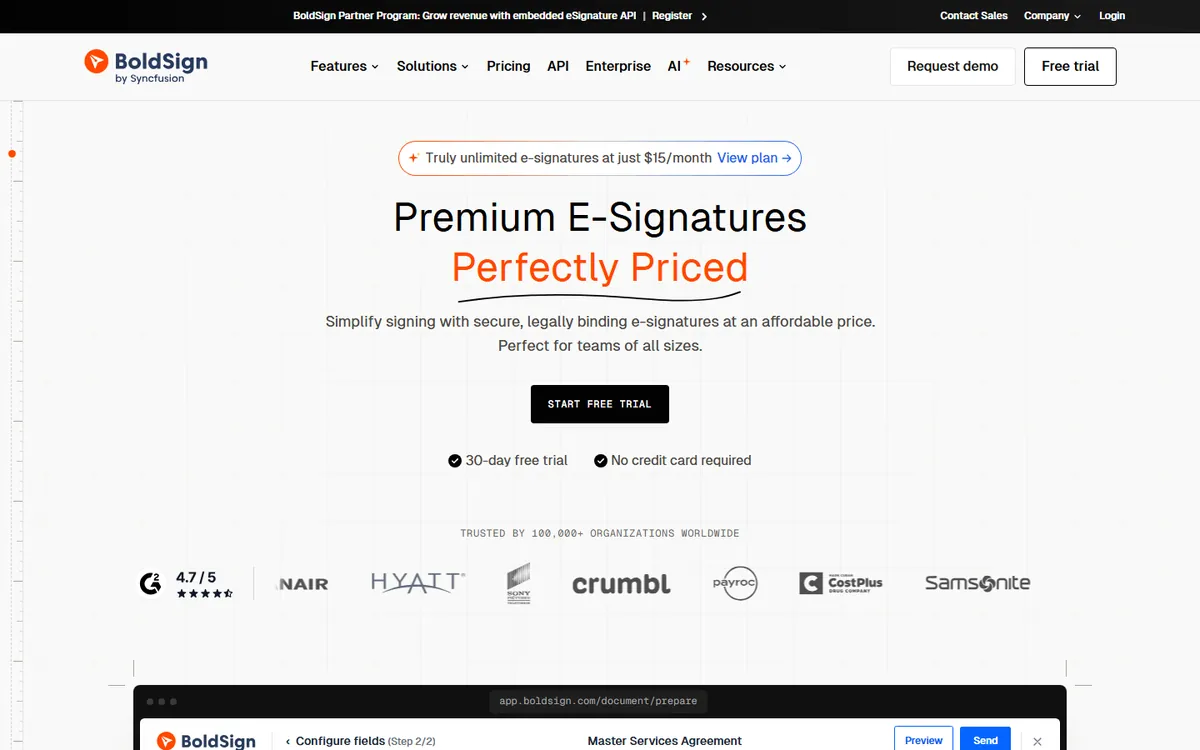
BoldSign is an e-signature app and API from Syncfusion, Inc. It is known for a free tier and low per-user prices on its paid plans. For a PandaDoc customer who mostly sends finished contracts for signature, it covers that last step for far less than a PandaDoc Business seat, but it has no proposal editor.
Key features
- Free tier: Essential covers one sender and 25 envelopes a month, or 5 for personal email addresses until BoldSign verifies them.
- HubSpot and SSO: Business adds a HubSpot integration, single sign-on and custom roles, with no envelope cap.
- Flat-fee Premium: Premium costs $99 a month on a yearly bill for unlimited users and 250 envelopes, with extras at $0.50 each.
- HIPAA on Business: BoldSign lists HIPAA as available on annual Business plans.
BoldSign plans and pricing
| Plan | Price | Notes |
|---|---|---|
| Essential | $0 | 1 sender, 25 envelopes a month |
| Growth | $5 per user a month, billed yearly | $15 billed monthly; 10 templates |
| Business | $15 per user a month, billed yearly | $25 billed monthly; unlimited envelopes |
| Premium | $99 a month flat, billed yearly | $138 billed monthly; unlimited users, 250 envelopes |
| Enterprise API | From $30 a month | 40 envelopes included, then $0.75 each |
Why it made the list
If PandaDoc's signing is all you really use, BoldSign does that job for far less. Its free plan covers 25 envelopes a month, and Growth adds template sharing, in-person signing and team management for $5 per user a month.
Trade-offs to know
There is no proposal editor or pricing table, so it replaces PandaDoc's signing, not its document building. Extras like SMS and ID checks are billed per use.
Skip it if: Skip BoldSign if your buyers expect to pick options or see pricing tables inside the document, because it only handles signing. Teams on Growth should also check that its 10 template limit covers all their contract types.
6. signNow: Best for the lowest price for a whole team
G2 rating 4.6out of 5 1,776 reviews · checked Nov 2026
- Starting price
- $8 a monthBusiness, billed yearly ($20 monthly)
- Free plan
- Free trial
signNow is an e-signature tool owned by airSlate. Each regular plan is priced for the whole account with unlimited users, rather than per seat. For a PandaDoc team paying per seat only to collect signatures, that model is the main draw, as long as total volume stays inside the yearly invite allowance.
Key features
- Group sending: Business Premium lets you send one document to many people at once and schedule sends ahead of time.
- Take payment while signing: Business Premium also lets signers pay inside the signing flow.
- Approval steps and smart fields: Enterprise adds approval routing, conditional and formula fields, and SMS sending.
- Site License: priced per invite at $1.50, it adds SSO, user management and full API access for heavy senders.
signNow plans and pricing
| Plan | Price | Notes |
|---|---|---|
| Business | $8 a month, billed yearly | $20 billed monthly; unlimited users, 100 invites a year |
| Business Premium | $15 a month, billed yearly | $30 billed monthly |
| Enterprise | $30 a month, billed yearly | $50 billed monthly |
| Site License | Custom quote | $1.50 per signature invite |
Why it made the list
signNow includes unlimited users on every plan, so a whole team can sign and send for $8 a month billed yearly. That is a fraction of PandaDoc's per-seat pricing if your team only needs signatures.
Trade-offs to know
Plans include 100 signature invites per year, so it suits low volume. Like BoldSign, it is not a proposal builder. Heavy senders should look at its Site License, priced at $1.50 per invite.
Skip it if: Skip signNow if your whole team sends more than about eight documents a month, since each regular plan includes 100 invites a year for the account. Anyone who wants proposal pages with pricing and buyer tracking will not find a document builder here.
7. DocuSeal: Best for developers who want to embed signing
G2 rating 4.9out of 5 379 reviews · checked Nov 2026
- Starting price
- $20 per user a monthCloud Pro, or $200 a year
- Free plan
- Yes (open source)
DocuSeal is an open-source signing and form tool that you can self-host for free or use as a hosted cloud service. It is known for low per-document API pricing. In a PandaDoc context, it suits a product team that creates agreements from its own software and wants to replace PandaDoc's credit-based API, not its sales editor.
Key features
- API pricing: each document signed through the API or an embed costs $0.20.
- No-code automations: cloud Pro connects to Zapier, Make.com and n8n at $0.20 per completion.
- SAML SSO and webhooks: both Pro plans list single sign-on, user roles, teams and webhooks.
- Payments on the free cloud tier: Cloud Basic can collect payments, with a 4% fee on what you collect.
DocuSeal plans and pricing
| Plan | Price | Notes |
|---|---|---|
| Cloud Basic | $0 | 10 request emails a month |
| Cloud Pro | $16.67 per user a month, billed yearly | $200 per user a year; $20 billed monthly |
| On-premises Open Source | $0 | Self-hosted; support through GitHub |
| On-premises Pro | $20 per user a month, billed yearly | $240 per user a year |
Why it made the list
DocuSeal is open source and has an API and embedded signing priced at $0.20 per completed document. For a software team that wants signing inside its own app, that is often cheaper and more flexible than PandaDoc's API credit packs.
Trade-offs to know
It is a signing and form tool, not a proposal builder. Self-hosting means you own updates and security. It suits technical teams far better than sales teams.
Skip it if: Skip DocuSeal if your sellers need a guided proposal editor, quotes or deal tracking, since it is built around forms and signing. The free Cloud Basic plan sends only 10 request emails a month, so it works as a test bed rather than a plan for a sales team.
What does PandaDoc cost?
Here is PandaDoc’s own pricing, billed yearly:
| PandaDoc plan | Price | What it adds |
|---|---|---|
| Free | $0 | 5 documents a month, tracking |
| Starter | $19 per seat a month | Unlimited uploads and e-signatures |
| Business | $49 per seat a month | CRM integrations, approvals, deal rooms; web forms and bulk send use usage credits; Salesforce is a paid add-on |
| Enterprise | Custom | Workflow automation, single sign-on; CPQ is an optional add-on |
The jump from Starter to Business is where most teams start looking elsewhere. A five-person sales team on Business pays $2,940 a year. Documents created through the API, Zapier or bulk send also use paid usage credits.
How I evaluated
I compared two kinds of alternatives: proposal tools that replace PandaDoc fully, and signing tools that replace only its e-signatures. For each, I checked the official pricing page on November 13, 2026, including seat minimums and billing rules.
This guide is built from official pricing pages, product docs and public reviews. Ratings quoted here are the vendor’s own figures from its pricing page. Prices are in US dollars. See my editorial policy.
How to choose the right PandaDoc alternative
First decide what you actually use PandaDoc for.
- You build proposals and quotes: look at Qwilr, Better Proposals or Proposify.
- Want a modern, web-page feel? Qwilr.
- Small team, small budget? Better Proposals.
- Need tight control over what reps send? Proposify.
- You mainly collect signatures: a signing tool will cost much less.
- Trusted brand: DocuSign.
- Best value: BoldSign.
- Unlimited users: signNow.
- Embedding in your own software: DocuSeal.
Then check seat minimums. Qwilr Growth needs 5 users, and Proposify Scale has a yearly platform fee. A low per-user price can still mean a high first invoice.
Can you move your templates out of PandaDoc?
Partly. You can download your signed documents, but rich templates with pricing tables and content blocks usually need rebuilding in the new tool. Plan for it.
- Download every signed document and its audit trail.
- List the five templates you use most and rebuild those first.
- Reconnect your CRM and test one real deal end to end.
- Cancel close to your renewal date.
What a 5-person and a 20-person team would pay
Here is the monthly list cost on yearly billing for each tool’s lowest plan that fits a team, with PandaDoc Business shown as the baseline.
| Tool | 5 people | 20 people | Plan used |
|---|---|---|---|
| PandaDoc (baseline) | $245 (5 x $49) | $980 (20 x $49) | Business, where CRM sync and approvals sit |
| Qwilr | $175 (5 x $35) | $700 (20 x $35) | Starter; Growth would be $275 and $1,100 |
| Better Proposals | $105 (5 x $21) | $420 (20 x $21) | Premium, since Starter is for 1 user only |
| Proposify | $195 (5 x $39) | $780 (20 x $39) | Build |
| DocuSign | $150 (5 x $30) | $600 (20 x $30) | Standard, 100 envelopes per user a year |
| BoldSign | $25 (5 x $5) | $100 (20 x $5) | Growth |
| signNow | $8 | $8 | Business; unlimited users share 100 invites a year |
| DocuSeal | $83.33 (5 x $200 / 12) | $333.33 (20 x $200 / 12) | Cloud Pro |
List prices on November 19, 2026, billed yearly; taxes, add-ons, usage credits, setup fees and promo codes are not included.
How to switch from PandaDoc
- Bulk download your finished documents first. PandaDoc’s help center says you select them in the list, scroll to pick more than 30, and click Download. A .zip link arrives by email and expires within a week (support.pandadoc.com/en/articles/9714835-manage-your-documents-templates-and-content-library-items).
- Check that each signed file has its certificate. PandaDoc says the certificate sits on the last page of the downloaded PDF, but none is made for documents marked complete by hand or without a signed Signature or Initials field (support.pandadoc.com/en/articles/9714781-signature-certificate-of-completed-documents).
- Save attachments and your top templates one at a time. The same PandaDoc article says bulk download skips attached files and Collect files uploads, and templates can be downloaded as .docx or PDF only from inside each template.
- Load those templates into the new tool. Better Proposals imports Word files but drops tables (help.betterproposals.io/en/articles/7228081). Qwilr converts PDFs under 25 MB from its dashboard (help.qwilr.com/article/844). Proposify places imported PDF pages as static images (proposify.com/blog/product-update-pdf-import).
- Rebuild pricing tables and reconnect your CRM on the plan that includes it. Qwilr lists HubSpot, Zoho and Pipedrive on Starter but Salesforce only on Scale, and Better Proposals lists CRM integrations on Premium.
- Send one real deal during the trial, then cancel PandaDoc close to renewal. Qwilr Starter has a 14-day trial with no card, Proposify offers a 14-day trial, and the Better Proposals trial runs on Premium.
The bottom line
If proposals drive your sales, Qwilr is the strongest PandaDoc alternative, and Better Proposals is the best budget pick. If you only use PandaDoc to get signatures, you are overpaying: BoldSign, signNow or DocuSign do that job for less. Decide which job you need done, then compare.
Next steps:
- Compare all signing tools in the best e-signature software.
- Weighing the two leaders? Read DocuSign vs PandaDoc.
- Need e-signatures only? See the best e-signature software.
Frequently asked questions
What is the best alternative to PandaDoc?
For proposals, Qwilr is the strongest alternative, with interactive web-page proposals from $35 per user a month billed yearly. On a tight budget, Better Proposals starts at $13 a month for one user. If you only need signatures, BoldSign or signNow cost much less.
Is there a cheaper alternative to PandaDoc?
Yes. Better Proposals Starter is $13 a month billed yearly, against PandaDoc Starter at $19 per seat. For signing only, BoldSign starts at $5 per user and signNow at $8 a month with unlimited users, both billed yearly.
Is PandaDoc better than DocuSign?
They solve different problems. PandaDoc builds the document and collects the signature, which suits sales teams. DocuSign focuses on signing finished documents, with a very wide set of integrations. Read the full comparison in DocuSign vs PandaDoc.
Does PandaDoc have a free plan?
Yes. PandaDoc's free plan allows 5 documents a month and includes document tracking. Most sales features, such as CRM sync and approval workflows, are on the Business plan at $49 per seat a month billed yearly.
Which PandaDoc alternative works best for agencies?
Better Proposals and Qwilr are both popular with agencies. Better Proposals is cheaper for a small team. Qwilr creates more interactive, branded proposals, but its Growth plan needs at least 5 users on yearly billing.
Can I download all my PandaDoc documents before I cancel?
Yes, documents can be bulk downloaded. PandaDoc's help center says you select them in the list and click Download, then get an email with a .zip link that expires within a week. It suggests batches of 200 to 300 files. Attached files and Collect files uploads are not included.
Which PandaDoc alternatives connect to HubSpot or Salesforce?
Qwilr lists HubSpot, Zoho and Pipedrive on Starter and keeps Salesforce for Scale, which needs 10 users. Better Proposals lists CRM integrations on Premium. Proposify sells Salesforce as a premium add-on at $9 per user a month. For signing only, BoldSign lists HubSpot on its Business plan.
Do PandaDoc alternatives limit how many documents I can send?
Some do. Better Proposals allows 10 sends a month on Starter, 50 on Premium and no cap on Enterprise. Proposify lists monthly send limits with a small fee for each extra send. signNow plans include 100 invites a year, and DocuSign Standard allows 100 envelopes per user a year.
Sources I checked (8)
- PandaDoc pricing
- Qwilr pricing
- Better Proposals pricing
- Proposify pricing
- DocuSign eSignature plans and pricing
- BoldSign pricing
- signNow pricing
- DocuSeal pricing
Prices checked Nov 19, 2026, in US dollars. Vendors change plans often, so confirm on the vendor's page before you buy. If you see a change or something I missed, email info@amitdeora.com with a link to the vendor's page.