
How this list is made: Built from public information on each vendor's own pricing pages and product docs, plus public user reviews. I don't test the tools hands-on, and this guide is for general education. Some brands in this list may be featured partners or sponsors, and those spots are clearly labeled. Spot something missing or out of date? Email info@amitdeora.com and I'll update it. Editorial policy · Advertising disclosure.
Every e-signature tool gets a contract signed. The real differences are in price, sending limits, and what happens before and after the signature. Pick wrong and you either pay for features you never use, or you hit a cap in month two.
I compared eight popular e-signature tools for small and mid-size teams. Every price comes from the vendor's own pricing page, checked on November 13, 2026, and each pick names who it suits and where it falls short.
Quick comparison
| Tool | Best for | Starting price | Free plan | Rating |
|---|---|---|---|---|
 DocuSign | Teams that need the widest set of integrations | $11 a month | Free trial (no card needed) | 4.5/5 (G2) |
 BoldSign | The best value for small teams | $5 per user a month | Yes (25 envelopes a month) | 4.7/5 (G2) |
 PandaDoc | Sales teams that send proposals and quotes | $19 per seat a month | Yes (5 documents a month) | 4.7/5 (G2) |
 Dropbox Sign | Simple signing without counting envelopes | $15 a month | Yes (limited) | 4.7/5 (G2) |
 signNow | The lowest paid price with unlimited users | $8 a month | Free trial | 4.6/5 (G2) |
 SignWell | Flat, easy pricing for small teams | $10 a month | Yes (limited) | 4.8/5 (G2) |
 Zoho Sign | Businesses already using Zoho apps | $10 per user a month | Yes (5 envelopes a month) | 4.4/5 (G2) |
 DocuSeal | Teams that want to host their own signing tool | $20 per user a month | Yes (open source, or 10 requests a month in the cloud) | 4.9/5 (G2) |
The 8 best picks, ranked
1. DocuSign: Best for teams that need the widest set of integrations
G2 rating 4.5out of 5 2,925 reviews · checked Nov 2026
- Starting price
- $11 a monthPersonal, $132 a year; Standard $30 per user a month
- Free plan
- Free trial (no card needed)
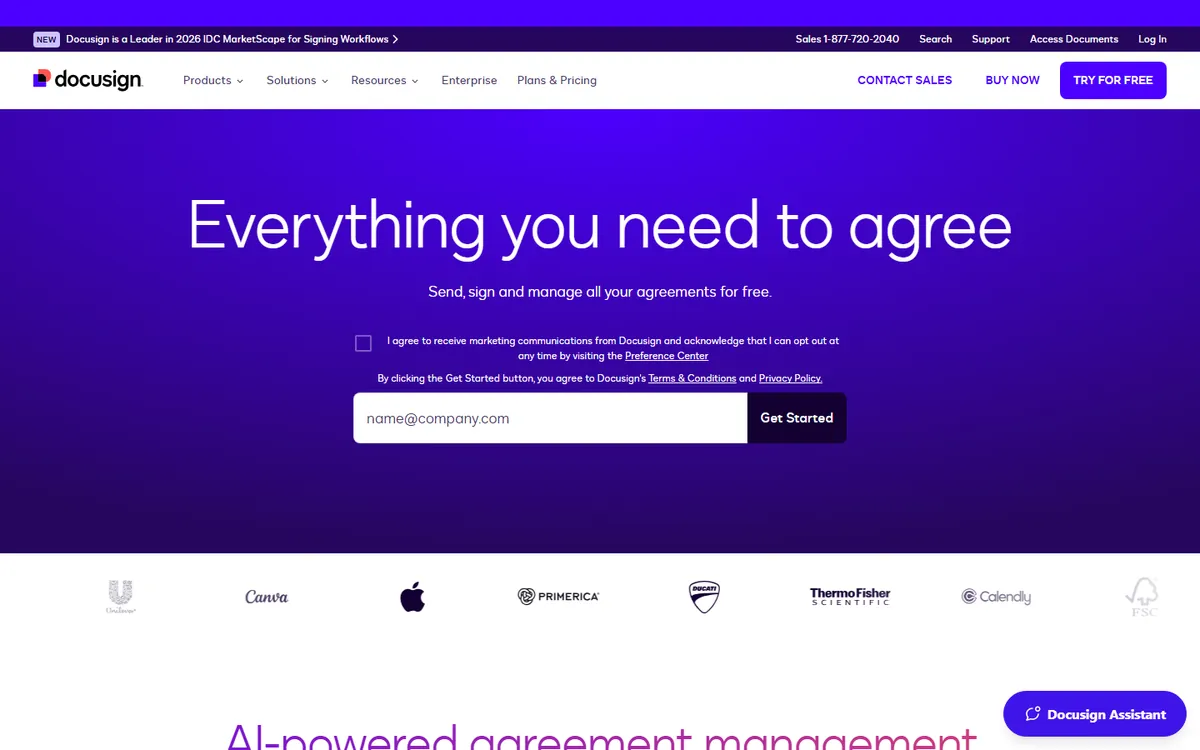
DocuSign is the e-signature service from Docusign, Inc., and its eSignature product is the one many buyers check first. It sells plans from a single-user Personal tier up to custom Enhanced plans for large firms. For a general buyer, it is the reference point that other tools set their prices and limits against.
Key features
- Shared templates and comments: Standard lets a team share templates and comment on agreements in real time.
- Web forms: Business Pro adds mobile-friendly web forms for gathering data from signers.
- Payment collection: Business Pro also lets you take a payment as part of the signing step.
- Custom envelope limits: Enhanced plans let you set envelope volume to fit the business and add 24/7 live support.
DocuSign plans and pricing
| Plan | Price | Notes |
|---|---|---|
| Personal | $11 a month, billed yearly ($132 a year) | 1 user, 5 envelopes a month |
| Standard | $30 per user a month, billed yearly | 100 envelopes per user a year |
| Business Pro | $45 per user a month, billed yearly | 100 envelopes per user a year |
| Enhanced | Custom quote | Custom envelope limits, contact sales |
Why it made the list
DocuSign is the name most clients already recognize, so a request rarely looks suspicious. It lists 1,000+ partner integrations on Business Pro, and Standard adds shared templates, comments, branding and delegated signing. Business Pro, at $45 per user a month billed yearly, adds web forms, payment collection and bulk send.
Trade-offs to know
Standard and Business Pro cap you at 100 envelopes per user per year. Extras such as SMS delivery (from $0.36 each) and ID checks (from $2.40 each) cost more. Plans are yearly commitments, and after the first 30 days you owe the rest of the year if you cancel.
Skip it if: DocuSign is a weaker fit for a team that sends more than about two envelopes per person each week, since Standard and Business Pro stop at 100 a year. Budget buyers will also find lower per-user prices elsewhere on this list.
2. BoldSign: Best for the best value for small teams
G2 rating 4.7out of 5 497 reviews · checked Nov 2026
- Starting price
- $5 per user a monthGrowth, billed yearly; Business $15
- Free plan
- Yes (25 envelopes a month)
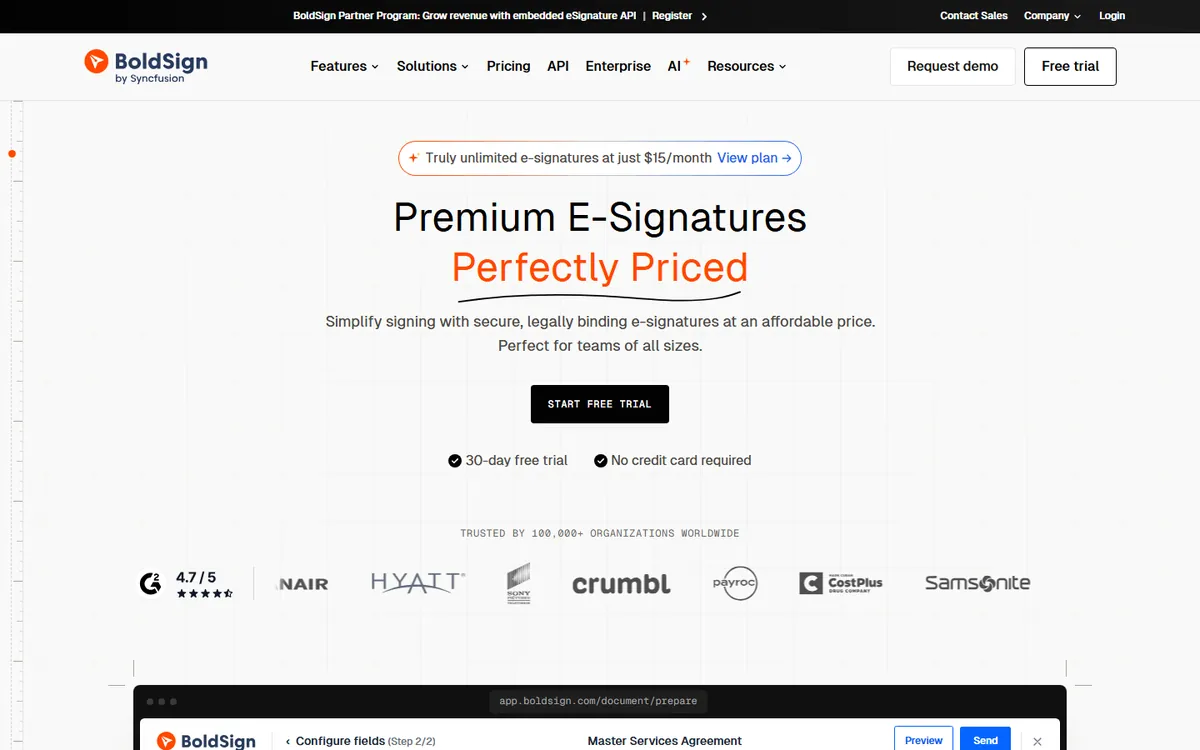
BoldSign comes from Syncfusion, a software company that also sells developer tools. It offers an e-signature app and an API. For most buyers, it stands out because the free plan covers 25 envelopes a month and the first paid tier costs $5 per user on a yearly bill, so a small office can start without a large budget.
Key features
- Signer checks on the free plan: Essential includes signer authentication, reminders, custom branding and mobile apps at no cost.
- Dynamic field placement: Growth adds dynamic fields, print-sign-upload and template sharing.
- AI field detection: Business includes AI-powered field detection, scheduled send and signing groups.
- Flat team pricing: Premium charges one flat monthly fee for unlimited users and 250 envelopes, with extra envelopes at $0.50.
BoldSign plans and pricing
| Plan | Price | Notes |
|---|---|---|
| Essential | $0 | 1 sender, 25 envelopes a month (5 for personal emails until verified) |
| Growth | $5 per user a month, billed yearly | $15 billed monthly; 10 templates |
| Business | $15 per user a month, billed yearly | $25 billed monthly; unlimited templates and envelopes |
| Premium | $99 a month flat, billed yearly | $138 billed monthly; unlimited users |
| Enterprise API | From $30 a month | 40 envelopes included, then $0.75 each |
Why it made the list
BoldSign gives the most room for the least money. The free Essential plan covers 25 envelopes a month, and paid plans start at $5 per user. Each envelope can carry several documents and signers, so the allowance goes further than it sounds.
Trade-offs to know
Sign up with a personal email such as Gmail and the free allowance is smaller. Extras like SMS delivery and ID checks are billed per use. It is a younger brand, so check that its integrations cover the tools you rely on before you move your team.
Skip it if: Pass on BoldSign if your team needs Salesforce through the API plan, which the pricing page excludes. Growth also has no SMS or ID check add-ons listed, so buyers who need those should price Business instead.
3. PandaDoc: Best for sales teams that send proposals and quotes
G2 rating 4.7out of 5 3,864 reviews · checked Nov 2026
- Starting price
- $19 per seat a monthStarter, billed yearly; Business $49
- Free plan
- Yes (5 documents a month)
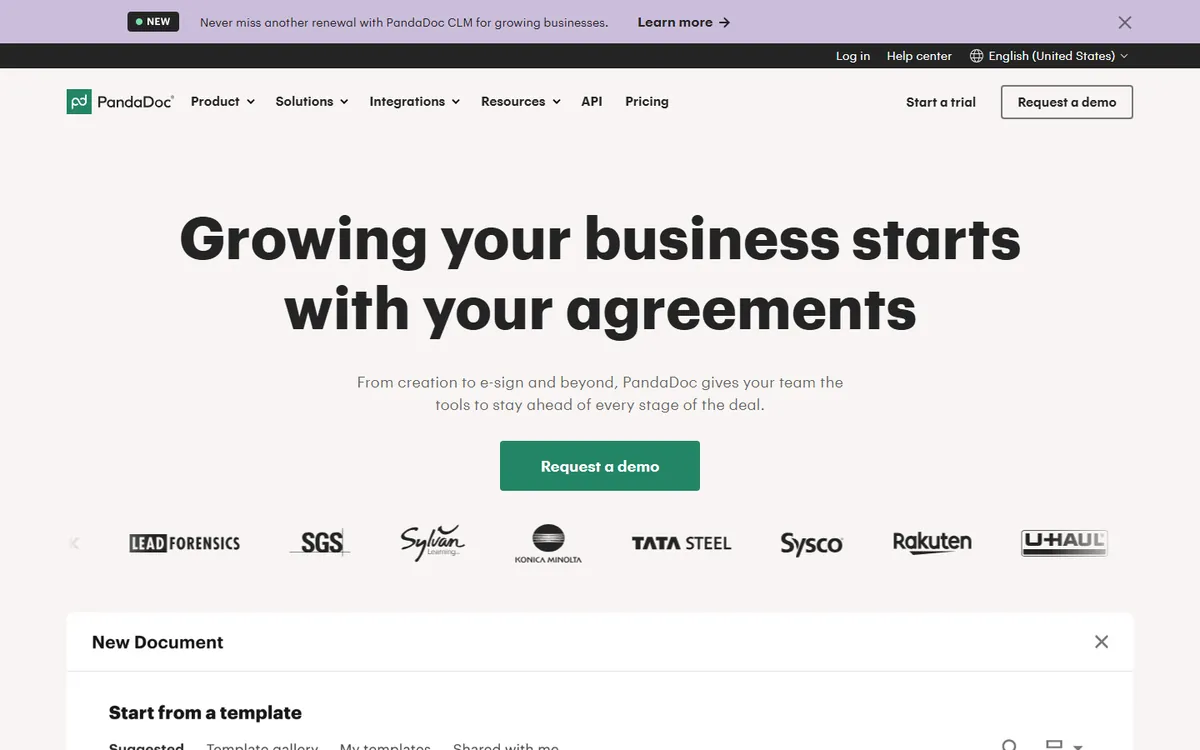
PandaDoc is a document tool from the company of the same name. It covers the work before the signature, like writing a quote and tracking when the client opens it. For a general e-signature buyer, it fits best when contracts start as custom documents, not as finished PDFs from a lawyer.
Key features
- Real-time tracking: every plan, Free included, sends alerts as recipients view and act on a document.
- Custom quotes: Business adds custom quotes and sales agreements built into the document.
- Content library: Business includes a shared content library and custom branding.
- Data residency: Enterprise offers a choice of US or EU data storage, plus single sign-on and custom user roles.
PandaDoc plans and pricing
| Plan | Price | Notes |
|---|---|---|
| Free | $0 | 5 documents a month, API documents count toward it |
| Starter | $19 per seat a month, billed yearly | Unlimited uploads and e-signatures, 5 templates |
| Business | $49 per seat a month, billed yearly | Unlimited templates, CRM integrations, approvals |
| Enterprise | Custom quote | Per-seat or per-document pricing |
Why it made the list
PandaDoc lets you write the proposal, price the deal and collect the signature in one document. You can see when a buyer opens it. Business adds CRM integrations, approval workflows, deal rooms and bulk send, which is where most sales teams end up.
Trade-offs to know
The sales features people buy it for live on the $49 Business plan, not Starter. Documents created through the API, Zapier or bulk send use usage credits. If you only need signatures on finished PDFs, it is more tool than you need.
Skip it if: Pass on PandaDoc if you plan to send lots of documents through Zapier, the API or bulk send, since those draw on paid usage credits. Starter's limit of 5 templates is also tight for a team with many contract types.
4. Dropbox Sign: Best for simple signing without counting envelopes
G2 rating 4.7out of 5 2,286 reviews · checked Nov 2026
- Starting price
- $15 a monthEssentials, $180 billed yearly; Standard $25 per user
- Free plan
- Yes (limited)
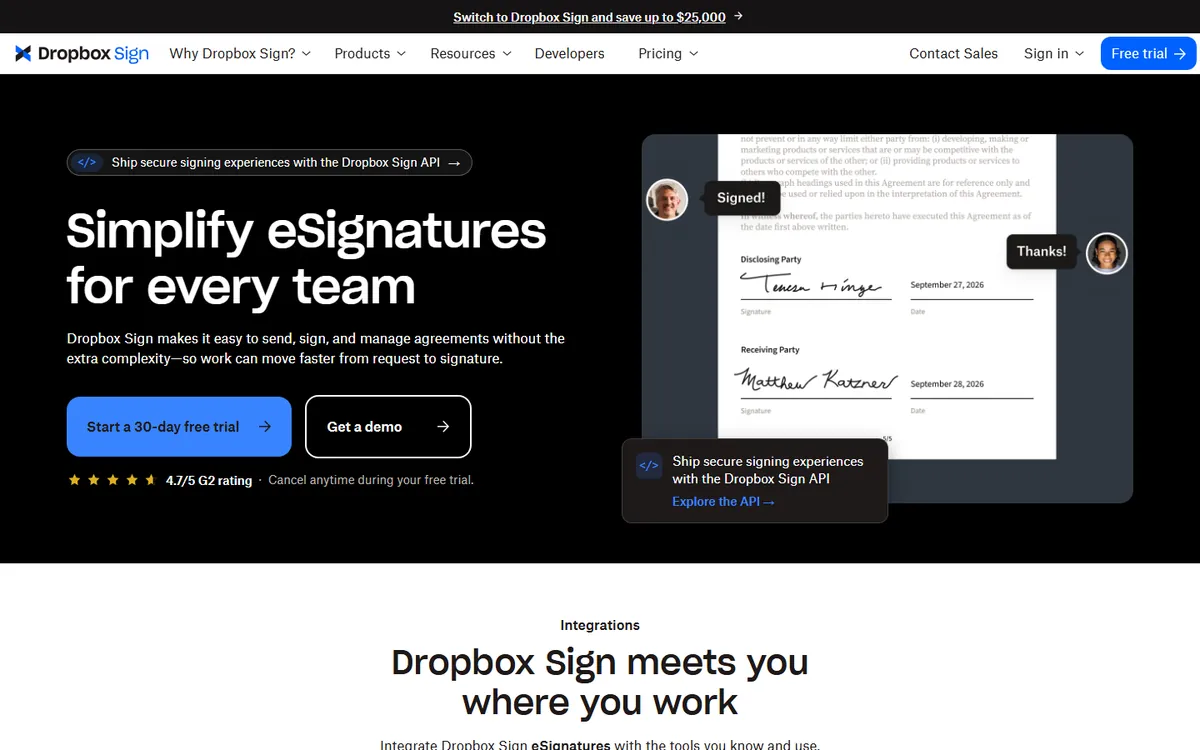
Dropbox Sign is made by Dropbox, the file storage company. It sells a solo plan, a small-team plan and a custom plan for larger groups. For a general buyer, it suits people who care more about a simple sending flow and not tracking a send count than about advanced workflow tools.
Key features
- No request count to track: Dropbox headlines unlimited signature requests with no hidden fees.
- Audit trails and reminders: listed for all plans, along with branding and support for multiple languages.
- Admin console: Standard adds team features and bulk send for groups of 2 or more.
- SMS authentication: Premium adds SMS checks, advanced signer fields and performance dashboards.
Dropbox Sign plans and pricing
| Plan | Price | Notes |
|---|---|---|
| Essentials | $15 a month, billed yearly | 1 user; $20 billed monthly |
| Standard | $25 per user a month, billed yearly | 2 users minimum, $600 a year to start; $30 billed monthly |
| Premium | Custom quote | For 5 or more users |
Why it made the list
Dropbox Sign, formerly HelloSign, has one of the cleanest signing screens on this list. Dropbox says there are no overages on signature requests, so a busy month will not cost you more. It connects to cloud storage on paid plans, and team-wide sync of every document is a Premium feature.
Trade-offs to know
The Standard team plan starts at $600 a year, since it is priced for at least two users. Teams of 5 or more users must talk to sales. The free plan is meant for occasional signing, not regular sending.
Skip it if: Pass on Dropbox Sign if you need SSO or SMS checks on a self-serve plan, as both sit on custom-priced Premium. Offices of 5 or more cannot buy online and must ask for a quote.
5. signNow: Best for the lowest paid price with unlimited users
G2 rating 4.6out of 5 1,776 reviews · checked Nov 2026
- Starting price
- $8 a monthBusiness, billed yearly ($20 billed monthly)
- Free plan
- Free trial
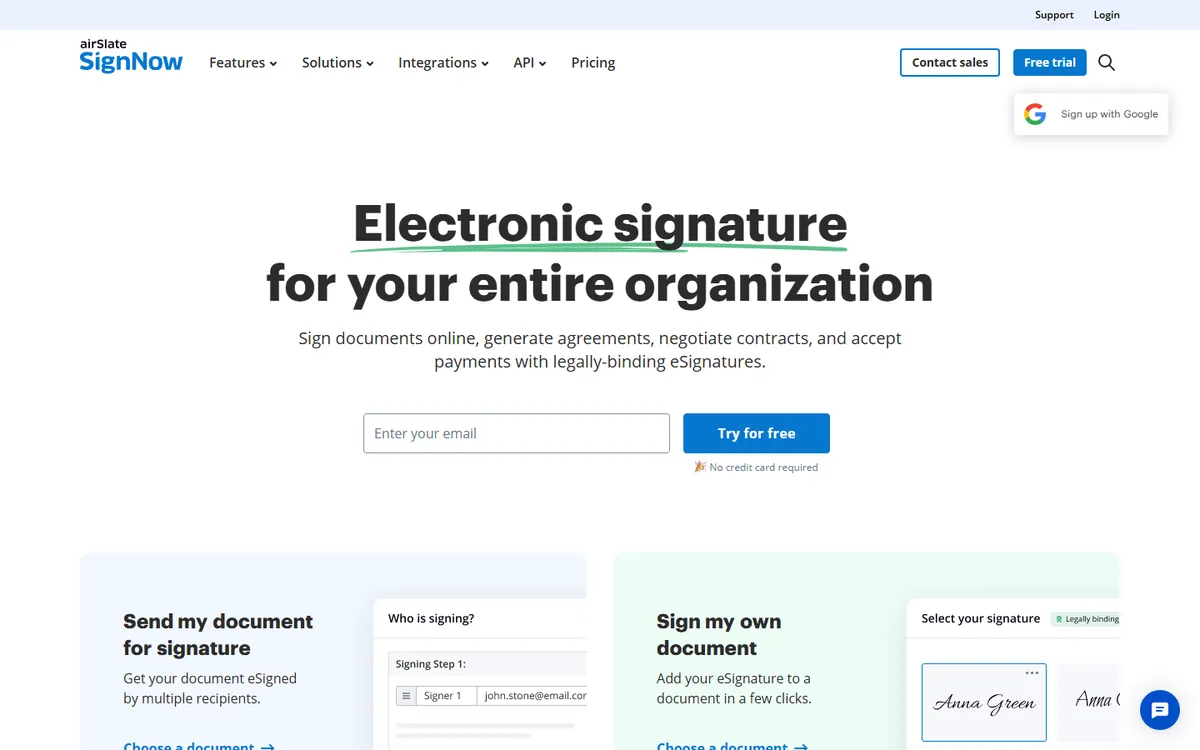
signNow is an e-signature product owned by airSlate. Its plans charge one price for the account, not per person, with unlimited users. For general buyers, that makes it a cheap way to give a whole office signing access, as long as the group sends fewer than 100 signature invites in a year.
Key features
- Unlimited templates and storage: Business includes unlimited templates, document storage and auto reminders.
- Signing links: Business Premium adds signing links, scheduled sending and team reports.
- Formula and conditional fields: Enterprise adds smart fields, custom branding and SMS sending.
- Volume pricing: the Site License charges per invite and adds SSO, user management and full API access.
signNow plans and pricing
| Plan | Price | Notes |
|---|---|---|
| Business | $8 a month, billed yearly | $20 billed monthly; unlimited users, 100 invites a year |
| Business Premium | $15 a month, billed yearly | $30 billed monthly; bulk send, payments |
| Enterprise | $30 a month, billed yearly | $50 billed monthly; approval workflows |
| Site License | Custom quote | $1.50 per signature invite |
Why it made the list
signNow has the lowest paid entry price here, and every plan includes unlimited users. That makes it a cheap way to give a whole office signing access. Business Premium, at $15 a month billed yearly, adds more automation for growing teams.
Trade-offs to know
Each plan includes 100 signature invites per year, which is about two a week. Heavy senders should price the Site License at $1.50 per invite instead. Monthly billing costs more than double the yearly rate.
Skip it if: Pass on signNow if you send more than 100 documents a year, because every regular plan shares that same cap. Buyers who want monthly billing will pay well over double the yearly rate on Business.
6. SignWell: Best for flat, easy pricing for small teams
G2 rating 4.8out of 5 575 reviews · checked Nov 2026
- Starting price
- $10 a monthLight, billed yearly ($12 monthly)
- Free plan
- Yes (limited)
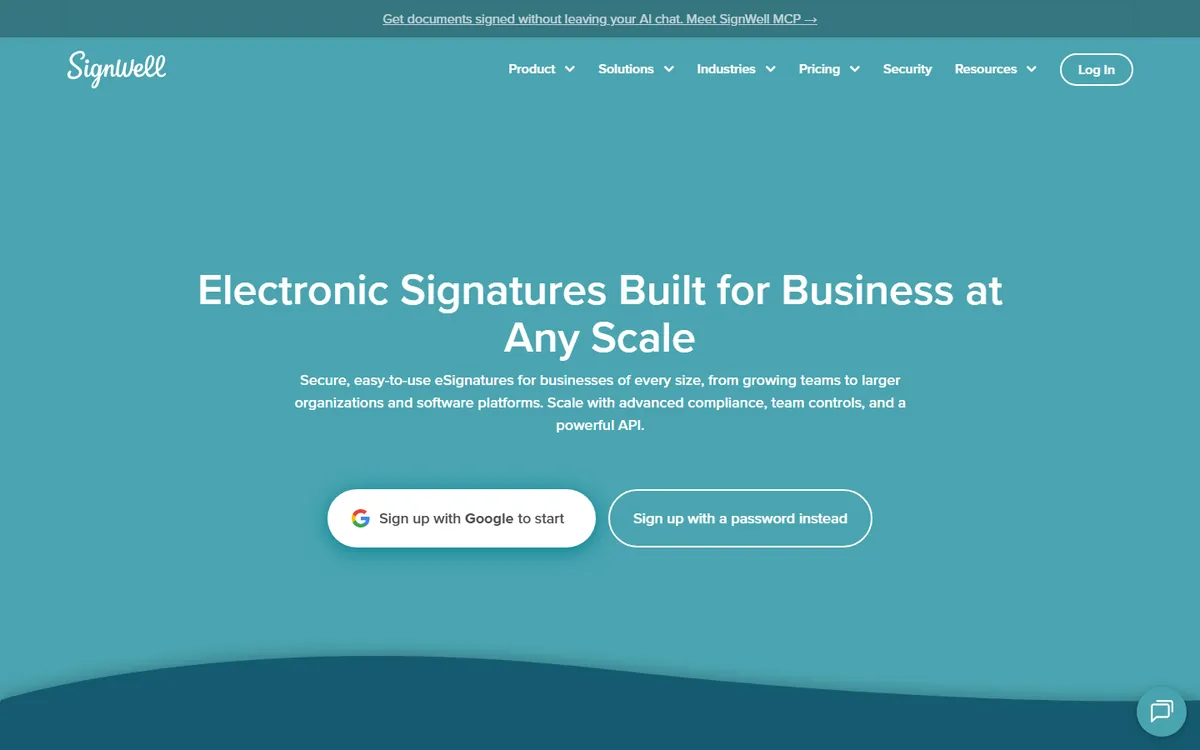
SignWell is an e-signature service priced by sender, not by document, on its paid plans. It also offers an API with pay-per-document pricing. For a general buyer, it is easy to budget: one sender on Light, or three on Business, with each extra sender at a fixed monthly price.
Key features
- Signing order and links: even the Free plan includes multiple signers, signing order and signing links.
- Template Links and bulk send: Light adds both, along with user roles and team management.
- Data validation: Business adds advanced fields, data checks and request attachments.
- Passcodes: Business includes one-time and static passcodes for signer checks.
SignWell plans and pricing
| Plan | Price | Notes |
|---|---|---|
| Free | $0 | 3 documents a month, 1 template |
| Light | $10 a month, billed yearly | $12 billed monthly; 1 sender |
| Business | $30 a month, billed yearly | $36 billed monthly; 3 senders, extra $12 each yearly |
| Enterprise | Custom quote | Custom sender pricing, onboarding help |
Why it made the list
SignWell is easy to understand. Light covers one sender for $10 a month billed yearly. Business covers three senders for $30 a month billed yearly, with extra senders at $12 each. It can import DocuSign templates, which helps if you are switching.
Trade-offs to know
The free plan is small, so most teams will need a paid plan quickly. API use is billed per document, starting at $0.85 each. It has fewer approval and compliance controls than DocuSign, which matters in regulated work.
Skip it if: Pass on SignWell if you want branding on the cheapest paid tier, since custom branding starts on Business. Developers sending high API volume should note the $0.85 starting rate per API document.
7. Zoho Sign: Best for businesses already using Zoho apps
G2 rating 4.4out of 5 64 reviews · checked Nov 2026
- Starting price
- $10 per user a monthStandard, billed yearly; Professional $16
- Free plan
- Yes (5 envelopes a month)
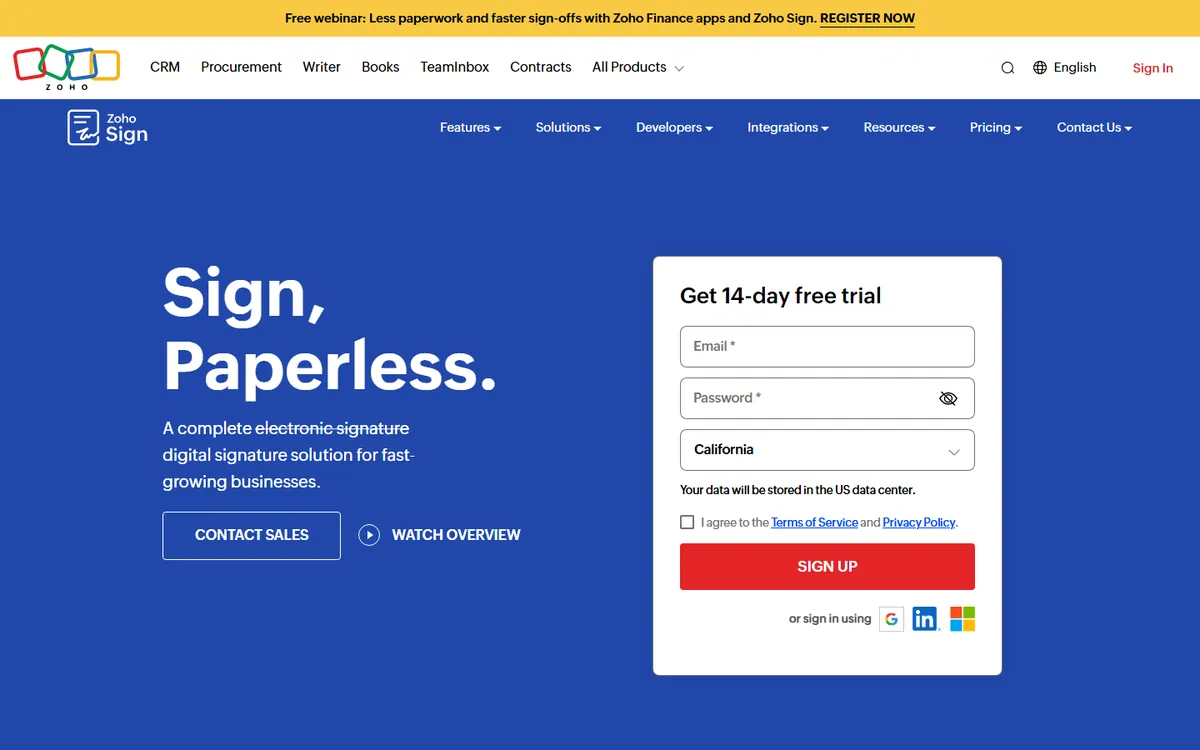
Zoho Sign is built by Zoho, the company behind a large suite of business apps. It offers four main plans and a pay-per-envelope option. For a general buyer, it is a solid choice when you also want digital signature certificates, since even the Free plan uses Zoho's cloud-based certificates.
Key features
- Cloud certificates: the Free plan signs with Zoho's cloud-based digital signature certificates.
- Witness and delegate signing: Standard adds witness signing, delegate signing and automatic field addition.
- Signer attachments and reports: Professional adds signer attachments, multi-language support and reports.
- SignForms and white label: Enterprise adds SignForms, bulk signing and white-label options for 10 or more users.
Zoho Sign plans and pricing
| Plan | Price | Notes |
|---|---|---|
| Free | $0 | Single user, 5 envelopes a month |
| Standard | $10 per user a month, billed yearly | 25 envelopes per user a month |
| Professional | $16 per user a month, billed yearly | Unlimited envelopes and templates |
| Enterprise | $22 per user a month, billed yearly | 50 free credits per user a month |
| API / Custom | Custom quote | No subscription on API plan, pay per envelope |
Why it made the list
Zoho Sign connects directly with Zoho CRM, Books and the rest of the Zoho suite. The Standard plan includes 25 envelopes per user every month, a monthly allowance rather than a yearly one. Professional, at $16 per user a month, removes the envelope cap.
Trade-offs to know
The free plan is for a single user with 5 envelopes a month. Branding and unlimited templates need Professional. Outside Zoho's own apps, its integration list is shorter than DocuSign's.
Skip it if: Pass on Zoho Sign if you need in-person signing or payment collection on a mid-tier plan, since both sit on Enterprise. SMS and some signer checks also use paid Zoho Sign credits.
8. DocuSeal: Best for teams that want to host their own signing tool
G2 rating 4.9out of 5 379 reviews · checked Nov 2026
- Starting price
- $20 per user a monthCloud Pro, or $200 a year
- Free plan
- Yes (open source, or 10 requests a month in the cloud)
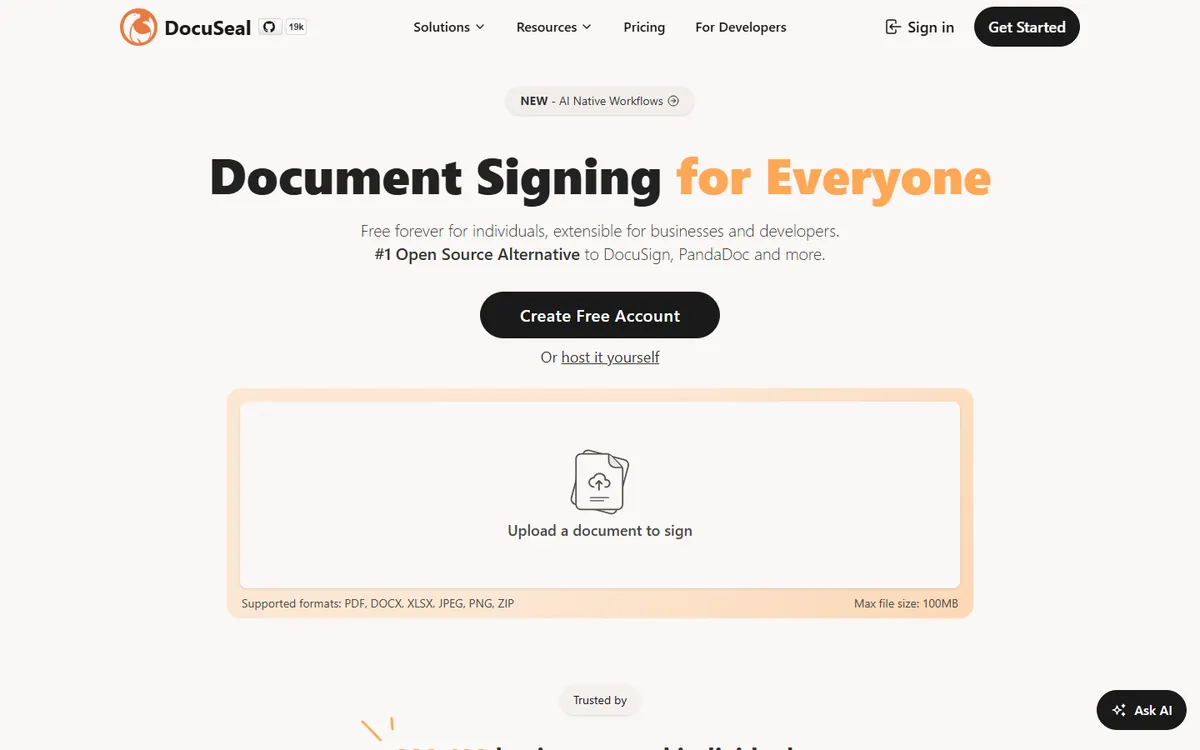
DocuSeal is an open-source signing tool with a hosted cloud version and a self-hosted version. It is known for a free open-source edition and low API pricing. For a general buyer, it is the pick to look at when you must keep documents on your own servers or want to add signing to your own software.
Key features
- Self-hosted edition: the free Open Source plan runs on your own server with no limit on request emails.
- Automations: cloud Pro links to Zapier, Make.com and n8n at $0.20 per completion.
- ID checks: cloud Pro offers ID card checks and knowledge-based checks at $2 each.
- SSO and roles: both Pro plans include SAML single sign-on, user roles, teams and webhooks.
DocuSeal plans and pricing
| Plan | Price | Notes |
|---|---|---|
| Cloud Basic | $0 | 10 request emails a month, no SMS or bulk send |
| Cloud Pro | $200 per user a year, billed yearly | $20 per user billed monthly |
| On-premises Open Source | $0 | Support through GitHub |
| On-premises Pro | $240 per user a year, billed yearly | Trusted certificate included |
Why it made the list
DocuSeal is open source, so a team with a developer can run it on its own server and keep every document in-house. The cloud Pro plan removes the cap on signature requests. API and embedded signing cost $0.20 per completed document.
Trade-offs to know
Hosting it yourself means you handle updates, backups and security. Pro features on a self-hosted install cost $240 per user a year. It has fewer admin and approval tools than the larger brands.
Skip it if: Pass on DocuSeal if you want phone support on the free tiers, since Basic uses email and Open Source uses GitHub. Firms that need a custom domain on the cloud must pay yearly.
What is e-signature software?
E-signature software lets people sign documents online instead of on paper. You upload a contract, place signature and date fields, and send it by email or link. The tool tracks who opened it, who signed, and when.
Every tool on this list also keeps an audit trail. That record of names, times and devices is what makes an online signature hold up later.
Beyond that core job, tools split into two groups. Signing tools like DocuSign, Dropbox Sign and signNow focus on getting finished documents signed. Document tools like PandaDoc help you build the proposal or quote first, then collect the signature.
How I evaluated
I chose tools that small and mid-size businesses compare most often, and that sell plans online with public prices. For each one I read the official pricing page on November 13, 2026, and checked the limits that change the real cost, like yearly send caps and seat minimums.
This guide is built from official pricing pages, product docs and public reviews. I ranked the tools on overall fit for a typical small team: price, free plan, send limits, trust and integrations. Prices are in US dollars. Read my full editorial policy.
How to choose the right e-signature software
Start with one number: how many documents your team sends in a year. Then use this table.
| Your situation | Best fit |
|---|---|
| Fewer than 5 documents a month, solo | BoldSign free, or DocuSign Personal at $11 a month |
| A small team on a tight budget | BoldSign Growth at $5 per user, or signNow at $8 a month |
| A sales team sending proposals | PandaDoc Business |
| Lots of documents, no counting | Dropbox Sign, or DocuSeal Pro |
| Already on Zoho apps | Zoho Sign |
| You must keep data on your own servers | DocuSeal, self-hosted |
Then check three things before you commit for a year:
- The real cap. Divide the yearly limit by 52. DocuSign Standard’s 100 envelopes a year is under two a week.
- Extras you will use. SMS delivery, ID checks and bulk send often cost more or sit on a higher plan.
- The signer’s experience. Send yourself a test on your phone. If it is confusing, your clients will feel it too.
E-signature or digital signature: what is the difference?
People use the terms loosely, but they are not the same. An electronic signature is any electronic mark of agreement, like a typed name or a drawn signature, backed by an audit trail. A digital signature is a specific type that uses a certificate and encryption to prove the signer’s identity and that the file was not changed.
For most business contracts, a standard e-signature from any tool here is enough. Some industries and countries require certificate-based signatures for certain documents. DocuSeal, for example, sells EU qualified signatures at $2 to $4 each.
What the law says about e-signatures
This is general information, not legal advice. In the United States, the federal ESIGN Act, approved in 2000, covers electronic signatures in commerce, and most states have their own e-signature laws. The EU has separate rules called eIDAS. Whether a document can be signed electronically depends on the type of document and where you are.
Some documents, such as certain wills and court filings, may have special signing rules. For any contract that matters, ask a lawyer before you rely on an e-signature.
What 1 user and a 10-person team would pay
Here is what each tool costs per month on yearly billing for one person working alone and for a team of 10.
| Tool | 1 user | 10 users | Plan used |
|---|---|---|---|
| DocuSign | $11 | $300 (10 x $30) | Personal for 1 user, Standard for 10 |
| BoldSign | $5 | $50 (10 x $5) | Growth |
| PandaDoc | $19 | $190 (10 x $19) | Starter |
| Dropbox Sign | $15 | Custom quote | Essentials for 1; Premium quote for 5 or more users |
| signNow | $8 | $8 | Business; unlimited users, 100 invites a year shared |
| SignWell | $10 | $114 ($30 + 7 x $12) | Light for 1, Business for 10 |
| Zoho Sign | $10 | $100 (10 x $10) | Standard |
| DocuSeal | $16.67 ($200 / 12) | $166.67 (10 x $200 / 12) | Cloud Pro |
List prices from each vendor’s pricing page on November 19, 2026, on yearly billing, with taxes, add-ons and usage credits left out.
How to set up e-signatures in your business
- Count how many documents you sent for signature last year, then pick a plan whose limit fits. Some plans count per month, others per year.
- Decide who needs to send. Per-user tools like DocuSign and Zoho Sign charge for each sender, while signNow covers unlimited users on one price.
- Turn your most-used contracts into templates first, with signature, date and name fields already placed.
- Choose how signers prove who they are. Email is the default on most plans, and SMS or ID checks are often paid extras.
- Pick one place to keep signed files and their audit records, and tell staff where to find them.
- Check the law for unusual documents. In the US, the federal law is the Electronic Signatures in Global and National Commerce Act, approved June 30, 2000. Ask a lawyer about anything unusual.
The bottom line
DocuSign is the safe, widely trusted pick, but you pay for the name and live with yearly send caps.
BoldSign is the best value for most small teams. PandaDoc is the right call when the proposal matters as much as the signature. If you send in volume, look hard at Dropbox Sign or DocuSeal, which do not meter every send the same way.
Next steps:
- Leaving DocuSign? Read the best DocuSign alternatives and DocuSign pricing explained.
- Leaving Adobe? See the best Adobe Sign alternatives.
- Torn between the two big names? Read DocuSign vs PandaDoc.
Frequently asked questions
What is the best e-signature software for a small business?
For most small businesses, BoldSign gives the best value: 25 free envelopes a month and paid plans from $5 per user. If your clients expect a big brand, DocuSign Personal costs $11 a month on a yearly plan but only covers 5 envelopes a month.
Which e-signature software has no sending limits?
Dropbox Sign says it has no overages on signature requests. DocuSeal Pro removes the cap on signature requests, and SignWell's paid plans are priced by sender rather than by document. DocuSign Standard and signNow plans both cap sends at 100 per user per year.
Is DocuSign worth the higher price?
It can be if you need a very wide set of integrations, a trusted name for clients, or advanced controls on Enhanced plans. For simple contracts at low volume, cheaper tools such as BoldSign, signNow or SignWell do the same core job for much less.
What counts as an envelope or a document?
Most vendors count one send as one unit, even if it holds several files or signers. DocuSign and BoldSign call it an envelope, signNow calls it an invite, and PandaDoc counts documents. Read each plan's definition before you compare prices, because the units are not always equal.
Can I switch e-signature tools later?
Yes. Download all signed documents and their audit certificates first. Then rebuild your most-used templates in the new tool. SignWell can import DocuSign templates, which saves time. Switch near your renewal date so you do not pay for unused months.
Which e-signature tool is best for developers adding signing to an app?
DocuSeal charges $0.20 per document signed through its API or embedding, with free sandbox testing. SignWell starts at $0.85 per API document, falling to $0.20 at high volume, and its API plan makes the first 25 documents a month free. BoldSign's Enterprise API includes 40 envelopes, then $0.75 each.
Can signers get documents by text message?
Yes, on many tools, usually for a fee. DocuSign SMS delivery starts at $0.36 each. BoldSign charges $0.20 per SMS on Business and higher. DocuSeal cloud Pro includes 20 SMS a month, SignWell Business includes 50 SMS credits a month, and signNow adds SMS on Enterprise.
How can I check a signer's identity?
Most tools sell ID checks as an add-on. DocuSign ID verification starts at $2.40 per attempt. BoldSign charges $2 per verification on Business and higher. DocuSeal cloud Pro offers ID card checks and knowledge-based checks at $2 each. SignWell Business includes one-time and static passcodes.
Sources I checked (9)
- DocuSign eSignature plans and pricing
- BoldSign pricing
- PandaDoc pricing
- Dropbox Sign pricing
- signNow pricing
- SignWell pricing
- Zoho Sign pricing
- DocuSeal pricing
- ESIGN Act, Public Law 106-229 (GovInfo)
Prices checked Nov 19, 2026, in US dollars. Vendors change plans often, so confirm on the vendor's page before you buy. If you see a change or something I missed, email info@amitdeora.com with a link to the vendor's page.