
How this list is made: Built from public information on each vendor's own pricing pages and product docs, plus public user reviews. I don't test the tools hands-on, and this guide is for general education. Some brands in this list may be featured partners or sponsors, and those spots are clearly labeled. Spot something missing or out of date? Email info@amitdeora.com and I'll update it. Editorial policy · Advertising disclosure.
Adobe Acrobat is the default PDF editor for many businesses, but it is sold as a yearly subscription, and Adobe's team plans billed monthly on an annual commitment charge half your remaining commitment if you cancel after 14 days, and prepaid annual plans get no refund after 14 days. If you mostly edit, merge, convert or annotate PDFs, you can often pay much less, or nothing at all.
I compared six Acrobat alternatives on price, license type, platforms and who each one suits. Every price comes from the vendor's own pricing page, checked on November 14, 2026.

Quick comparison
| Tool | Best for | Starting price | Free plan | Rating |
|---|---|---|---|---|
 PDF-XChange Editor | Windows users who want to buy once | $62 one-time | Free trial | 4.6/5 (G2) |
 PDF24 Creator | A completely free PDF toolkit | Free | Yes (no limits) | No rating yet |
 ABBYY FineReader PDF | Scanned documents and OCR | $99 a year | Free trial | No rating yet |
 PDFelement | An Acrobat-style editor on a budget | $129 a year | Free trial | 4.5/5 (G2) |
 Xodo | Teams that want web, desktop and mobile together | $14.99 a month | Free trial | 4.4/5 (G2) |
 Sejda | Occasional editing in the browser | $63 a year | Yes (limited) | No rating yet |
The 6 best picks, ranked
1. PDF-XChange Editor: Best for windows users who want to buy once
G2 rating 4.6out of 5 151 reviews · checked Nov 2026
- Starting price
- $62 one-timeEditor; Editor Plus $79
- Free plan
- Free trial

PDF-XChange Editor is a Windows PDF editor sold by PDF-XChange. It is known for a perpetual license, so you pay one time and keep the version you bought. In this guide it is the main pick for buyers who want to leave Acrobat's yearly billing behind and own their editor outright.
Key features
- One-time license: The vendor says buying a license is a one-time fee, and the first year of maintenance (updates) is included.
- OCR: OCR is listed for the Editor, and the vendor lists an Enhanced OCR Engine as an Editor Plus feature.
- Form building and compare: Creating fillable forms and comparing documents are listed as Editor Plus features, not part of the regular Editor license.
- Redaction and signing: The feature list includes find and redact tools plus digital signature tools, but the page does not say which edition each one needs, so confirm before you buy.
PDF-XChange Editor plans and pricing
| Plan | Price | Notes |
|---|---|---|
| PDF-XChange Editor (1 user) | $62 one-time | Perpetual license, 1 year of maintenance included |
| PDF-XChange Editor Plus (1 user) | $79 one-time | Adds form creation, compare and Enhanced OCR |
| Editor 10-user pack | $534 one-time | Editor Plus 10-user pack is $683 one-time |
| Maintenance renewal | About 25% of the license price per year | Optional; renew within 30 days of expiry, per the vendor |
| Corporate site, country and world packs | From $10,151 one-time | Large-org packs listed on the same page |
Why it made the list
PDF-XChange Editor is sold as a perpetual license, so you pay once instead of every year. The standard Editor starts at $62 and Editor Plus at $79. It covers editing, annotation, OCR and form filling for a fraction of a yearly Acrobat subscription.
Trade-offs to know
It runs on Windows 10 and later only, so Mac teams need something else. Maintenance renewals for updates are optional but recommended, which adds a small ongoing cost. The interface has many toolbars and takes some getting used to.
Skip it if: Skip it if anyone on your team uses a Mac or Linux, since the vendor lists Windows 10 and later only. If you need form building, budget for Editor Plus rather than the base Editor.
2. PDF24 Creator: Best for a completely free PDF toolkit
- Starting price
- FreeFree for private and business use
- Free plan
- Yes (no limits)
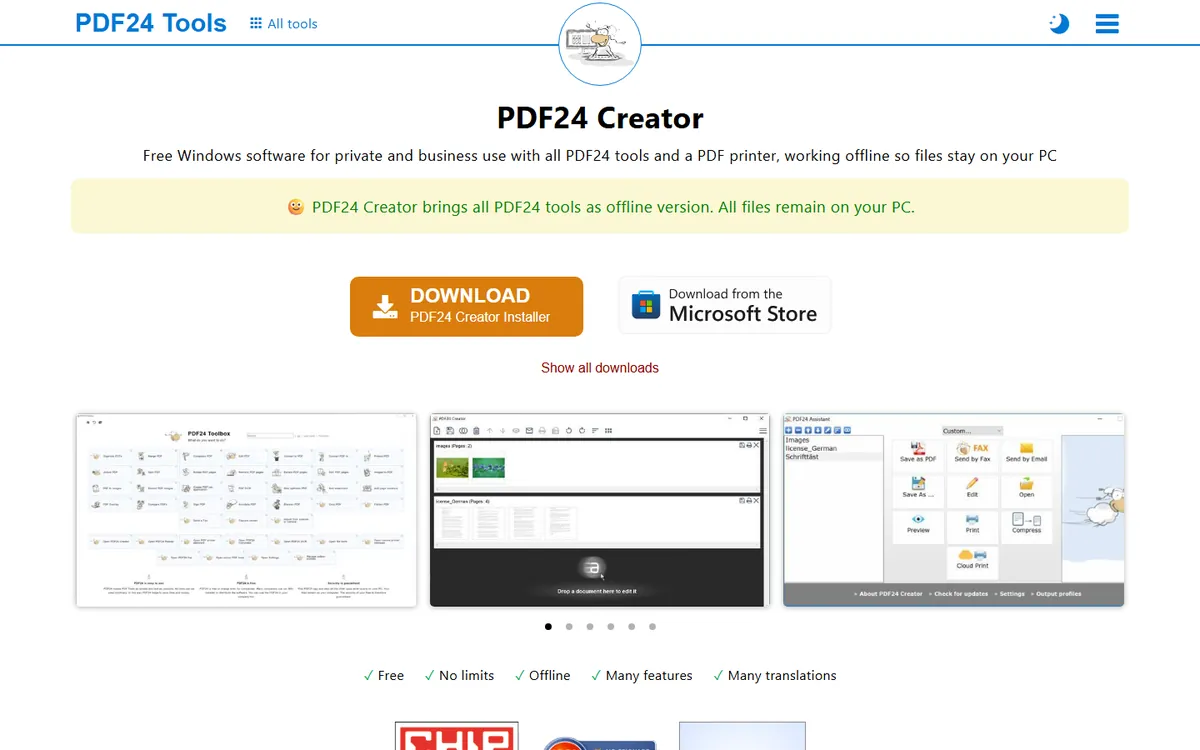
PDF24 Creator is a free Windows desktop toolkit from the team behind the PDF24 online tools. It bundles a PDF printer, converter, merger and OCR into one install that works offline. For this guide it suits offices that want to drop Acrobat costs entirely and mainly need to combine, shrink, convert or make PDFs searchable.
Key features
- Free for business: PDF24 says the software is free for private and commercial use, including companies and public agencies.
- Offline work: It runs as a desktop app, and the vendor says your files stay on your PC instead of going to the internet.
- OCR: It can recognize text in PDFs and images to make searchable PDFs, with no paid tier.
- PDF printer and tools: A virtual printer creates PDFs from any app, and built-in tools merge, split and compress files.
PDF24 Creator plans and pricing
| Plan | Price | Notes |
|---|---|---|
| PDF24 Creator | Free | No paid plan; Windows 10 and 11 (x64, arm64, x86) |
Why it made the list
PDF24 Creator is free Windows software for personal and business use. It merges, splits, rotates and converts files, adds a PDF printer, and works fully offline, so files stay on your computer. There are no usage limits and no account to create.
Trade-offs to know
It is Windows-only, and it is a toolkit rather than a full text editor, so heavy editing of existing text is limited. The website shows ads. Support is community-style rather than a paid help desk.
Skip it if: Skip it if you need a Mac or Linux app, since PDF24 says those are not currently supported. It is also not the pick if you mostly rewrite text inside existing PDFs or need form building.
3. ABBYY FineReader PDF: Best for scanned documents and OCR
- Starting price
- $99 a yearStandard, 1 license; Corporate $165; Mac $69
- Free plan
- Free trial

FineReader PDF comes from ABBYY, a company known for text recognition software. Its main strength is AI-based OCR across 198 recognition languages, per ABBYY. In this guide it is the choice for teams that turn paper, scans and old archives into searchable, editable files and want PDF editing in the same app.
Key features
- OCR: ABBYY lists OCR for scans and paper on Standard, Corporate and Mac.
- Compare documents: The pricing table marks document compare as not included in Standard, but included in Corporate.
- Hot Folder automation: Corporate adds Hot Folder for automatic conversion, with a cap of up to 5,000 pages a month for that automated processing.
- Protect and sign: Standard and Corporate list protect and sign PDFs, while the Mac version offers password protection after PDF creation only.
ABBYY FineReader PDF plans and pricing
| Plan | Price | Notes |
|---|---|---|
| FineReader PDF Standard (Windows) | $99 per license a year | $16 a month billed monthly, or $267 for 3 years |
| FineReader PDF Corporate (Windows) | $165 per license a year | $24 a month billed monthly, or $446 for 3 years |
| FineReader PDF for Mac | $69 per license a year | $186 for 3 years; no monthly option |
Why it made the list
FineReader is built around AI-based OCR, which turns scanned pages into editable, searchable text. That makes it the strongest pick here for teams that handle paper records, invoices or old archives. The Corporate edition adds batch processing for high volumes.
Trade-offs to know
It is a yearly subscription per license, like Acrobat. The Mac version is a separate product with a different feature set, so check ABBYY's comparison table. If you rarely work with scans, a cheaper editor will do.
Skip it if: Skip it if you rarely handle scans, because you would pay a yearly fee mainly for OCR depth. Mac users should note that the Mac version only offers password protection after PDF creation, not the full protect and sign set.
4. PDFelement: Best for an Acrobat-style editor on a budget
G2 rating 4.5out of 5 1,070 reviews · checked Nov 2026
- Starting price
- $129 a yearYearly plan list price; often discounted
- Free plan
- Free trial
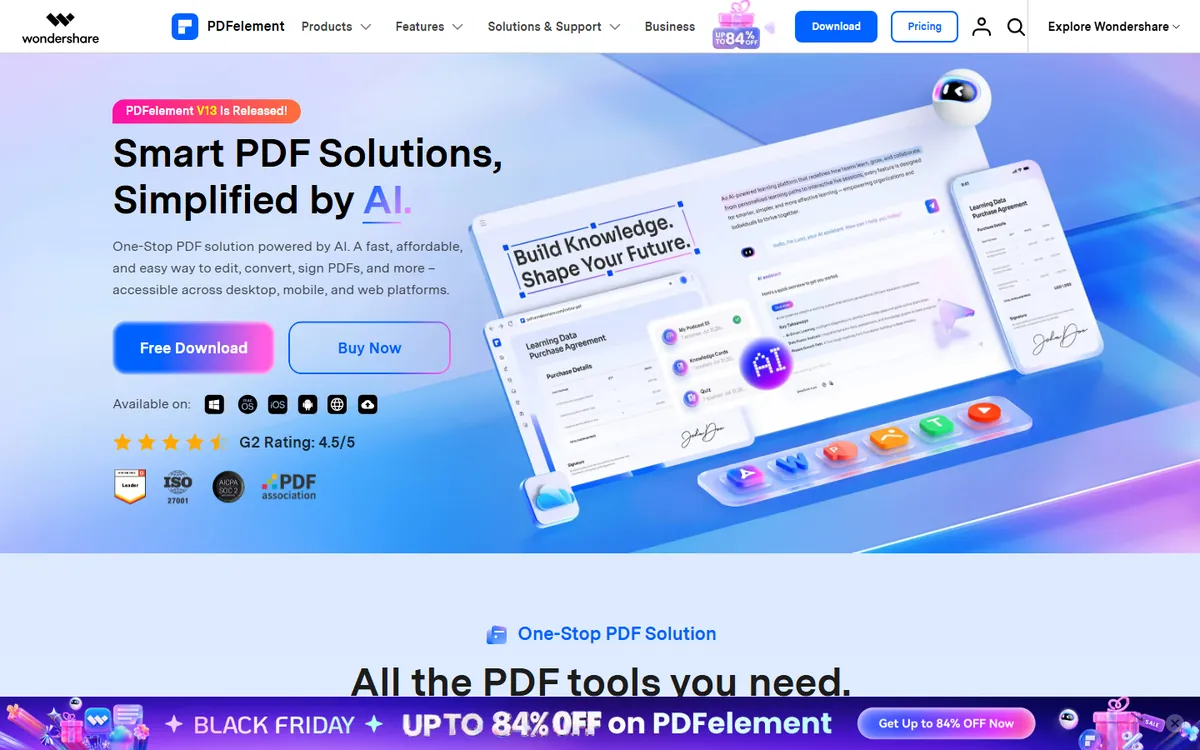
PDFelement is a PDF editor made by Wondershare. It is known for an Acrobat-like layout that covers editing, conversion, forms, OCR and signing. In this guide it fits buyers who want that familiar all-in-one feel at a lower list price, with a choice of subscription or a one-time perpetual license.
Key features
- OCR: Wondershare says OCR turns scanned files into searchable or editable text in 26 languages.
- Redaction: The product page describes smart redaction that can detect sensitive data or redact areas you select.
- E-signatures: Wondershare describes certificate-based signatures, bulk sending and signing status tracking. The product page does not tie this to a specific plan.
- Cloud storage: Per the store, single-platform plans include 20GB of PDFelement Cloud storage and cross-platform plans include 100GB.
PDFelement plans and pricing
| Plan | Price | Notes |
|---|---|---|
| Yearly, single platform | $129 a year (list) | Sale price shown was $63.99 auto-renew or $31.99 manual renew |
| Yearly, cross-platform | $305 a year (list) | Desktop, mobile and web; sale price shown was $71.99 |
| Quarterly, single platform | $49 a quarter (list) | Auto-renews; sale price shown was $11.99 |
| 2-year, single platform | $149 for 2 years (list) | Manual renewal; sale price shown was $109.99 |
| Perpetual, single platform | $159 one-time (list) | Access to PDFelement 13; sale price shown was $51.99 |
| Business and Team | Custom quote | Team prices not shown in page text; volume discounts via sales |
Why it made the list
Wondershare PDFelement looks and works much like Acrobat, with editing, conversion, OCR, forms and e-signatures in one app, plus cloud storage. When I checked, its yearly Windows plan was heavily discounted, so the real price can be far below the list price.
Trade-offs to know
Pricing changes often and promotions vary, so confirm the final price at checkout. Wondershare sells yearly plans with auto-renew or manual renewal, plus a one-time perpetual license. Cross-platform bundles cost more than single-platform plans.
Skip it if: Skip it if you need a stable, published price for budgeting, since the store shows large sale discounts that change. Teams that need fixed per-seat pricing up front should note that the business page sends buyers to sales.
5. Xodo: Best for teams that want web, desktop and mobile together
G2 rating 4.4out of 5 37 reviews · checked Nov 2026
- Starting price
- $14.99 a monthFull suite, $179.88 billed yearly; first-year promo for new annual plans
- Free plan
- Free trial
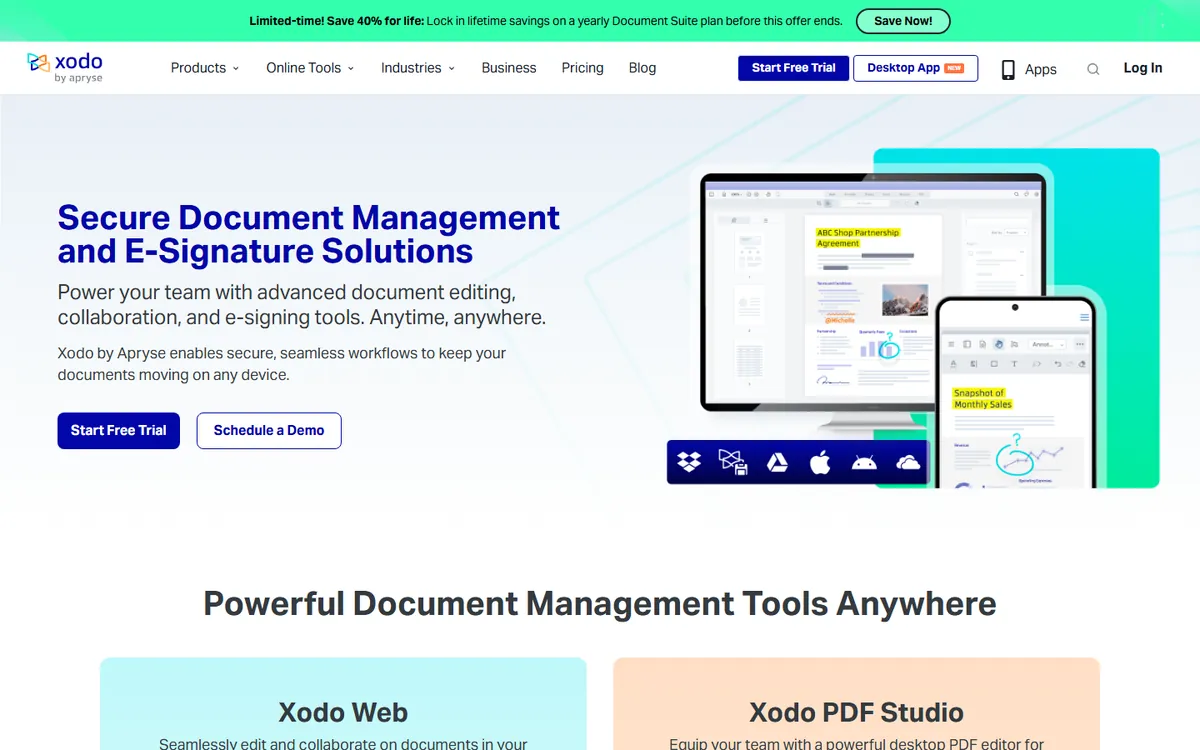
Xodo is a PDF product line that spans a web app, a desktop app called PDF Studio, and mobile apps. It is known for one subscription that covers editing, converting and signing on many devices. For this guide it suits teams that move between phone, browser and desktop and want the same PDF tools in each place.
Key features
- Many platforms: The Document Suite covers web, Windows, macOS, Linux, Android and iOS, per the pricing page.
- Desktop app: Xodo Desktop (PDF Studio) lists 60+ tools, offline use and a perpetual license option.
- OCR and redaction: Xodo lists OCR for scanned files and a Redact PDF tool, but the page text does not say which plan includes each.
- Team seats: The FAQ lists Suite seat discounts of 5% for 2 to 5 seats, 10% for 6 to 20, and 15% for 21 or more.
Xodo plans and pricing
| Plan | Price | Notes |
|---|---|---|
| Xodo Document Suite | $179.88 a year (regular) | $14.99 a month billed monthly; first-year promo shown at $89.94 |
| Xodo Desktop (PDF Studio) | $119.88 a year | Shown as $9.99 a month billed yearly; perpetual option, price not listed |
| Xodo Web | $39.99 a year | Web only, 40+ online tools |
| Xodo Free | $0 | 1 free action per day, 1GB Xodo Drive |
| Xodo for Teams | Custom quote | Contact sales |
Why it made the list
Xodo covers editing, converting and signing across web, desktop and mobile in one subscription. A lighter web-only plan costs $39.99 a year. It is a good fit for people who switch between devices during the day.
Trade-offs to know
Xodo often runs first-year promos on new annual plans, so check what renewal will cost. Some features are split between plans, so compare carefully before you buy.
Skip it if: Skip it if you want a price that stays flat, since the lowest Suite figure is a first-year promo for new annual subscriptions only. If you need a one-off fix, the free plan's 1 action per day is very tight.
6. Sejda: Best for occasional editing in the browser
- Starting price
- $63 a yearDesktop + Web annual; $5 week pass
- Free plan
- Yes (limited)
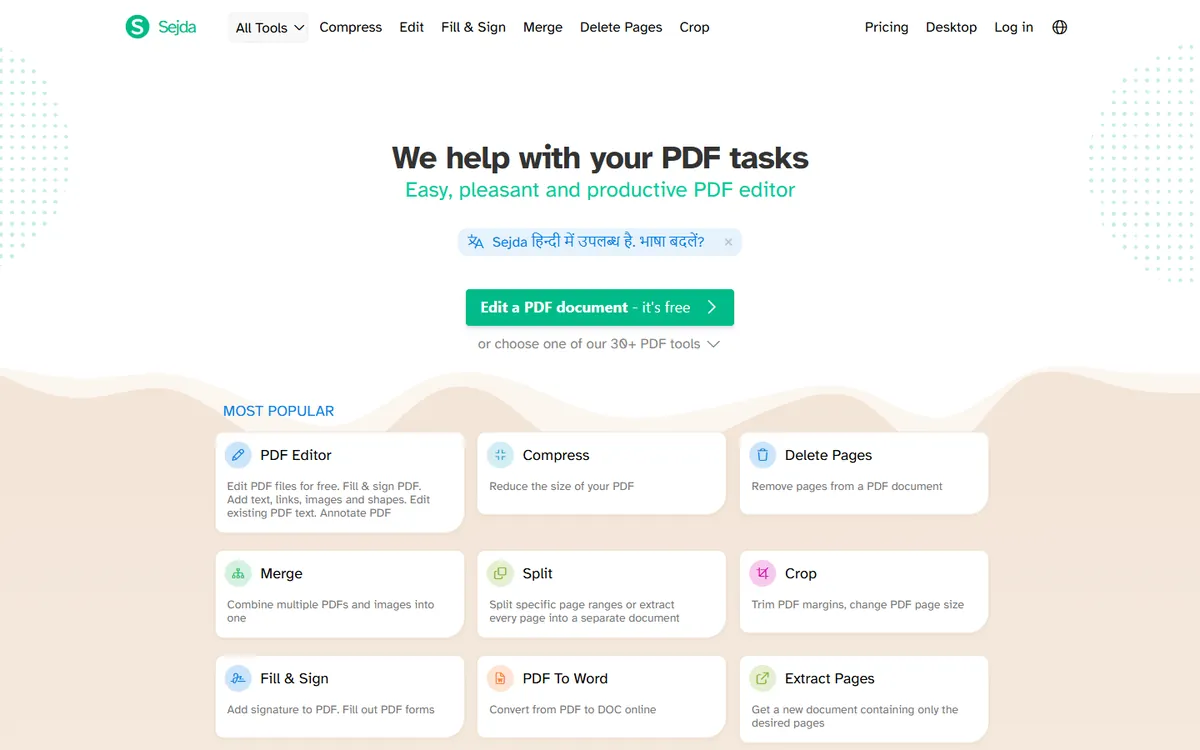
Sejda is a PDF editor that runs in the browser, with a desktop app for Windows, Mac and Linux. It is known for a usable free tier and a cheap week pass for one-off jobs. In this guide it fits people who edit PDFs now and then and do not want to install or pay for a full yearly suite.
Key features
- Browser editor: The free web editor handles documents up to 200 pages or 50 MB, with 3 tasks per hour, per Sejda.
- OCR: Free OCR covers up to 10 pages, and paid web plans can OCR documents up to 100 pages.
- Desktop app: The Desktop+Web Annual plan adds desktop installs, with downloads for Windows, Mac and Linux.
- Whiteout note: Sejda warns its whiteout tool hides content but does not fully remove it, so it is not suitable for redacting sensitive data.
Sejda plans and pricing
| Plan | Price | Notes |
|---|---|---|
| Web Week Pass | $5 one-time for 7 days | Does not auto-renew; web only |
| Web Monthly | $7.50 per user a month | Recurring billing; web only |
| Desktop+Web Annual | $63 per user a year | Recurring billing; web plus desktop |
| Free | $0 | 200 pages or 50 MB, 3 tasks per hour |
| Teams | Volume discount | Sejda lists a 20% volume discount for 10 users |
Why it made the list
Sejda runs in any browser with no install, and its free tier handles light editing with page and hourly limits. A $5 week pass covers one-off jobs, and $63 a year unlocks both web and desktop versions. That makes it ideal for people who only edit PDFs now and then.
Trade-offs to know
The free tier has file size, page and hourly limits. The web monthly plan costs $7.50, so frequent users should go yearly. It lacks the advanced OCR and redaction depth of FineReader or Acrobat.
Skip it if: Skip it if you must remove sensitive text from files, since Sejda itself says its whiteout is not suitable for redaction. Heavy daily users may also hit the 100-page OCR cap on paid web plans.
Why look for an Adobe Acrobat alternative?
Adobe sells Acrobat as Standard, Pro and Studio plans for teams, all on yearly commitments. Its business pricing page lists the cancellation terms for each billing type, and prices are shown in local currency by region.
That is fine if you use Acrobat’s full power every day. But many people only need to edit text, merge files, fill forms or convert to Word. For them, a cheaper or free editor does the same job.
How I evaluated
I compared PDF editors that people search for most as Acrobat replacements. On November 14, 2026, I read each vendor’s own pricing or product page and noted license type, platforms, limits and billing terms. Ratings shown are from G2, checked on the same date, where a verified G2 page exists.
This guide is built from official pricing pages, product docs and public reviews. Prices are in US dollars. See my editorial policy.
How to choose the right Acrobat alternative
| Your situation | Best fit |
|---|---|
| You never want to pay | PDF24 Creator (Windows) or Sejda free (browser) |
| You hate subscriptions | PDF-XChange Editor, one-time license |
| You work with scans and paper | ABBYY FineReader PDF |
| You want an Acrobat-like editor for less | PDFelement |
| You switch between phone, web and desktop | Xodo |
| You edit PDFs only now and then | Sejda week pass or yearly plan |
Then check two things: whether it runs on your operating system, and whether you need e-signatures with an audit trail. If you send contracts often, pair any editor with a dedicated signing tool from the best e-signature software.
Do I need Acrobat to sign PDFs?
No. Most editors here can add a simple signature to a PDF. For contracts that need tracking, reminders and an audit trail, a signing tool is the better fit, and many have free plans. See the best e-signature software and the best Adobe Sign alternatives.
What a 1-person and a 10-person team would pay
Here is the first-year cost at list price, with Adobe Acrobat for teams as the baseline you would be leaving.
| Tool | 1 user | 10 users | Plan used |
|---|---|---|---|
| Adobe Acrobat Standard for teams (baseline) | $203.88 a year ($16.99 x 12) | $2,038.80 a year | US price, annual billed monthly. Pro is $23.99 a month per license ($287.88 a year). |
| PDF-XChange Editor | $62 one-time | $534 one-time (10-user pack) | One-time totals, not yearly. Includes 1 year of maintenance; renewals are optional at about 25% of the license price per year. |
| PDF24 Creator | $0 | $0 | Free for business use. Windows only. |
| ABBYY FineReader PDF | $99 a year | $990 a year ($99 x 10) | Standard for Windows, per license a year. ABBYY mentions volume benefits but lists no team price. |
| PDFelement | $129 a year (list) | $1,290 a year (list x 10) | Yearly single-platform list price. Sale prices are much lower but change. Team price is by quote. |
| Xodo | $179.88 a year | $1,618.92 a year | Document Suite regular yearly price. 10 seats uses the 10% discount for 6 to 20 seats. First-year promo not included. |
| Sejda | $63 a year | $504 a year ($630 less 20%) | Desktop+Web Annual, with the 20% volume discount Sejda lists for 10 users. |
List prices from each vendor’s own page on November 19 to 20, 2026, in US dollars; taxes, add-ons and promos are not included.
How to switch from Adobe Acrobat
- Find your Adobe renewal date and billing type first. Adobe’s business pricing page says annual plans billed monthly charge half your remaining commitment if you cancel after 14 days, and annual prepaid plans get no refund after 14 days.
- List what your team really uses in Acrobat: editing, OCR, forms, redaction or signing. Then match each task to the plan that includes it, such as Editor Plus for PDF-XChange form building or Corporate for ABBYY document compare.
- Check operating systems before you buy. PDF-XChange Editor lists Windows 10 and later only, and PDF24 says Mac and Linux are not currently supported, while Sejda offers Windows, Mac and Linux downloads.
- Run a trial with real files. ABBYY and Xodo offer trials, Sejda’s free tier allows 3 tasks per hour, and PDF24 is free, so test your own scans and forms before you commit.
- Plan seats and billing. PDF-XChange sells one-time user packs, such as $534 for 10 Editor users, while Sejda lists a 20% volume discount for 10 users.
- Buy the new tool before your Adobe term ends, then let Acrobat lapse at renewal so your team is not left without a PDF editor.
The bottom line
PDF-XChange Editor is the best Acrobat alternative if you want to buy once, PDF24 Creator is the best free choice, and ABBYY FineReader PDF wins for scanned documents. PDFelement and Xodo give an Acrobat-like experience for less, and Sejda is perfect for occasional browser edits. Switch near your Adobe renewal date to avoid the cancellation fee.
Next steps:
- Need signatures too? Compare the best e-signature software.
- Leaving Adobe Sign as well? Read the best Adobe Sign alternatives.
- See how I review tools in my editorial policy.
Frequently asked questions
What is the best free alternative to Adobe Acrobat?
PDF24 Creator is the best free option for Windows. It is free for personal and business use, has no usage limits, and works offline. For light editing in a browser, Sejda's free tier works on any device, with page and hourly limits.
Is there an Adobe Acrobat alternative with a one-time purchase?
Yes. PDF-XChange Editor sells a perpetual license from $62 for Editor and $79 for Editor Plus. You can keep using the version you bought, and maintenance renewals for updates are optional.
Which Acrobat alternative is best for scanned documents?
ABBYY FineReader PDF is the strongest choice for scans. Its AI-based OCR turns scanned pages into editable, searchable text. Standard costs $99 a year per license, and Corporate, at $165, adds batch processing.
Can I cancel Adobe Acrobat anytime?
Not without cost on business plans. Adobe's business pricing page says annual plans billed monthly charge half the remaining commitment if you cancel after 14 days, and prepaid annual plans get no refund after 14 days. The cheapest time to switch is at your renewal date.
Do these alternatives work on Mac?
Some do. Xodo and Sejda work in the browser on any system, ABBYY sells a separate FineReader PDF for Mac at $69 a year, and PDFelement has Mac plans. PDF-XChange Editor and PDF24 Creator are Windows-only.
How much does Adobe Acrobat cost for a team in the US?
Adobe's business pricing page lists Acrobat Standard for teams at $16.99 a month per license and Acrobat Pro for teams at $23.99, on annual plans billed monthly. Acrobat Studio for teams is $29.99. For 10 users on Standard, that is about $2,038.80 a year before tax.
What happens to PDF-XChange Editor when maintenance runs out?
PDF-XChange says the license stays valid for versions released while your maintenance was active. You lose access to newer updates until you renew. The vendor says renewals within 30 days of expiry cost about 25% of the original license price per year, and renewal is optional.
What are the limits on Sejda's free plan?
Sejda's free web editor handles documents up to 200 pages or 50 MB, with 3 tasks per hour. Free OCR is limited to 10 pages. Paid plans remove the page and hourly limits, allow files up to 500MB, and raise OCR to 100 pages on the web.
Sources I checked (7)
- Adobe Acrobat pricing and plans for business
- PDF-XChange Editor
- PDF24 Creator
- ABBYY FineReader PDF pricing
- Wondershare PDFelement store
- Xodo pricing
- Sejda pricing
Prices checked Nov 20, 2026, in US dollars. Vendors change plans often, so confirm on the vendor's page before you buy. If you see a change or something I missed, email info@amitdeora.com with a link to the vendor's page.