
How this list is made: Built from public information on each vendor's own pricing pages and product docs, plus public user reviews. I don't test the tools hands-on, and this guide is for general education. Some brands in this list may be featured partners or sponsors, and those spots are clearly labeled. Spot something missing or out of date? Email info@amitdeora.com and I'll update it. Editorial policy · Advertising disclosure.
Adobe sells e-signatures in two ways. Most small teams get them inside an Acrobat for teams plan, bundled with PDF editing. Larger firms buy Acrobat Sign Solutions, which is quote-only. Adobe itself notes that the e-signature tools in Acrobat Standard and Pro do not offer the same level of compliance as Sign Solutions.
If you only need signatures, or you want clear pricing, a dedicated e-signature tool is often simpler. I compared seven, with prices checked on each vendor's own page on November 13, 2026.
Quick comparison
| Tool | Best for | Starting price | Free plan | Rating |
|---|---|---|---|---|
 DocuSign | A like-for-like swap with a trusted brand | $11 a month | Free trial (no card needed) | 4.5/5 (G2) |
 Signeasy | Unlimited sending at a fair per-seat price | $10 a month | Free trial | 4.7/5 (G2) |
 BoldSign | The lowest cost with a usable free plan | $5 per user a month | Yes (25 envelopes a month) | 4.7/5 (G2) |
 Dropbox Sign | Signing that never counts envelopes | $15 a month | Yes (limited) | 4.7/5 (G2) |
 PandaDoc | Teams that build documents, not just sign them | $19 per seat a month | Yes (5 documents a month) | 4.7/5 (G2) |
 signNow | Low-volume signing for a whole office | $8 a month | Free trial | 4.6/5 (G2) |
 DocuSeal | Self-hosted signing for privacy-minded teams | $20 per user a month | Yes (open source) | 4.9/5 (G2) |
The 7 best picks, ranked
1. DocuSign: Best for a like-for-like swap with a trusted brand
G2 rating 4.5out of 5 2,925 reviews · checked Nov 2026
- Starting price
- $11 a monthPersonal, billed yearly; Standard $30 per user
- Free plan
- Free trial (no card needed)
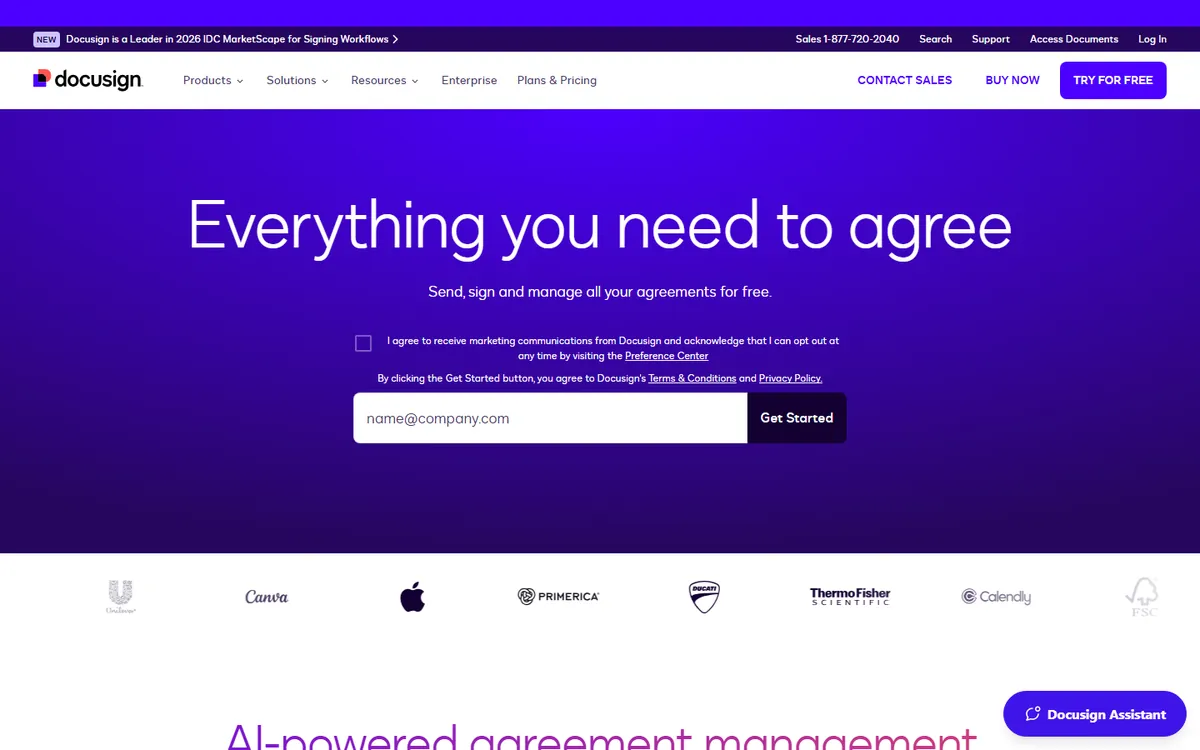
DocuSign eSignature comes from Docusign, Inc. and is the name many legal and sales teams already know. Its self-serve ladder runs from an $11 Personal plan to Business Pro at $45 per user, with Enhanced plans sold by quote. For an Acrobat Sign Solutions buyer, Enhanced is the nearest match, since both are priced through a sales team.
Key features
- Partner integrations: DocuSign's plan table lists 1,000+ partner integrations on Business Pro and Enhanced, not on Personal or Standard.
- Bulk send: Business Pro adds bulk send for mailing one agreement to many recipients at once.
- Enhanced plan controls: Enhanced plans add single sign-on and custom envelope limits for teams of 50 or more users.
- Pay-as-you-go overage: DocuSign's FAQ says envelopes past your allowance are billed per envelope, so sending does not stop.
DocuSign plans and pricing
| Plan | Price | Notes |
|---|---|---|
| Personal | $11 a month, billed yearly ($132 a year) | 1 user, 5 envelopes a month; monthly rate |
| Standard | $30 per user a month, billed yearly | Up to 50 users, 100 envelopes per user a year |
| Business Pro | $45 per user a month, billed yearly | Adds bulk send, payments, 1,000+ partner integrations |
| Enhanced | Custom quote | 50+ users, SSO, custom envelope limits |
Why it made the list
DocuSign is the obvious move for teams that want another household name. It lists 1,000+ partner integrations on Business Pro and up, and its Enhanced plans let large teams customize envelope limits. Business Pro adds web forms, payment collection and bulk send.
Trade-offs to know
Standard and Business Pro cap sends at 100 envelopes per user per year. It does not edit PDFs, so heavy Acrobat users may still need a PDF editor. Plans are yearly commitments with a one-time 30-day cancellation window.
Skip it if: Skip DocuSign if your main goal after Adobe is to cut costs, since Standard is $30 per user a month on a yearly plan and caps each user at 100 envelopes a year. Teams that need Salesforce or Microsoft Dynamics links will also need a sales quote for Enhanced.
2. Signeasy: Best for unlimited sending at a fair per-seat price
G2 rating 4.7out of 5 794 reviews · checked Nov 2026
- Starting price
- $10 a monthPersonal, $120 billed yearly; Business $20 per seat
- Free plan
- Free trial
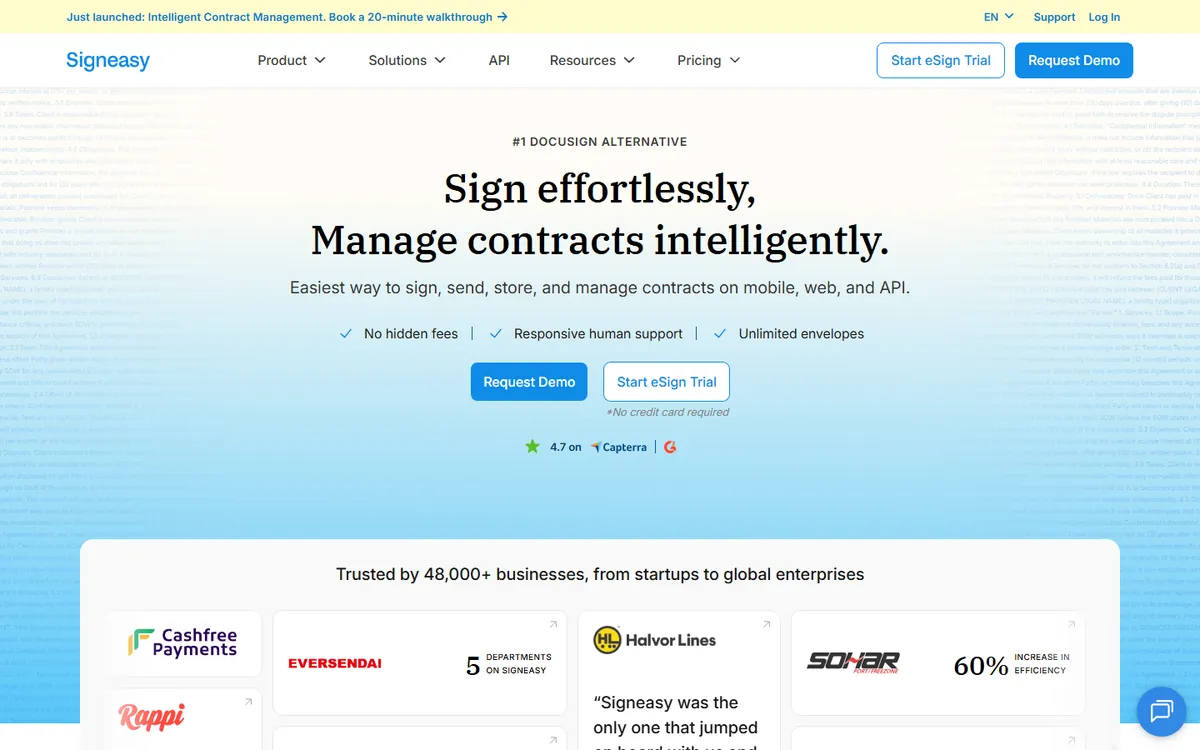
Signeasy is a dedicated e-signature app sold per seat, with Personal, Business and Business Pro plans you can buy online. It is known for unlimited sending on its Business tiers and add-ons for Google Workspace and Microsoft apps. For teams leaving Adobe, it keeps signing inside the office apps people already use, without paying for PDF editing.
Key features
- Unlimited sending: Business and Business Pro both list unlimited envelopes for signature, while Personal allows 5 a month.
- Office app add-ons: Personal lists Google Workspace and Microsoft apps, and Business adds Google Drive and OneDrive Personal sync.
- AI contract summary: Business can pull key terms and a short summary out of a contract with AI.
- Approval workflows: Business Pro adds contract approvals, roles and permissions, plus SharePoint, HubSpot and OneDrive for Business links.
Signeasy plans and pricing
| Plan | Price | Notes |
|---|---|---|
| Personal | $10 per seat a month, billed yearly ($120 a year) | 5 sends a month, 5 templates; monthly rate |
| Business | $20 per seat a month, billed yearly ($240 a year) | Unlimited sends and templates |
| Business Pro | $30 per seat a month, billed yearly ($360 a year) | Approvals, signer 2FA, SMS and bulk send as add-ons |
| Custom | Custom quote | 5+ seats or high volume; SSO and bulk send included |
Why it made the list
Signeasy's Business plan, at $20 per seat a month billed yearly, lets you send unlimited documents for signature. It adds team templates, reminders, an admin dashboard, two-factor login and AI that pulls key terms from a contract. It works inside Google Workspace and Microsoft apps.
Trade-offs to know
The Personal plan only lets you send 5 contracts a month. SharePoint and HubSpot connections, signer 2FA and approval workflows sit on Business Pro at $30 per seat. Teams of five or more are steered to a custom plan.
Skip it if: Skip Signeasy if you need bulk send on a plan you can buy online, because the pricing page lists it as an add-on or as part of the Custom plan. Offices with five or more seats should also expect to request a custom quote.
3. BoldSign: Best for the lowest cost with a usable free plan
G2 rating 4.7out of 5 497 reviews · checked Nov 2026
- Starting price
- $5 per user a monthGrowth, billed yearly; Business $15
- Free plan
- Yes (25 envelopes a month)
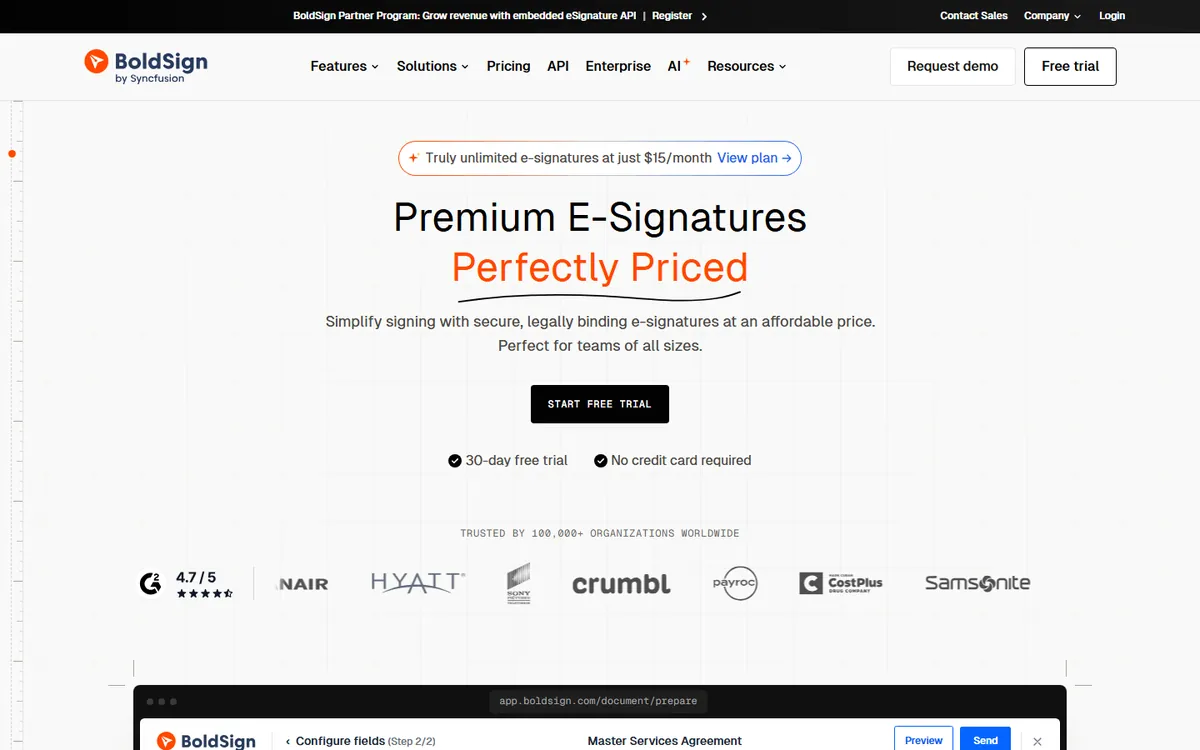
BoldSign is the e-signature app and API from Syncfusion, a company better known for developer tools. Pricing starts with a free Essential plan and moves to Growth at $5 per user a month on a yearly bill. In an Adobe guide, it suits staff who only ever send or sign and never open Acrobat's PDF editor.
Key features
- Free sender plan: Essential gives one sender 25 envelopes a month at no cost, or 5 until BoldSign verifies a personal email sign-up.
- Template import and export: BoldSign's help guide says templates move in and out as JSON files up to 50 MB; the guide does not name a plan.
- HubSpot and SSO: Business adds HubSpot integration, single sign-on and custom roles, with no envelope limit.
- Flat-fee Premium: Premium is $99 a month on a yearly bill for unlimited users and 250 envelopes, with extra envelopes at $0.50 each.
BoldSign plans and pricing
| Plan | Price | Notes |
|---|---|---|
| Essential | $0 | 1 sender, 25 envelopes a month (5 for personal emails until verified) |
| Growth | $5 per user a month, billed yearly | $15 billed monthly; 50 envelopes per user a month |
| Business | $15 per user a month, billed yearly | $25 billed monthly; unlimited envelopes |
| Premium | $99 a month flat, billed yearly | $138 billed monthly; unlimited users, 250 envelopes a month |
| Enterprise API | Custom quote | 40 envelopes included, then $0.75 each |
Why it made the list
BoldSign covers 25 envelopes a month for free, then charges $5 per user on Growth. That is a fraction of an Acrobat team license if signing is all you use. Growth adds template sharing, in-person signing and team management.
Trade-offs to know
It is a signing tool only, with no PDF editor. Personal email sign-ups get a smaller free allowance. SMS delivery and ID checks are billed per use.
Skip it if: Skip BoldSign if Growth's 50 envelopes per user a month will not cover your volume and Business at $15 per user is over budget. Teams that want SMS delivery should also note it costs $0.20 a message and is listed from Business up.
4. Dropbox Sign: Best for signing that never counts envelopes
G2 rating 4.7out of 5 2,286 reviews · checked Nov 2026
- Starting price
- $15 a monthEssentials, $180 billed yearly; Standard $25 per user
- Free plan
- Yes (limited)
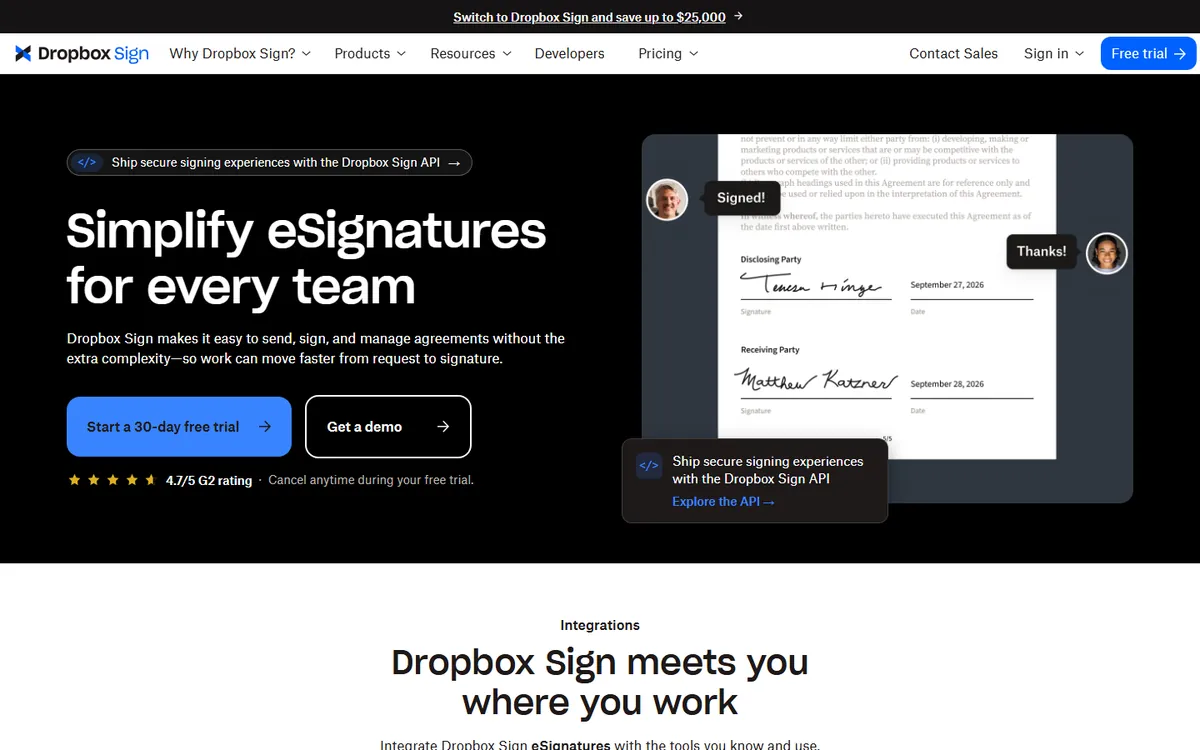
Dropbox Sign, formerly HelloSign, is the signing product owned by Dropbox. Its plans are priced by seat, and its pricing page lists unlimited signature requests, so nobody counts sends. For an Acrobat team that mostly asks clients to sign, it is a simpler, signing-only tool, with Google Drive, Microsoft Word and HubSpot links listed even on Essentials.
Key features
- Office and CRM links: Essentials, Standard and Premium all list Google Drive, Microsoft Word and HubSpot integrations.
- Signer attachments and in-person signing: Standard and Premium let signers upload files and sign in person on a mobile device; Essentials includes neither.
- Salesforce: Standard and Premium list Salesforce, and Dropbox notes that select integrations are a paid add-on.
- Premium cloud sync: on Premium, a team admin can sync every signed document to Dropbox, Box, Google Drive or OneDrive, older files included.
Dropbox Sign plans and pricing
| Plan | Price | Notes |
|---|---|---|
| Free | $0 | Linked from the pricing page; limits not listed there |
| Essentials | $15 a month, billed yearly ($180 a year) | 1 user, 5 templates; $20 billed monthly |
| Standard | $25 per user a month, billed yearly | 2 or more users, from $600 a year; $30 per user billed monthly |
| Premium | Custom quote | 5 or more users; SSO, data residency |
Why it made the list
Dropbox Sign suits teams that send in bursts, because it says it charges no overages on signature requests. Clients get a clean, simple signing page. Finished files can land in Dropbox, Google Drive or Microsoft storage, much like Acrobat's cloud saves.
Trade-offs to know
Its team plan, Standard, is $25 per user a month but starts at $600 a year, since it is priced for two or more users. Teams of 5 or more users are sent to sales. It replaces Acrobat's signing, not its PDF editing.
Skip it if: Skip Dropbox Sign if your Acrobat team has five or more senders and wants to buy online, since that size goes to sales. A solo user who needs signer attachments or in-person signing would have to move from Essentials to Standard, which is priced for two or more users.
5. PandaDoc: Best for teams that build documents, not just sign them
G2 rating 4.7out of 5 3,864 reviews · checked Nov 2026
- Starting price
- $19 per seat a monthStarter, billed yearly; Business $49
- Free plan
- Yes (5 documents a month)
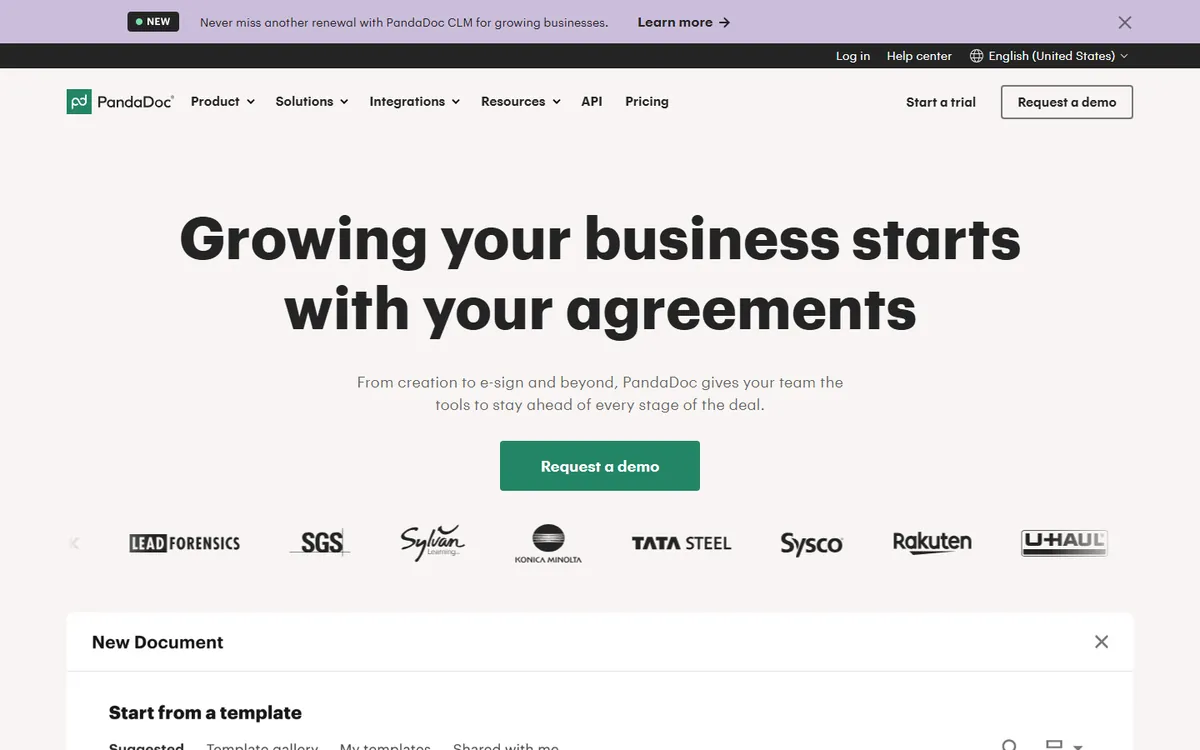
PandaDoc is a document workspace from PandaDoc, built for proposals, quotes and contracts that begin as drafts. It is known for an in-browser editor and alerts when a client opens a file. Acrobat users who put proposals together as PDFs before sending them may find it covers both steps, while plain PDF editing stays in Acrobat.
Key features
- Unlimited e-signatures on Starter: Starter, at $19 per seat a month billed yearly, covers unlimited uploads and signatures sent from the app.
- CRM integrations: CRM sync and approval workflows start on Business at $49 per seat a month billed yearly.
- Usage credits: API and automation sends draw on paid usage credits, and on Business so do web forms and bulk send.
- SSO and data location: Enterprise adds single sign-on and a choice of US or EU data residency.
PandaDoc plans and pricing
| Plan | Price | Notes |
|---|---|---|
| Free | $0 | 5 documents a month shared across the team |
| Starter | $19 per seat a month, billed yearly | 5 templates; monthly rate |
| Business | $49 per seat a month, billed yearly | Unlimited templates, CRM integrations, approvals |
| Enterprise | Custom quote | SSO, US or EU data residency |
Why it made the list
If you used Acrobat to assemble proposals or quotes before sending them for signature, PandaDoc does both in one place. Its editor builds the document, tracks when it is opened and collects the signature. Starter includes unlimited e-signatures.
Trade-offs to know
CRM integrations, approval workflows and bulk send need the $49 Business plan. API and automation sends use paid usage credits. It edits its own documents, not existing PDFs the way Acrobat does.
Skip it if: Skip PandaDoc if your files arrive as finished PDFs that only need a signature. You would pay for a document builder you may not use, and Starter allows only 5 templates.
6. signNow: Best for low-volume signing for a whole office
G2 rating 4.6out of 5 1,776 reviews · checked Nov 2026
- Starting price
- $8 a monthBusiness, billed yearly ($20 monthly)
- Free plan
- Free trial
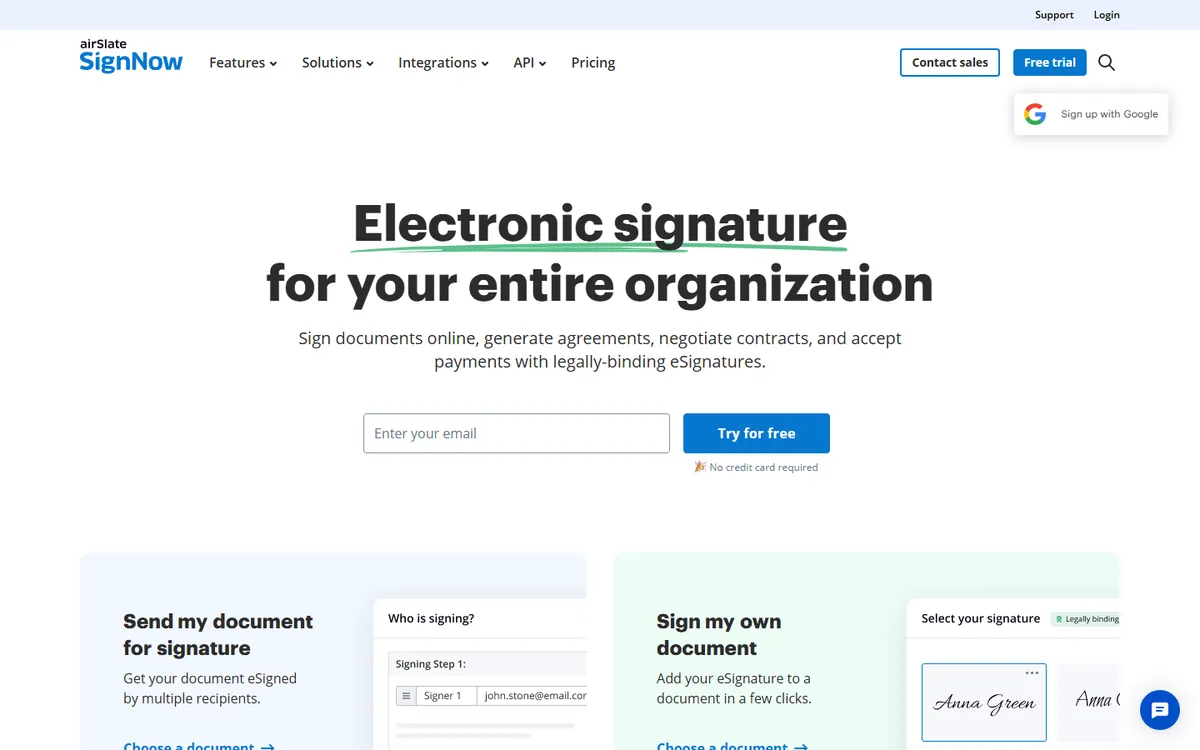
signNow is an airSlate product that prices each plan for the whole account rather than per person. Business starts at $8 a month on a yearly bill and allows unlimited users. That makes it a low-cost way to give every former Acrobat user signing access, as long as the office stays under the plan's 100 signature invites a year.
Key features
- No per-person fee: Business, Business Premium and Enterprise let you add as many users as you need for the one plan price.
- Payments and bulk send: Business Premium, at $15 a month billed yearly, adds payment collection and bulk send.
- Conditional fields and SMS: Enterprise adds conditional and formula fields, SMS delivery and approval steps.
- Site License: high-volume offices can pay $1.50 per signature invite, with SSO and full API access.
signNow plans and pricing
| Plan | Price | Notes |
|---|---|---|
| Business | $8 a month, billed yearly | $20 billed monthly; 100 invites a year |
| Business Premium | $15 a month, billed yearly | $30 billed monthly; 100 invites a year |
| Enterprise | $30 a month, billed yearly | $50 billed monthly; 100 invites a year |
| Site License | Custom quote | $1.50 per signature invite |
Why it made the list
signNow includes unlimited users on every plan, starting at $8 a month billed yearly. For an office that signs a handful of forms a month, that is far cheaper than an Acrobat license per person.
Trade-offs to know
Every plan includes 100 signature invites per year. Busy teams should price the Site License at $1.50 per invite. Monthly billing costs well over double the yearly rate.
Skip it if: Skip signNow if your office sends more than 100 documents a year, since every regular plan carries that cap. Paying month to month also raises Business from $8 to $20 a month.
7. DocuSeal: Best for self-hosted signing for privacy-minded teams
G2 rating 4.9out of 5 379 reviews · checked Nov 2026
- Starting price
- $20 per user a monthCloud Pro, or $200 a year
- Free plan
- Yes (open source)
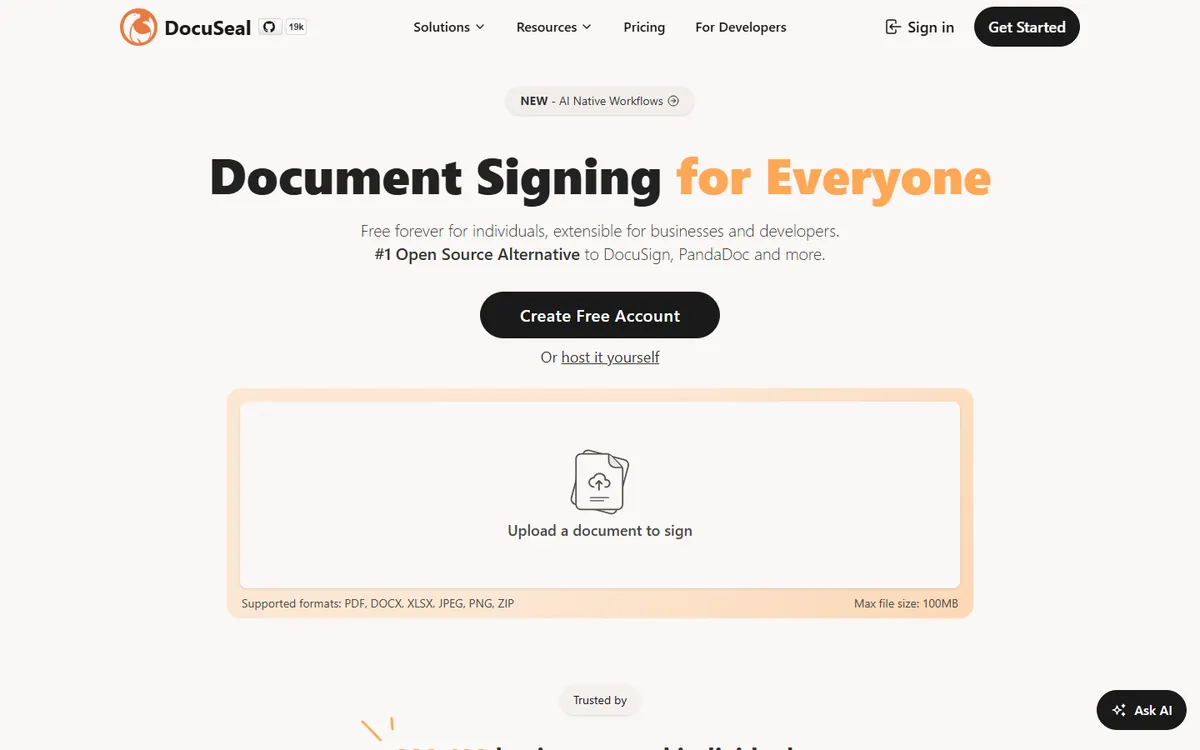
DocuSeal is an open-source signing tool you can host yourself or use as a cloud service. It is known for a free self-hosted edition and pay-per-use prices for API signing. For teams leaving Adobe over data control, it lets a firm keep agreements on its own servers, and its cloud Pro plan also sells EU qualified signatures.
Key features
- Self-hosting: the free On-premises Open Source edition puts no cap on request emails, with support through GitHub.
- Paid self-hosted plan: On-premises Pro, at $240 per user a year, adds a trusted certificate plus SMS and bulk send.
- Qualified signatures: cloud Pro lists EU qualified e-signatures at $2 to $4 each.
- Automation links: cloud Pro connects to Zapier, Make.com and n8n, billed at $0.20 per completion.
DocuSeal plans and pricing
| Plan | Price | Notes |
|---|---|---|
| Cloud Basic | $0 | 10 request emails a month; 4% fee on collected payments |
| Cloud Pro | $200 per user a year, billed yearly | $20 per user billed monthly; unlimited requests |
| On-premises Open Source | $0 | No SMS or bulk send; GitHub support |
| On-premises Pro | $240 per user a year, billed yearly | Trusted certificate, SMS, bulk send |
Why it made the list
DocuSeal is open source, so a team with a developer can run it on its own server and keep documents in-house. For EU work, it sells qualified electronic signatures at $2 to $4 each, and ID checks at $2 each.
Trade-offs to know
Running your own server means owning updates, backups and security. The free cloud plan allows only 10 request emails a month. It has fewer enterprise admin tools than Adobe or DocuSign.
Skip it if: Skip DocuSeal if you want the free edition but nobody on staff can run a server, since Open Source runs on your own machine and its support comes through GitHub. The free cloud Basic plan sends only 10 request emails a month.
How Adobe prices e-signatures
Adobe does not sell a simple standalone e-signature plan for small teams. Instead, its business pricing page lists:
| Adobe option | What it is | How it is priced |
|---|---|---|
| Acrobat Standard for teams | PDF tools plus e-signatures | Per license, annual |
| Acrobat Pro for teams | More PDF tools plus e-signatures | Per license, annual |
| Acrobat Studio for teams | Everything in one plan | Per license, annual |
| Acrobat Sign Solutions | Enterprise e-signature with higher compliance | Contact sales |
Adobe shows prices in local currency based on where you are, so check the page in your own country. Team plans are annual commitments everywhere.
Adobe’s business pricing page says Annual, billed monthly plans charge half of the remaining commitment if you cancel after 14 days, and Annual, prepaid plans get no refund after 14 days.
How I evaluated
I compared dedicated e-signature tools that small and mid-size teams use in place of Adobe. On November 13, 2026, I read each vendor’s own pricing page, plus Adobe’s business pricing page for its plan structure and cancellation terms.
This guide is built from official pricing pages, product docs and public reviews. Prices are in US dollars, billed yearly unless noted. See my editorial policy.
How to choose the right Adobe Sign alternative
Ask what you really use Adobe for.
- Mostly signing, low volume: BoldSign (free tier) or signNow (unlimited users).
- Signing at volume: Signeasy Business (unlimited sending) or Dropbox Sign (no overages).
- A big brand your clients trust: DocuSign.
- Building proposals and quotes: PandaDoc.
- Strict data control or EU signatures: DocuSeal.
- Heavy PDF editing every day: keep an Acrobat license for the editors who need it, and move everyone else to a cheaper signing tool.
That last option is often the biggest saving. Many teams pay for Acrobat licenses for people who only ever click “sign”.
How to switch from Adobe Sign without paying twice
- Find your renewal date in your Adobe account. Cancelling after the first 14 days can trigger a fee or forfeit a refund, depending on your billing type.
- Export signed agreements and their audit reports before you leave.
- Rebuild your top templates in the new tool and test them on a phone.
- Run both tools for one month before renewal, then let the Adobe licenses lapse.
What the law says about e-signatures
This is general information, not legal advice. In the United States, the federal ESIGN Act, approved in 2000, covers electronic signatures in commerce, and most states have their own e-signature laws. The EU has separate rules called eIDAS. Whether a document can be signed electronically depends on the type of document and where you are.
Each vendor here says it keeps an audit trail of who signed and when. If your work needs EU qualified signatures or industry rules, check which signature types each vendor lists before you switch. For any contract that matters, ask a lawyer before you rely on an e-signature.
What 1 user and a 10-person team would pay
Here is the monthly cost of each alternative on yearly billing for one sender and for ten; Adobe is not in the table because its business pricing page showed only local-currency prices when checked.
| Tool | 1 user | 10 users | Plan used |
|---|---|---|---|
| DocuSign | $11 | $300 (10 x $30) | Personal for 1 user, Standard for 10 |
| Signeasy | $10 | Custom quote | Personal for 1 (5 sends a month); 5+ seats go to a custom plan |
| BoldSign | $5 | $50 (10 x $5) | Growth; the free Essential plan also covers 1 sender |
| Dropbox Sign | $15 | Custom quote | Essentials for 1; Premium quote for 5 or more users |
| PandaDoc | $19 | $190 (10 x $19) | Starter |
| signNow | $8 | $8 | Business; unlimited users, 100 invites a year |
| DocuSeal | $16.67 ($200 / 12) | $166.67 (10 x $200 / 12) | Cloud Pro |
List prices from each vendor’s pricing page on November 19, 2026, on yearly billing; taxes, add-ons, usage credits and promo discounts are not included.
How to switch from Adobe Acrobat Sign
- Pick your exit date with Adobe’s terms in hand. Adobe’s business pricing page says Annual, billed monthly plans charge half your remaining annual commitment if you cancel after 14 days, and Annual, prepaid plans get no refund after 14 days (adobe.com/acrobat/business/pricing-plans.html).
- Save every signed agreement and its audit report from Acrobat Sign before your plan ends. Follow the current steps in Adobe’s Acrobat Sign help center.
- Plan to rebuild templates. BoldSign’s help guide imports templates as JSON files up to 50 MB, and SignWell’s pricing page lists a DocuSign template import. Neither names Adobe as a source, so expect to upload each source file and place fields again.
- Split your users. Keep Acrobat only for people who edit PDFs, and move everyone who just sends or signs to the new tool.
- Send a few real agreements in the new tool, check the audit record it produces, then let the Adobe licenses lapse at renewal.
The bottom line
Adobe is a strong choice if you live in PDFs. If you mainly need signatures, you are likely paying for a lot you do not use.
DocuSign is the closest swap for big-brand trust, Signeasy is the value pick for unlimited sending, and BoldSign is the cheapest place to start. Plan the move around your renewal date to avoid Adobe’s cancellation fee.
Next steps:
- See the full ranking in the best e-signature software.
- Considering DocuSign? Read DocuSign pricing explained first.
- Comparing every option? See the best e-signature software.
Frequently asked questions
Is Adobe Sign the same as Adobe Acrobat Sign?
Yes. Adobe Sign was renamed Adobe Acrobat Sign. Today, small teams usually get e-signatures inside an Acrobat for teams plan, while larger firms buy Acrobat Sign Solutions, which Adobe sells by quote through its sales team.
What is the cheapest alternative to Adobe Sign?
BoldSign is the cheapest real option, with 25 free envelopes a month and paid plans from $5 per user billed yearly. signNow is $8 a month billed yearly with unlimited users, but it includes 100 signature invites per year.
Can I cancel Adobe Acrobat for teams anytime?
Not without cost. Adobe's business pricing page says a fee of half your remaining annual commitment applies if you cancel after 14 days. The cheapest time to switch is at your renewal date.
Do I still need Acrobat if I switch e-signature tools?
Only if you edit PDFs. The tools in this guide replace Acrobat's signing features, not its PDF editing. If you rarely edit PDFs, a signing tool plus a free PDF viewer may cost far less than an Acrobat license.
Which Adobe Sign alternative is best for compliance?
For enterprise compliance, DocuSign's Enhanced plans are the closest match to Acrobat Sign Solutions, and both are sold through sales. For EU qualified electronic signatures on a budget, DocuSeal sells them at $2 to $4 each.
Can I bring my Adobe Sign templates into another tool?
None of the vendor pages checked for this guide list an Adobe import. BoldSign imports templates as JSON files up to 50 MB and has a guide for DocuSign files. SignWell lists a DocuSign template import on every plan. For Adobe templates, plan to upload the source file and place the fields again.
Which Adobe Sign alternative works with Microsoft 365 or SharePoint?
Signeasy lists Microsoft apps on Personal and adds SharePoint and OneDrive for Business on Business Pro, at $30 per seat a month billed yearly. Dropbox Sign lists Microsoft Word on Essentials and up. DocuSign Personal covers Google and Microsoft office apps, while its 1,000+ partner integrations start on Business Pro.
Is there an Adobe Sign alternative with no per-user fee?
Yes. signNow Business is $8 a month billed yearly for unlimited users, though it includes 100 signature invites a year. BoldSign Premium is a flat $99 a month billed yearly for unlimited users and 250 envelopes a month. Most others on this list, including DocuSign, charge for each user.
Sources I checked (8)
- Adobe Acrobat pricing and plans for business
- DocuSign eSignature plans and pricing
- Signeasy pricing
- BoldSign pricing
- Dropbox Sign pricing
- PandaDoc pricing
- signNow pricing
- DocuSeal pricing
Prices checked Nov 19, 2026, in US dollars. Vendors change plans often, so confirm on the vendor's page before you buy. If you see a change or something I missed, email info@amitdeora.com with a link to the vendor's page.