
How this list is made: Built from public information on each vendor's own pricing pages and product docs, plus public user reviews. I don't test the tools hands-on, and this guide is for general education. Some brands in this list may be featured partners or sponsors, and those spots are clearly labeled. Spot something missing or out of date? Email info@amitdeora.com and I'll update it. Editorial policy · Advertising disclosure.
Salesforce is the most powerful CRM on the market, and it is priced like it. Its sales pricing runs from a Starter Suite at $25 per user a month to Core at $195 and up to $550, before admins, add-ons and consultants. Many growing companies pay for far more platform than they use.
I compared six alternatives on price, depth and who each one suits. Prices come from each vendor's own pricing page, checked on November 19, 2026.
Quick comparison
| Tool | Best for | Starting price | Free plan | Rating |
|---|---|---|---|---|
 HubSpot | Growing companies that want power without the admin load | $90 per seat a month | Yes (2 users) | 4.4/5 (G2) |
 Microsoft Dynamics 365 Sales | Enterprises that run on Microsoft 365 | $65 per user a month | Free trial | 3.8/5 (G2) |
 Zoho CRM | Deep CRM features on a tight budget | $14 per user a month | Yes (3 users) | 4.1/5 (G2) |
 Pipedrive | Sales teams that only need a great pipeline | $14 per seat a month | Free trial (14 days) | 4.3/5 (G2) |
 monday CRM | Teams that want a customizable, visual CRM | $12 per seat a month | Free trial | 4.5/5 (G2) |
 Close | Inside sales teams that need speed | $35 per user a month | Free trial | 4.7/5 (G2) |
The 6 best picks, ranked
1. HubSpot: Best for growing companies that want power without the admin load
G2 rating 4.4out of 5 14,397 reviews · checked Nov 2026
- Starting price
- $90 per seat a monthSales Hub Professional, billed yearly; free and Starter ($20) tiers
- Free plan
- Yes (2 users)
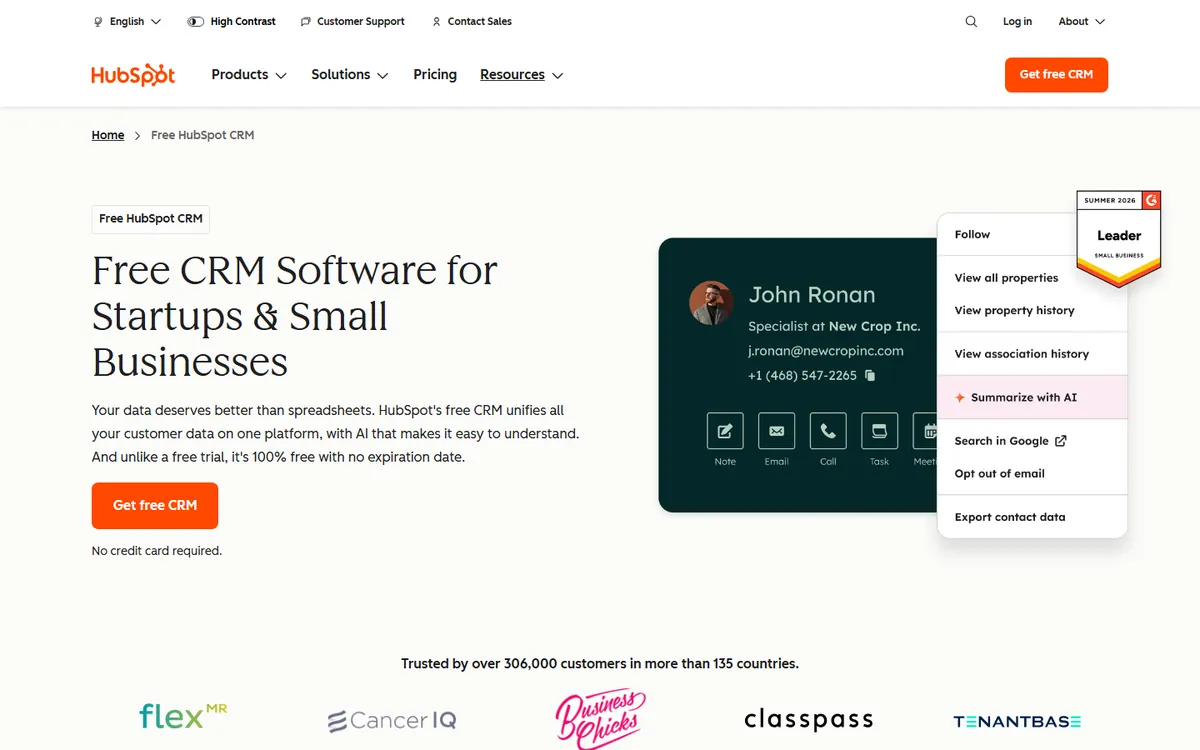
HubSpot is a customer platform made by HubSpot, Inc. Its Sales Hub sits next to its marketing and service tools on one shared contact database. It is known for a free CRM that covers up to 2 users. For a team leaving Salesforce, it offers a gentler path, with paid tiers that add pipelines, workflows and forecasting.
Key features
- Free CRM: HubSpot says its free tools cover up to 2 users with no credit card, and include 10 dashboards of 50 reports each.
- Pipelines and workflows: Starter allows up to 15 pipelines and 50 workflows, and Professional raises that to 100 pipelines and 300 workflows.
- Sequences and lead scoring: Professional adds email sequences of up to 500 sends per user a day, plus up to 5 lead scores.
- Conversation intelligence: Enterprise adds tracked terms in calls, deal journey analytics and forecasting across team levels.
HubSpot plans and pricing
| Plan | Price | Notes |
|---|---|---|
| Free | $0 | Up to 2 users |
| Starter | $20 per seat a month | Page also shows $7, marked as a discount for new customers only |
| Professional | $90 per seat a month, billed yearly | $100 paying monthly; required one-time $1,500 onboarding |
| Enterprise | From $150 per seat a month | Talk to sales; required one-time $3,500 onboarding |
Why it made the list
HubSpot is the most common step away from Salesforce for mid-size teams because it is easier to run without a dedicated admin. Marketing, sales and service share one customer record, and you can start free. Sales Hub Professional adds the automation and reporting most sales teams need.
Trade-offs to know
Professional is a big jump from Starter and carries a required one-time $1,500 onboarding fee. Enterprise-grade customization needs higher plans. Very complex data models and processes may still be easier in Salesforce or Dynamics.
Skip it if: Skip HubSpot if a $1,500 setup fee on Professional breaks your first-year budget. Teams that need the very deep custom data models of a Salesforce build may also find the upper tiers costly.
2. Microsoft Dynamics 365 Sales: Best for enterprises that run on Microsoft 365
G2 rating 3.8out of 5 1,624 reviews · checked Nov 2026
- Starting price
- $65 per user a monthSales Professional, paid yearly; Enterprise $105; Premium $150
- Free plan
- Free trial
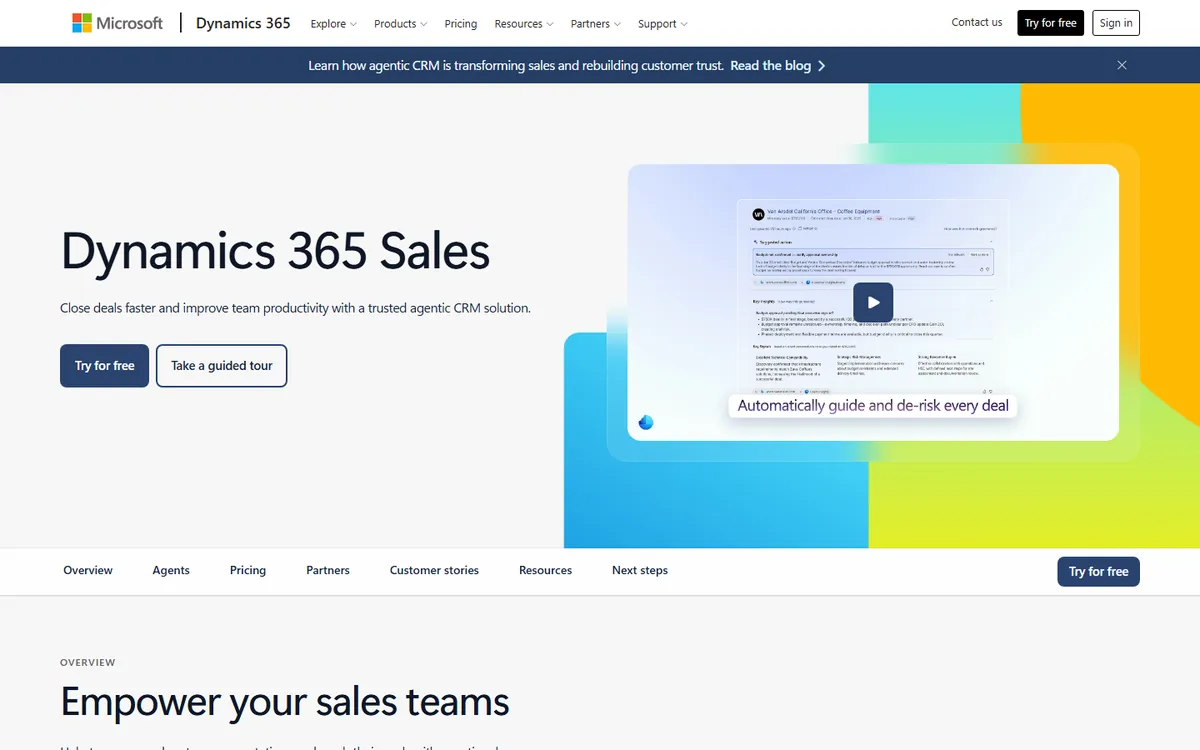
Dynamics 365 Sales is Microsoft's sales CRM. It runs on the same platform as Microsoft's other business apps and connects with Microsoft 365. It is known as one of the few full enterprise rivals to Salesforce. In this guide it is the pick for large teams that want similar depth while staying inside the Microsoft stack.
Key features
- Core sales tools: Sales Professional covers accounts, contacts, opportunities, quotes, orders and invoices, with reports and dashboards.
- Copilot and agents: Sales Enterprise adds Copilot in Dynamics 365 and prebuilt agents such as the Sales Close Agent, Microsoft says.
- Sales Insights: Sales Premium adds AI recommended actions, data enrichment and 1,000 Copilot Credits.
- LinkedIn bundle: Microsoft Relationship Sales pairs Sales Enterprise with LinkedIn Sales Navigator, with a 10-seat minimum.
Microsoft Dynamics 365 Sales plans and pricing
| Plan | Price | Notes |
|---|---|---|
| Sales Professional | $65 per user a month, billed yearly | Core sales force automation |
| Sales Enterprise | $105 per user a month, billed yearly | Adds Copilot, agents and advanced customization |
| Sales Premium | $150 per user a month, billed yearly | Adds Sales Insights and 1,000 Copilot Credits |
| Microsoft Relationship Sales | Custom quote | Variable pricing; minimum 10 seats |
Why it made the list
Dynamics 365 Sales is the closest like-for-like enterprise rival. It works closely with Outlook, Teams and Excel, which matters for companies already on Microsoft 365. The Enterprise edition, at $105 per user a month paid yearly, includes Copilot features and advanced customization.
Trade-offs to know
It is still an enterprise platform, with setup and admin needs similar to Salesforce. Premium, with advanced sales intelligence, costs $150 per user a month and is sold through sales. Its G2 rating is lower than most tools here.
Skip it if: Skip Dynamics if your company does not use Microsoft 365, since much of its appeal is the tie-in with Outlook and Teams. Its prices are billed yearly, so it is a poor fit for teams that want to pay month to month.
3. Zoho CRM: Best for deep CRM features on a tight budget
G2 rating 4.1out of 5 2,960 reviews · checked Nov 2026
- Starting price
- $14 per user a monthStandard, billed yearly; Professional $23
- Free plan
- Yes (3 users)

Zoho CRM comes from Zoho Corporation, which also sells dozens of other business apps. It is known for low per-user prices and a free plan for 3 users. In this guide it is the value pick: it has custom modules, forecasting and AI agents, plus a built-in tool for moving data over from Salesforce.
Key features
- Custom modules and forecasting: Standard includes multiple sales pipelines, sales forecasting, web forms and custom modules.
- AI agents and CPQ: Professional adds AI agents, process management, inventory management and CPQ quoting.
- Sandbox and encryption: Enterprise adds a developer sandbox, field-level encryption, approval processes and multi-team management.
- Salesforce migration wizard: Zoho's help center says admins can upload a Salesforce zip of CSV files and map it to Zoho modules.
Zoho CRM plans and pricing
| Plan | Price | Notes |
|---|---|---|
| Free | $0 | Free forever for 3 users |
| Standard | $14 per user a month, billed yearly | $20 paying monthly |
| Professional | $23 per user a month, billed yearly | $35 paying monthly |
| Enterprise | $40 per user a month, billed yearly | $50 paying monthly |
| Ultimate | $52 per user a month, billed yearly | $65 paying monthly; adds consulting and migration help |
Why it made the list
Zoho CRM covers much of what mid-size teams use in Salesforce, such as custom modules, automation and AI agents, at a fraction of the price. Professional adds process management and AI agents for $23 per user a month billed yearly. It also ties into Zoho's wider suite of business apps.
Trade-offs to know
Its interface is busier and less polished than HubSpot's. Large, complex rollouts still benefit from a partner. Prices vary by region.
Skip it if: Skip Zoho CRM if you want one vendor for marketing, sales and service with a single simple interface, or if you need a large local partner network. Prices also change by region, so non-US teams should check their local rate.
4. Pipedrive: Best for sales teams that only need a great pipeline
G2 rating 4.3out of 5 5,122 reviews · checked Nov 2026
- Starting price
- $14 per seat a monthLite, billed yearly; Growth $39
- Free plan
- Free trial (14 days)
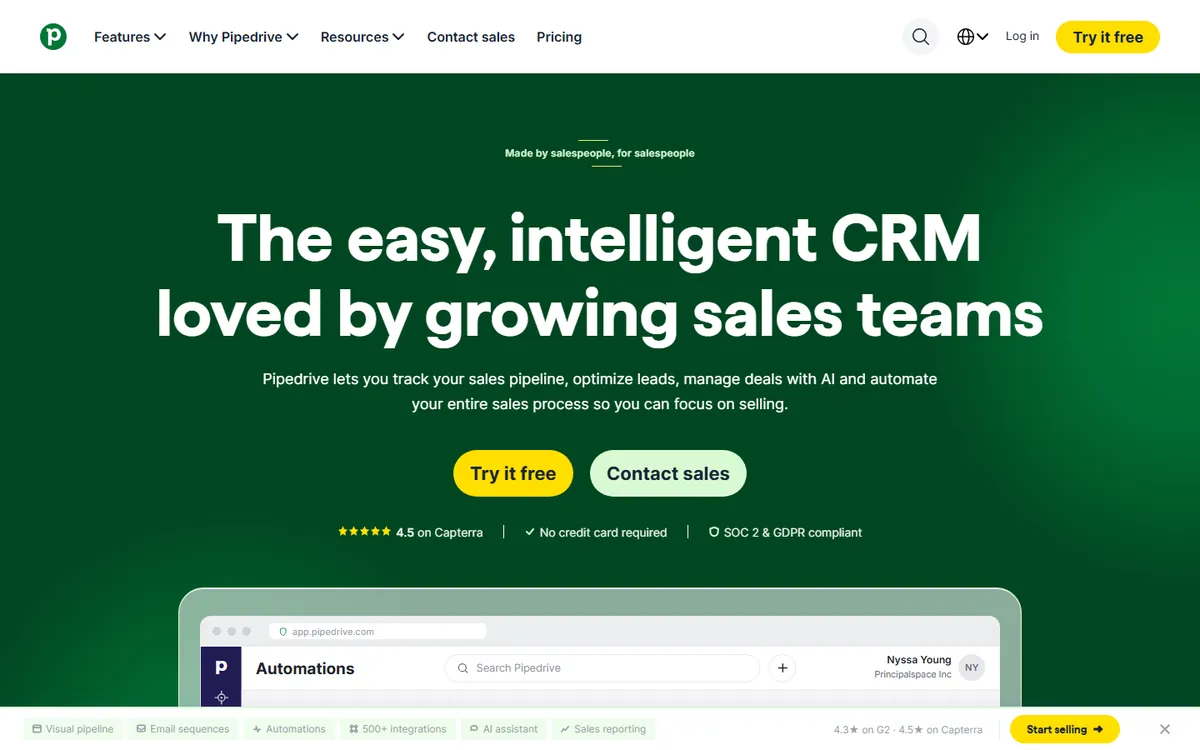
Pipedrive is a sales CRM built around a visual deal pipeline, made by Pipedrive Inc. It says more than 100,000 sales teams use it. It is known for being simple to set up. In this guide it suits teams leaving Salesforce that mainly track deals and follow-ups, not marketing or service work.
Key features
- Meeting intelligence: Lite includes Pipedrive Nova, which gives a brief before meetings and a call transcript after.
- Email sync and sequences: Growth adds full Gmail or Outlook sync, open tracking, automations and follow-up sequences.
- Lead routing and e-signatures: Premium adds LeadBooster lead capture and routing, custom scoring, and contracts with e-signatures.
- Sandbox account: Ultimate adds a sandbox for testing workflows, account security rules and phone and email enrichment.
Pipedrive plans and pricing
| Plan | Price | Notes |
|---|---|---|
| Lite | $14 per seat a month, billed yearly | $168 per seat a year |
| Growth | $39 per seat a month, billed yearly | $468 per seat a year |
| Premium | $59 per seat a month, billed yearly | $708 per seat a year; marked most popular |
| Ultimate | $79 per seat a month, billed yearly | $948 per seat a year |
Why it made the list
Many teams that leave Salesforce discover they mainly needed a clear pipeline. Pipedrive does that job well, is quick to roll out, and costs a fraction of Salesforce per seat. Growth adds email automation and follow-ups.
Trade-offs to know
It is not a platform for marketing or service teams. Complex territories, forecasting and custom objects are more limited than in Salesforce.
Skip it if: Skip Pipedrive if your marketing or support teams also need to live in the CRM. Teams that want lead capture tools on a budget should note that LeadBooster comes on Premium or as an add-on from $32.50.
5. monday CRM: Best for teams that want a customizable, visual CRM
G2 rating 4.5out of 5 1,988 reviews · checked Nov 2026
- Starting price
- $12 per seat a monthBasic, billed yearly; Standard $17
- Free plan
- Free trial

monday CRM is the sales product from monday.com, the company behind the monday work management boards. It is known for flexible boards you can reshape with columns and views. In this guide it fits teams that want a lighter, visual CRM and also want sales and delivery work in one place.
Key features
- AI agents: Standard adds AI agents for outreach calls, lead sourcing and meeting prep, plus an AI meeting notetaker.
- Communications hub: Standard also adds a central place for customer emails and the iOS and Android apps.
- Mass email and sequences: Pro adds mass emailing, email sequences and an AI workflow builder, with 25,000 automations a month.
- Governance: Ultimate adds advanced permissions, HIPAA support (as listed on monday's pricing page), 24/7 priority support and white-glove migration.
monday CRM plans and pricing
| Plan | Price | Notes |
|---|---|---|
| Basic | $12 per seat a month, billed yearly | $18 paying monthly; minimum 3 seats; about 1,000 records |
| Standard | $17 per seat a month, billed yearly | $25 paying monthly; minimum 3 seats |
| Pro | $28 per seat a month, billed yearly | $41 paying monthly; minimum 3 seats |
| Ultimate | Custom quote | Formerly Enterprise; contact sales |
Why it made the list
monday CRM is easy to shape around your process with drag-and-drop boards, and it connects sales work with project delivery in the same tool. Standard adds automation plus AI agents for outreach and lead sourcing.
Trade-offs to know
It lacks Salesforce's depth for complex enterprise processes and reporting. Per-seat pricing grows with your team. Basic is quite limited.
Skip it if: Skip monday CRM if you have more than about 1,000 records and planned to stay on Basic, since that is the plan's limit. A solo seller should also note that plans start at 3 seats.
6. Close: Best for inside sales teams that need speed
G2 rating 4.7out of 5 2,160 reviews · checked Nov 2026
- Starting price
- $35 per user a monthEssentials, billed yearly; Growth $99
- Free plan
- Free trial
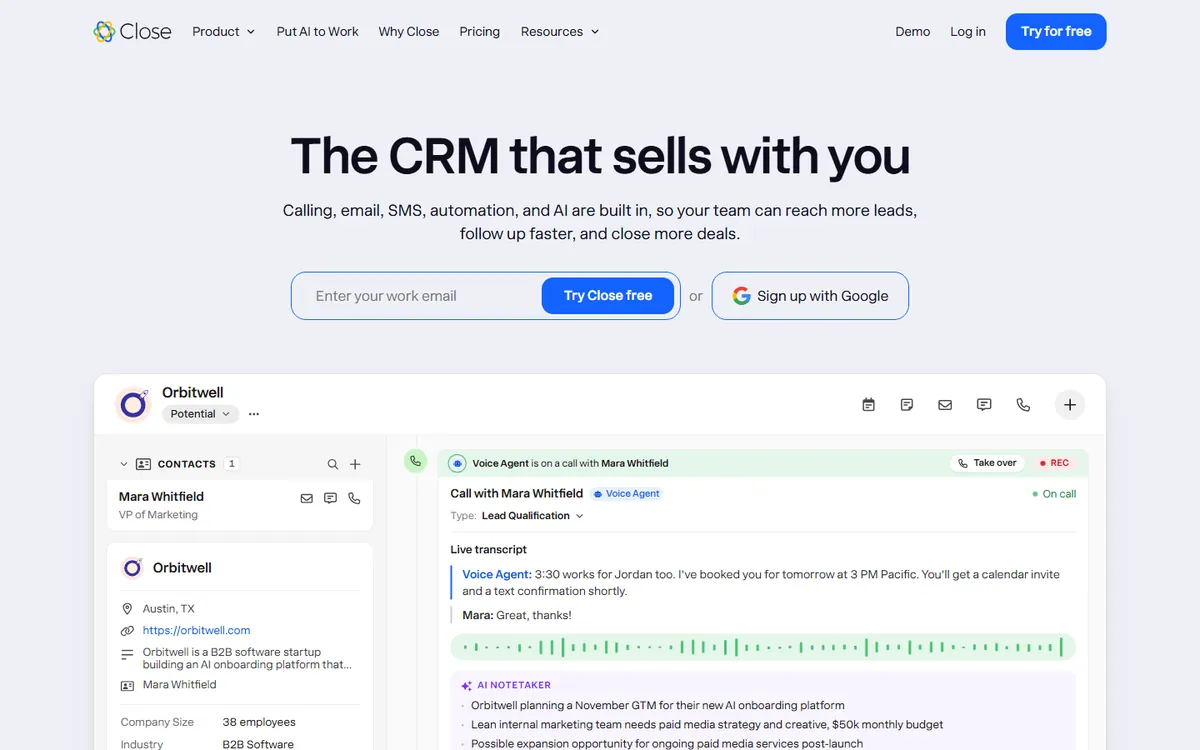
Close is a sales CRM made by Close for teams that sell by phone and email. Calling, email and SMS are built into every plan, so reps do not need a separate dialer to start. In this guide it suits small and mid-size inside sales teams that want a focused tool rather than a large platform.
Key features
- Built-in calling, email and SMS: Every plan includes calling, email and SMS, starting with the one-user Solo plan.
- Power Dialer and Workflows: Growth adds the Power Dialer, automated follow-up, Workflows and leaderboards.
- Predictive Dialer and coaching: Scale adds a Predictive Dialer, Live Call Coaching, custom objects and custom reports.
- AI credits: Close includes monthly AI credits per user, from 500 on Solo to 2,000 on Scale.
Close plans and pricing
| Plan | Price | Notes |
|---|---|---|
| Solo | $9 a month, billed yearly | $19 paying monthly; 1 user and 10,000 leads |
| Essentials | $35 per user a month, billed yearly | $49 paying monthly; no Workflows |
| Growth | $99 per user a month, billed yearly | $109 paying monthly; adds Power Dialer |
| Scale | $139 per user a month, billed yearly | $149 paying monthly; adds custom objects |
Why it made the list
Reps who live on the phone get a focused workspace: calls, emails and texts sit on each lead, not spread across a big platform. Teams running heavy outbound can move up to Growth for workflows and a dialer.
Trade-offs to know
It is designed for sales teams only, not marketing or service. Workflows are not included on Essentials. It does not aim to match Salesforce's customization depth.
Skip it if: Skip Close if marketing or service teams need the CRM too. Teams that want automated Workflows should budget for Growth at $99 per user, since Essentials leaves them out.
What does Salesforce cost?
Salesforce’s own sales pricing page lists these per-user, per-month prices. Starter Suite can be billed monthly or yearly, and the rest are billed yearly.
| Salesforce edition | Price |
|---|---|
| Starter Suite | $25 per user a month |
| Pro Suite | $100 per user a month |
| Core | $195 per user a month |
| Advanced | $395 per user a month |
| Max | $550 per user a month |
The license is only part of the cost. Many Salesforce customers also pay for an admin, consultants and add-ons. That total cost is often the real reason teams look elsewhere.
How I evaluated
I compared CRMs that growing and mid-size companies most often consider instead of Salesforce. On November 19, 2026, I re-checked each vendor’s own pricing page, including Salesforce’s. Ratings are from G2, checked the same day.
This guide is built from official pricing pages, product docs and public reviews. Prices are in US dollars. See my editorial policy.
How to choose the right Salesforce alternative
- Growing company, wants one easy platform: HubSpot.
- Enterprise on Microsoft 365: Dynamics 365 Sales.
- Deep features, tight budget: Zoho CRM.
- Sales pipeline is all you need: Pipedrive.
- Visual, customizable workflows: monday CRM.
- High-volume inside sales: Close.
Before you switch, list the Salesforce features your team truly uses each week. Most teams find the list is short, which makes a lighter CRM a safe move.
What a 5-person and a 20-person sales team would pay
Here is the monthly license cost for each tool’s headline plan in this guide, billed yearly, with Salesforce Pro Suite shown for comparison.
| Tool | 5 people | 20 people | Plan used |
|---|---|---|---|
| Salesforce (reference) | $500 (5 x $100) | $2,000 (20 x $100) | Pro Suite, billed yearly |
| HubSpot | $450 (5 x $90) | $1,800 (20 x $90) | Sales Hub Professional; plus a one-time $1,500 onboarding fee |
| Microsoft Dynamics 365 Sales | $325 (5 x $65) | $1,300 (20 x $65) | Sales Professional, billed yearly |
| Zoho CRM | $70 (5 x $14) | $280 (20 x $14) | Standard |
| Pipedrive | $70 (5 x $14) | $280 (20 x $14) | Lite; Growth would be $195 and $780 |
| monday CRM | $60 (5 x $12) | $240 (20 x $12) | Basic; plans start at 3 seats, check the seat options on the pricing page |
| Close | $175 (5 x $35) | $700 (20 x $35) | Essentials; Growth would be $495 and $1,980 |
These are list prices from each vendor’s pricing page on November 19, 2026, and they leave out taxes, add-ons, setup fees and any admin or partner costs.
How to switch from Salesforce
- List the Salesforce objects, fields and reports your team uses each week, and note your renewal date. Plan the move to finish before you renew.
- Export your data. Salesforce’s help page says to go to Setup, search Data Export, then pick Export Now or Schedule Export. Choose Include all data. Salesforce emails a zip of CSV files, and the zip is deleted 48 hours later, so download it fast. Weekly exports are for Enterprise, Performance and Unlimited editions; others get monthly.
- Write down your formula and roll-up summary fields. Salesforce says these are always left out of exports, so you will need to rebuild them in the new CRM.
- Pick the import path your new CRM offers. HubSpot Smart Transfer lists Salesforce as a source and maps accounts to companies and opportunities to deals. Zoho CRM has a Salesforce option in its Data Migration page that takes the export zip. Pipedrive and Close both use Import2; Pipedrive says it is free up to 1,000,000 records. Dynamics 365 has an Import Data Wizard for CSV, XML and zip files.
- Run a test with a small sample first. Close runs a sample migration before the full import, and Zoho lets you undo a migration from Import History. Check owners, deal stages and dates on the sample records.
- Cut over on one day and stop new edits in Salesforce. HubSpot warns that its Smart Transfer is for one-time moves, and keeping Salesforce in use with its sync can create duplicate records.
The bottom line
HubSpot is the best Salesforce alternative for most growing companies, Dynamics 365 Sales is the enterprise match for Microsoft shops, and Zoho CRM gives the most depth per dollar. Pipedrive, monday CRM and Close suit teams that want speed and focus over a sprawling platform.
Next steps:
- Smaller team? See the best Pipedrive alternatives.
- Weighing HubSpot? Read HubSpot vs Pipedrive.
- Need lead data too? See the best Apollo alternatives.
Frequently asked questions
What is the best alternative to Salesforce?
For most growing companies, HubSpot is the best alternative: it is easier to run and starts free. For enterprises on Microsoft 365, Dynamics 365 Sales is the closest match. For a tight budget, Zoho CRM offers deep features from $14 per user a month billed yearly.
How much does Salesforce cost?
Salesforce's sales pricing lists a Starter Suite at $25 per user a month, Pro Suite at $100, Core at $195, Advanced at $395 and Max at $550, all billed yearly except Starter. A Free Suite is also listed. Implementation, admins and add-ons often add significantly to the total cost.
Is HubSpot cheaper than Salesforce?
Usually, especially in total cost. HubSpot is free for 2 users and Sales Hub Professional is $90 per seat a month billed yearly. HubSpot also tends to need less admin time, which is a large hidden cost of Salesforce.
Which Salesforce alternative is best for small businesses?
Small businesses often do best with Zoho CRM, Pipedrive or HubSpot's free and Starter plans. They are faster to set up and far cheaper than Salesforce, and most small teams do not need Salesforce's enterprise depth.
Can I migrate from Salesforce to another CRM?
Yes. Export your accounts, contacts, deals and activities, then map fields in the new CRM. Most vendors provide import tools or migration help. Test with a small sample first and plan the cutover near your Salesforce renewal.
How do I export all my data from Salesforce?
Salesforce's help center says to open Setup, search for Data Export, and choose Export Now or Schedule Export. Salesforce then emails a zip of CSV files. Weekly exports are in Enterprise, Performance and Unlimited editions, and monthly exports are in all editions except Database.com.
Can HubSpot move my Salesforce data for me?
Yes. HubSpot Smart Transfer lists Salesforce as a supported source. It maps accounts to companies, leads and contacts to contacts, opportunities to deals, and cases to tickets. HubSpot says it is built for a one-time move, not for running both systems side by side.
Which Salesforce alternatives charge a setup fee?
HubSpot's pricing page says Sales Hub Professional needs a one-time $1,500 onboarding fee, and Enterprise needs $3,500. Pipedrive's pricing page says implementation is free on plans over $400 a year. Close says that starting an import from inside its app usually costs nothing.
Sources I checked (7)
- Salesforce sales pricing
- HubSpot Sales Hub pricing (USD)
- Microsoft Dynamics 365 Sales pricing
- Zoho CRM pricing
- Pipedrive pricing
- monday CRM pricing
- Close pricing
Prices checked Nov 19, 2026, in US dollars. Vendors change plans often, so confirm on the vendor's page before you buy. If you see a change or something I missed, email info@amitdeora.com with a link to the vendor's page.