
How this list is made: Built from public information on each vendor's own pricing pages and product docs, plus public user reviews. I don't test the tools hands-on, and this guide is for general education. Some brands in this list may be featured partners or sponsors, and those spots are clearly labeled. Spot something missing or out of date? Email info@amitdeora.com and I'll update it. Editorial policy · Advertising disclosure.
Commission tracking software works out what each rep has earned, shows reps their numbers in real time, and gets payouts approved without a spreadsheet. It replaces the end-of-month scramble of formulas, disputes and manual checks.
I compared eight popular tools on price, pricing model, setup and who each one suits. Only three publish prices. The rest quote by team size, so I also explain what drives those quotes. Everything comes from each vendor's own pricing page, checked on November 13, 2026.
Quick comparison
| Tool | Best for | Starting price | Free plan | Rating |
|---|---|---|---|---|
 QuotaPath | Small and mid-size teams that want clear pricing | $35 per user a month | Free trial | 4.8/5 (G2) |
 CaptivateIQ | Complex commission plans at growing companies | Custom quote | Demo only | 4.7/5 (G2) |
 Everstage | No-code setup and a fast go-live | Custom quote | Demo only | 4.8/5 (G2) |
 Sales Cookie | Teams that want no long-term contract | $40 per user a month | 14-day free trial | 4.9/5 (G2) |
 Kennect | The lowest published starting price | $20 per user | Demo only | No rating yet |
 Performio | Predictable pricing as data grows | Custom quote | Demo only | 4.4/5 (G2) |
 Visdum | A simple two-fee quote with no usage charges | Custom quote | Demo only | 4.8/5 (G2) |
 Xactly | Large, global sales organizations | Custom quote | Demo only | 4.2/5 (G2) |
The 8 best picks, ranked
1. QuotaPath: Best for small and mid-size teams that want clear pricing
G2 rating 4.8out of 5 434 reviews · checked Nov 2026
- Starting price
- $35 per user a monthGrowth, plus a $525 monthly platform fee (first 5 users included), billed yearly
- Free plan
- Free trial

QuotaPath is a commission tracking app from the company of the same name, and it is one of the few in this guide with a public price list. It suits sales teams that want reps to see their own earnings without waiting on finance. Its pricing page shows a per-user rate plus a fixed monthly platform fee that already covers five users.
Key features
- AI plan builder: Growth lets admins set up unlimited custom plans with an AI-powered builder, according to the pricing page.
- ASC 606 ledger: Growth lists ledger and ASC 606 support, plus commission forecasting and multi-currency payouts.
- Plan modeling and multi-level approvals: Premium adds these, along with custom reporting and API access.
- Payroll sync: Premium adds automated commission payroll sync, and its integration list names Rippling for HR and payroll.
QuotaPath plans and pricing
| Plan | Price | Notes |
|---|---|---|
| Growth | $35 per user a month, billed yearly | Plus a $525 a month platform fee that includes the first 5 users |
| Premium | $50 per user a month, billed yearly | Plus an $800 a month platform fee that includes the first 5 users |
| Strategic | Custom quote | Managed comp service add-on, no price listed |
Why it made the list
QuotaPath is one of the few tools that publishes its prices. Growth includes an AI-powered plan builder, unlimited custom plans and a workflow from approvals to payouts. Premium, at $50 per user a month, adds plan modeling, multi-level approvals and custom reporting for more complex programs.
Trade-offs to know
The per-user price is only part of the bill, because every plan adds a monthly platform fee: $525 on Growth and $800 on Premium, each covering the first 5 users. Prices are for yearly billing. Very large or global programs may outgrow it.
Skip it if: Skip it if you want to pay month to month, since the page says prices and the platform fee are billed annually. A team of two or three reps still pays the full platform fee.
2. CaptivateIQ: Best for complex commission plans at growing companies
G2 rating 4.7out of 5 3,506 reviews · checked Nov 2026
- Starting price
- Custom quotePer seat, plus a one-time setup fee
- Free plan
- Demo only
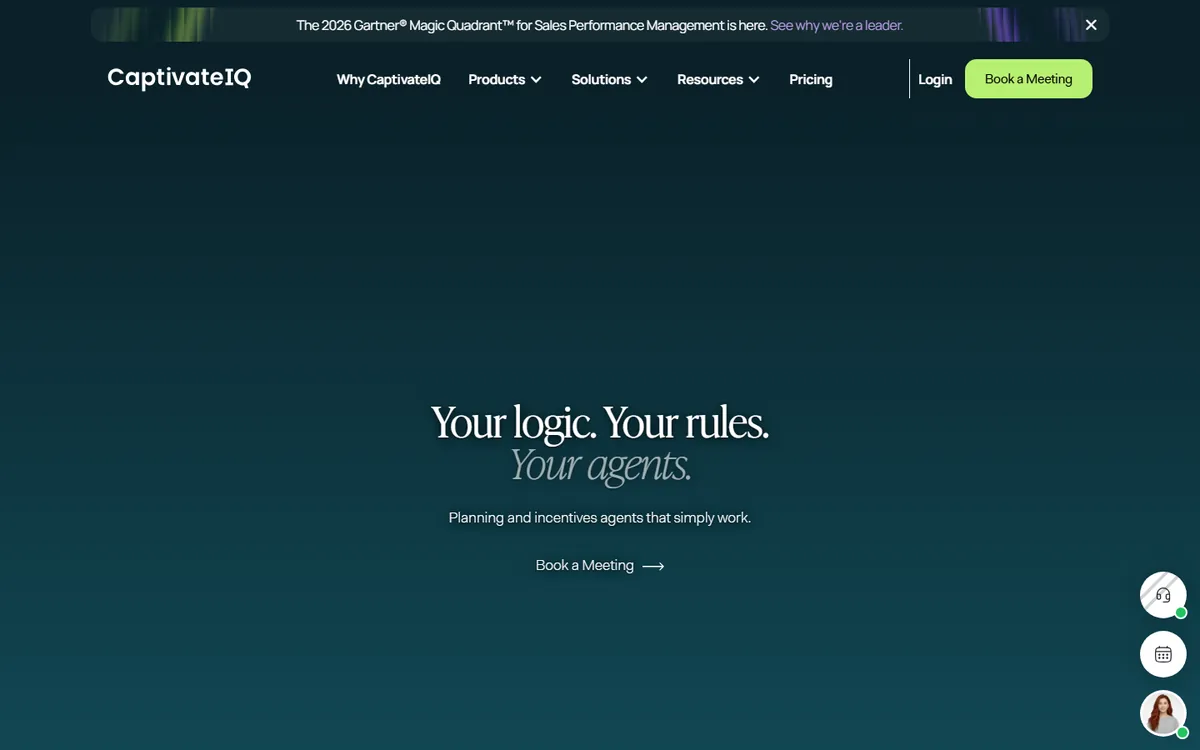
CaptivateIQ makes incentive pay software with three products: Incentives, Planning and Catalyst. Its no-code SmartGrid layer pulls in deal data and runs the math for tiers, accelerators, SPIFs and draws. In this guide it fits companies whose commission rules have outgrown a spreadsheet and keep changing each quarter.
Key features
- SmartGrid calculation engine: A no-code modeling layer that pulls data from any source and updates payouts as data changes, the vendor says.
- Assist AI: Helps admins fix formulas and ask questions in plain language, per the CaptivateIQ site.
- Catalyst modeling: A separate product that uses machine learning to forecast quota attainment and spot odd payouts.
- ASC 606 reporting: Sold as an add-on subscription, according to the pricing FAQ, with one-time setup help available.
CaptivateIQ plans and pricing
| Plan | Price | Notes |
|---|---|---|
| Incentives | Custom quote | Per seat (admins plus payees), plus a one-time setup fee |
| Planning | Custom quote | Separate product, no public price |
| Catalyst | Custom quote | Separate modeling product, no public price |
Why it made the list
CaptivateIQ is built for teams whose plans have many rules, splits and exceptions. Pricing is per seat, and reporting is included in the subscription at no extra charge. It also offers implementation help and works with outside system integrators if you prefer.
Trade-offs to know
Prices are not published, so you need a quote. Seats count both admin users and every payee who views their pay, which adds up for large sales teams. There is a one-time setup fee on top of the subscription.
Skip it if: Skip it if you need a price before talking to sales, since no figures are posted. Teams that need ASC 606 reports should budget for that add-on on top of seats.
3. Everstage: Best for no-code setup and a fast go-live
G2 rating 4.8out of 5 2,253 reviews · checked Nov 2026
- Starting price
- Custom quoteAnnual license, plus a one-time setup fee
- Free plan
- Demo only
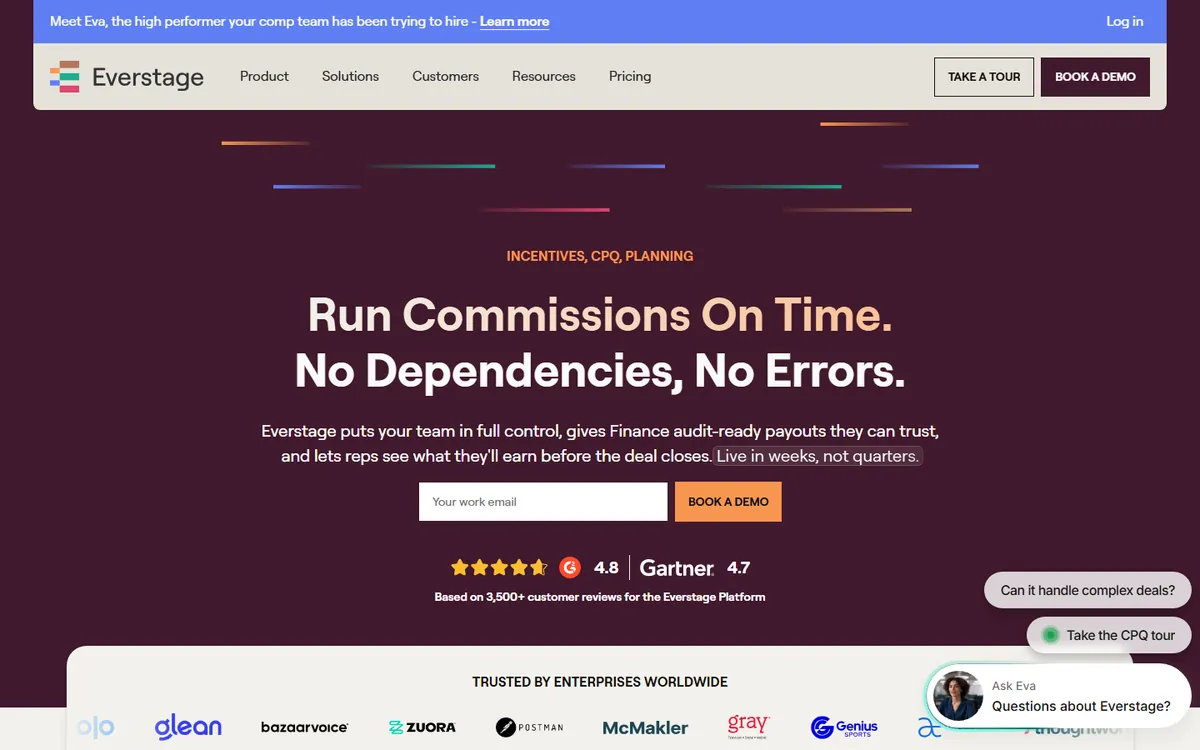
Everstage sells a no-code incentive pay platform, plus separate CPQ and sales planning products. Its pricing page says it charges per payee on an annual contract, with no enforced seat minimum. For this guide, it fits revenue teams with about 20 or more payees who want reps to see a live, pipeline-based forecast of what they will earn.
Key features
- Time Machine: Lets admins change a plan rule and preview every rep's payout before the plan goes live, the vendor says.
- Rep commission forecast: Reps see projected earnings based on their open pipeline, per the Everstage site.
- Salesforce App add-on: A paid add-on that shows commissions and projected payouts inside Salesforce.
- Connectivity Package add-on: A paid add-on that sends commission alerts through Slack, Microsoft Teams and Gmail.
Everstage plans and pricing
| Plan | Price | Notes |
|---|---|---|
| ICM Platform license | Custom quote | Per payee, annual contract, no enforced seat minimum |
| Enterprise support | Custom quote | Billed yearly with the license |
| Onboarding | Custom quote | One-time fee scoped to data sources, plans and payees |
Why it made the list
Everstage is fully no-code and says teams go live in 4 to 6 weeks. The license covers the full platform: calculation engine, plan management, rep dashboards, approvals and dispute workflows. Implementation is handled by its in-house team, with a dedicated support team from day one.
Trade-offs to know
Every piece is quoted: the license, enterprise support billed yearly, and a one-time onboarding fee. Some integrations and workflows are paid add-ons. The go-live timeline is the vendor's own claim, so confirm it for your plans.
Skip it if: Skip it if you pay only a handful of reps, since the page says it is built for teams with 20 to 30 or more payees. ASC 606 support is a custom-scoped add-on, not part of the base license.
4. Sales Cookie: Best for teams that want no long-term contract
G2 rating 4.9out of 5 69 reviews · checked Nov 2026
- Starting price
- $40 per user a monthBusiness, billed monthly, no contract; Business+ $60
- Free plan
- 14-day free trial
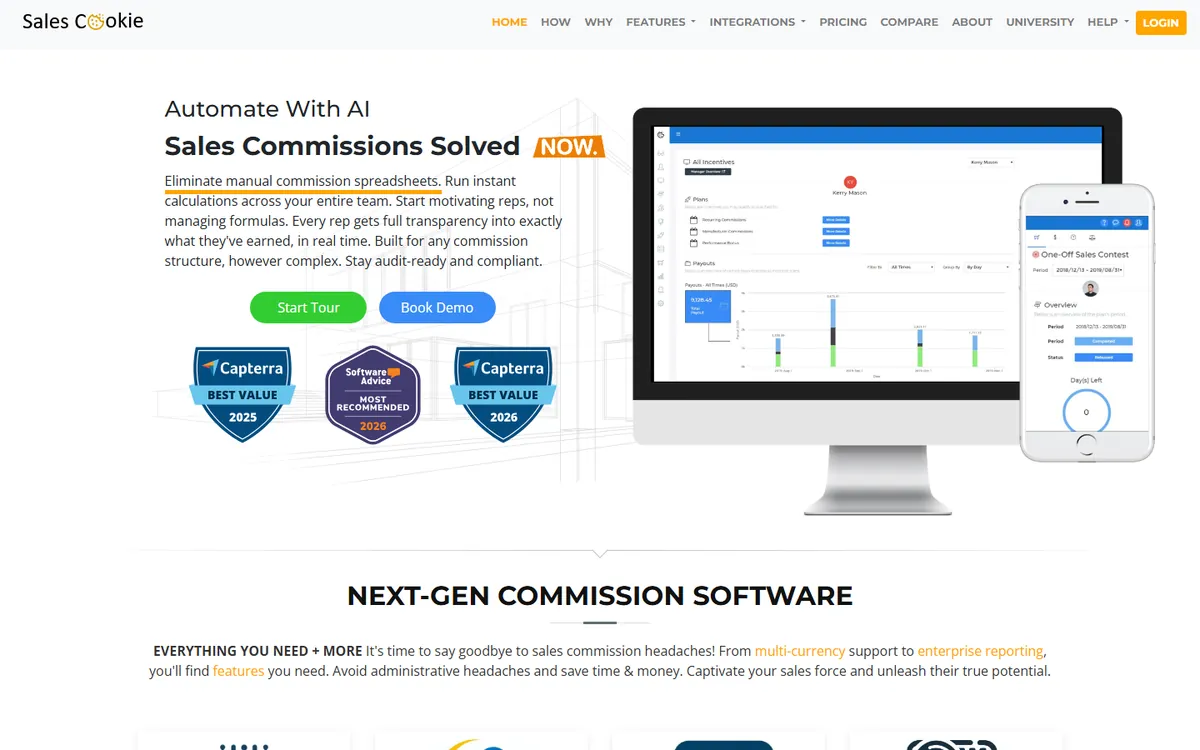
Sales Cookie is a cloud commission tool that bills each month by active payees, with no contract and no setup fee, its pricing page says. It handles claw-backs, true-ups, advances and overrides. In this guide it is the low-commitment pick for teams that want to try real software before signing a yearly deal.
Key features
- Free proof of concept: You describe your plan and send sample data, and Sales Cookie builds a free proof of concept, per its site.
- Claw-backs and true-ups: Business includes adjustments and overrides, and the site lists claw-backs, advances and delayed release.
- Many connectors: The site names Salesforce, HubSpot, Pipedrive, Zoho CRM, QuickBooks Online, Xero, Google Sheets and Zapier.
- White labeling and API: Business+ adds white labeling, custom integration, custom authentication and API access.
Sales Cookie plans and pricing
| Plan | Price | Notes |
|---|---|---|
| Free Trial | $0 for 14 days | All Business features with sample data, no card needed |
| Business | $40 per user a month | Billed monthly by active payees, no contract |
| Business+ | $60 per user a month | Adds API access, white labeling and priority onboarding |
Why it made the list
Sales Cookie lets you start without a contract and cancel anytime, which is rare in this category. Business includes AI assistants, a plan designer, commission dashboards, and adjustments and overrides. The 14-day trial includes every feature and sample data, with no card needed.
Trade-offs to know
At $40 per user a month, it costs more per seat than QuotaPath's Growth plan. Business+ at $60 adds higher limits, API access and priority onboarding. Volume discounts exist, but you have to ask for them.
Skip it if: Skip it if you want a yearly rate lock, since billing moves up and down each month with your payee count. Admins count as users too, so a large admin group raises the bill.
5. Kennect: Best for the lowest published starting price
- Starting price
- $20 per userBasic, starting price
- Free plan
- Demo only
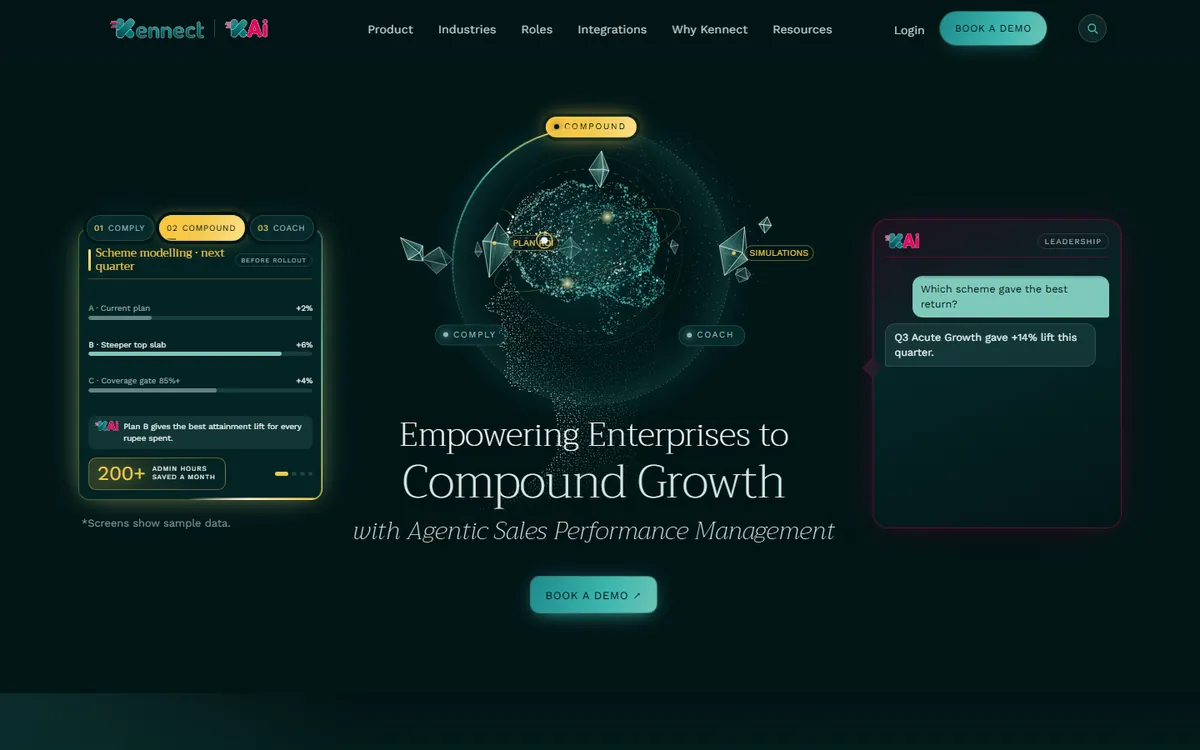
Kennect makes sales incentive software with a Basic plan and a quote-only Enterprise plan. Its Enterprise tier covers non-sales KPI bonuses, target letters and an incentive simulator for field teams. In this guide it is the tool with the lowest posted starting rate, though most of the advanced features sit on the higher plan.
Key features
- SIP plan builder: Basic includes a plan builder, master data management and incentive calculation automation, per the pricing page.
- Rep incentive tracker: Basic gives sales reps and managers a tracker and a query module for questions about pay.
- Incentive simulator: Enterprise adds a simulator and planner so field reps can estimate payouts.
- Source system integrations: Enterprise adds inbound and outbound integrations and audit-ready custom payout summaries.
Kennect plans and pricing
| Plan | Price | Notes |
|---|---|---|
| Basic | From $20 per user | Page does not say if billed monthly or yearly |
| Enterprise | Custom quote | Priced by the solutions you need |
Why it made the list
Kennect's Basic plan starts at $20 per user and covers a plan builder, incentive calculation automation, payout summaries and an incentive tracker for reps and managers. It also handles non-sales KPI incentives on higher tiers, which suits companies that pay bonuses beyond sales.
Trade-offs to know
The $20 figure is a starting price, and the Enterprise plan is quote-only. Advanced features like integrations, incentive simulators and audit-ready payout summaries sit on Enterprise. Ask what your real per-user price will be.
Skip it if: Skip Basic if you need CRM integrations, since source system links are listed only on Enterprise. Anyone who needs a fixed, posted per-month rate should ask first, because the billing period is not stated.
6. Performio: Best for predictable pricing as data grows
G2 rating 4.4out of 5 1,083 reviews · checked Nov 2026
- Starting price
- Custom quoteBy payees and scope, plus a one-time setup cost
- Free plan
- Demo only
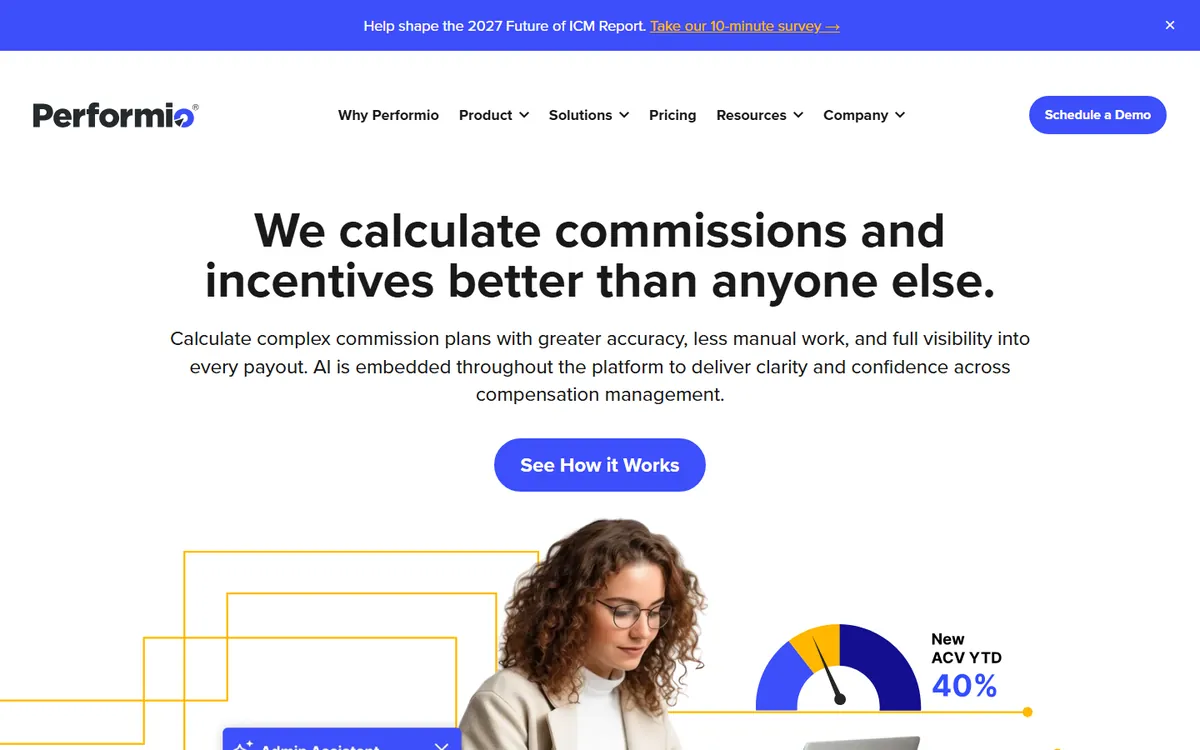
Performio sells incentive compensation software aimed at mid-market and enterprise firms, with its site naming groups of 70 or more commissionable employees. It is used in fields such as manufacturing, MedTech, banking and insurance. In this guide it fits finance-led teams that want a fixed setup fee and pricing that does not climb with data volume.
Key features
- No-code plan builder: Admins can change targets, rates and logic without IT help, according to the Performio site.
- Davo admin assistant: An AI helper that walks through the root cause of a commission dispute, per the vendor.
- Seller insights: Dashboards, leaderboards and what-if calculators show sellers how deals change their pay.
- Analytics Studio add-on: Reporting on comp data is an extra-cost add-on, along with advanced AI and extra sandboxes.
Performio plans and pricing
| Plan | Price | Notes |
|---|---|---|
| Subscription | Custom quote | Based on commissionable employees and chosen add-ons |
| Implementation | Custom quote | One-time, typically fixed fee based on agreed scope |
Why it made the list
Performio prices by the number of commissionable employees and the features you choose, not by data volume or API calls. That keeps costs predictable as your data grows. Every subscription includes 24/7 global support and training.
Trade-offs to know
It is quote-only, and implementation is a separate one-time cost that grows with your number of plans, data sources and reports. Extra sandbox environments and some analytics features cost more.
Skip it if: Skip it if you are a small team, since the vendor targets firms with 70 or more commissionable employees. Premium support and Analytics Studio cost extra, so check them in the quote.
7. Visdum: Best for a simple two-fee quote with no usage charges
G2 rating 4.8out of 5 678 reviews · checked Nov 2026
- Starting price
- Custom quotePer payee, plus a one-time setup fee
- Free plan
- Demo only
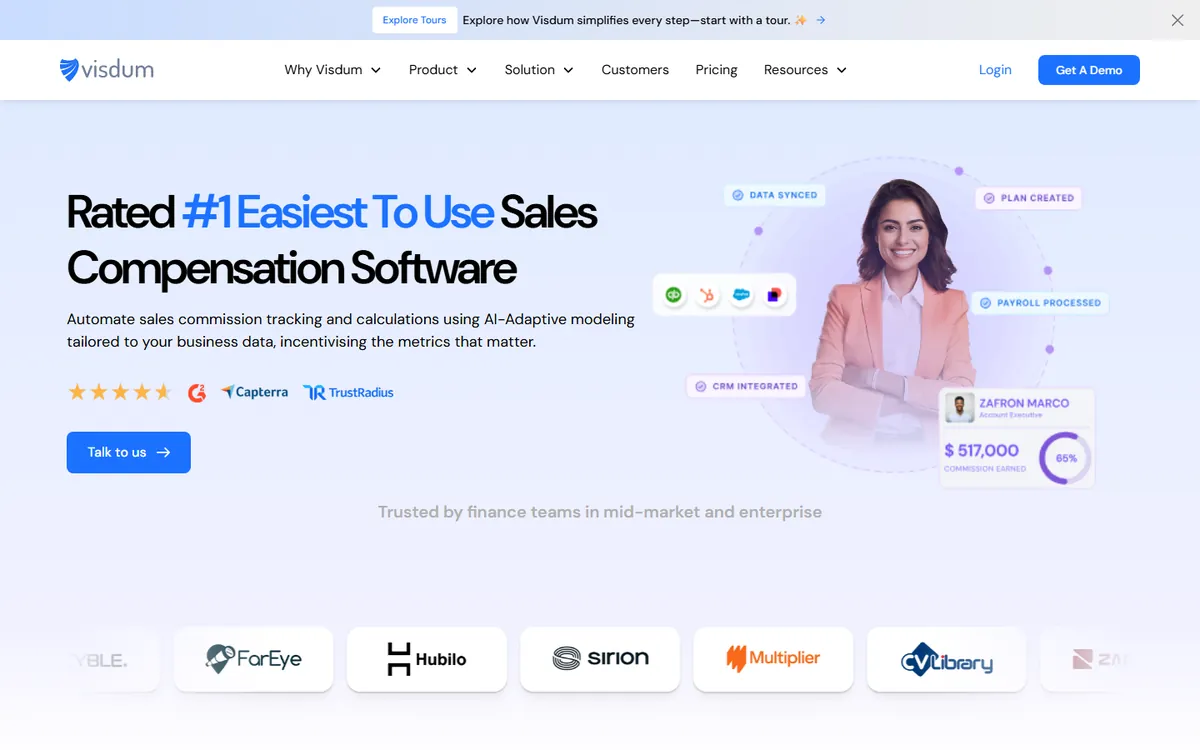
Visdum is a sales commission platform that splits its price into a per-payee yearly license and a one-time setup fee. It promotes an AI-assisted plan builder and a Comp Assistant that checks each calculation run. In this guide it suits mid-market teams that want few surprise fees and a short path from signing to first payout.
Key features
- AI-Assisted Plan Builder: Learns your team structure and revenue model to help draft plans, the vendor says.
- Comp Assistant: Simulates payout scenarios and checks logic on each compute cycle, per the Visdum site.
- Payroll and HR links: The site names Workday, HiBob and ADP, plus NetSuite, QuickBooks and Sage Intacct.
- Free proof of concept: The pricing page offers a proof of concept on your own plan and data before you commit.
Visdum plans and pricing
| Plan | Price | Notes |
|---|---|---|
| Subscription | Custom quote | Per payee, billed yearly; first year starts in the low five figures |
| Setup and implementation | Custom quote | One-time fee scoped to your setup |
Why it made the list
Visdum keeps its quote to two lines: a per-payee subscription that includes support, hosting and integrations, and a one-time setup fee. It says there are no platform fees, usage charges or overage penalties. It reports an average go-live of about 3 weeks.
Trade-offs to know
You still need a quote, since the subscription depends on plan count, process complexity and integrations. The speed and scale figures are its own claims. It is aimed at mid-market and enterprise teams more than very small ones.
Skip it if: Skip it if your total budget is under five figures a year, since the page says first-year cost starts in the low five figures. Its security badges are vendor claims, so ask for reports.
8. Xactly: Best for large, global sales organizations
G2 rating 4.2out of 5 1,103 reviews · checked Nov 2026
- Starting price
- Custom quoteIncent Core, Plus and Ultimate packages; contact sales
- Free plan
- Demo only
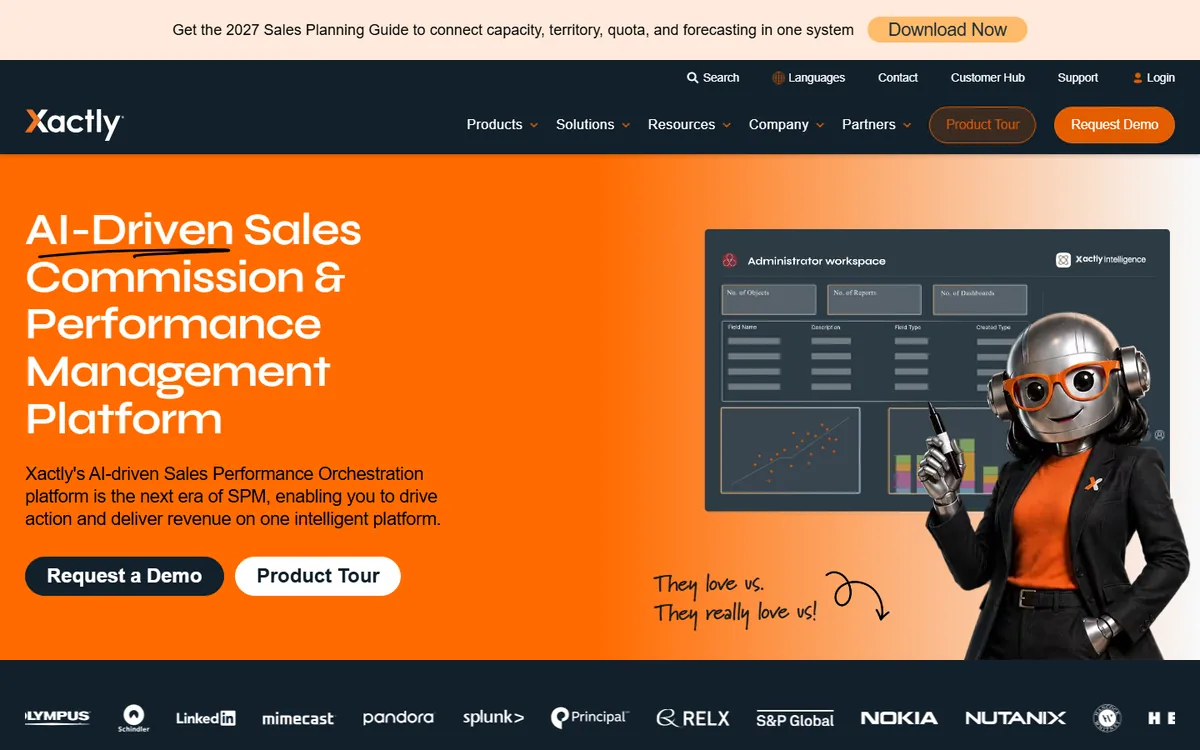
Xactly sells sales compensation, forecasting and sales planning software to large companies. Its Incent product now comes in three packages: Core, Plus and Ultimate. In this guide it fits global sales groups that need ASC 606 accounting, business group security and a full sandbox, and that expect a longer buying process.
Key features
- Calculation engine and AI assistants: Incent Core includes these with plan setup, performance dashboards and standard data links.
- ASC 606 commission expense accounting: Included in Incent Plus, along with prior period processing.
- Full sandbox and business group security: Incent Plus adds both, plus advanced data connectors.
- Benchmarking and AI agents: Incent Ultimate adds industry benchmarking, AI agents and MBO management.
Xactly plans and pricing
| Plan | Price | Notes |
|---|---|---|
| Incent Core | Custom quote | For teams moving off spreadsheets |
| Incent Plus | Custom quote | Adds ASC 606 and full sandbox |
| Incent Ultimate | Custom quote | Adds benchmarking and AI agents |
Why it made the list
Xactly is one of the longest-standing names in sales compensation, built for large companies running the same plan rules across many countries. It pairs commission management with planning and analytics for leadership teams.
Trade-offs to know
It does not publish prices, and it is usually more platform than a small team needs. Expect a longer sales process and implementation than the lighter tools above.
Skip it if: Skip it if you want a free trial, since Xactly offers a tailored demo instead. Small teams with one simple plan will likely pay for more than they use.
What is commission tracking software?
Commission tracking software, also called sales compensation or incentive compensation management (ICM) software, calculates what each rep earns. It pulls deal data from your CRM, applies your plan rules, and shows reps and managers the results.
Most tools also handle approvals, disputes and payout reports for finance. The goal is simple: accurate pay, on time, with fewer arguments.
Spreadsheets or software: when should you switch?
Spreadsheets work for a few reps on one simple plan. Watch for these signs that you have outgrown them:
- It takes days each month to calculate and check commissions.
- Reps dispute their pay because they cannot see how it was worked out.
- Plans have grown complex, with tiers, splits, accelerators or clawbacks.
- Finance needs audit-ready reports or ASC 606 support.
- Formula errors have led to overpaying or underpaying.
If two or more of these sound familiar, a commission tool will likely save more than it costs.
How I evaluated
I compared commission tools that sales and finance teams search for most. On November 13, 2026, I read each vendor’s own pricing page and noted published prices, pricing models, what counts as a user, setup fees and free trial options.
Five of the eight do not publish prices, so for those I describe how their quotes are built, from their own pages. This guide is built from official pricing pages, product docs and public reviews. Prices are in US dollars. See my editorial policy.
How to choose the right commission tracking software
Match the tool to your team size and plan complexity:
| Your situation | Best fit |
|---|---|
| Small or mid-size team, wants clear pricing | QuotaPath |
| Wants to avoid a contract | Sales Cookie |
| Lowest possible entry price | Kennect |
| Complex plans, growing company | CaptivateIQ or Everstage |
| Wants predictable enterprise pricing | Performio or Visdum |
| Large global sales organization | Xactly |
Then check these four things before you sign:
- Who counts as a user. Many tools charge for every payee, not just admins.
- One-time setup fees. Most enterprise tools add one, scaled to your plans and integrations.
- Platform or usage fees. QuotaPath adds a platform fee; Visdum and Performio say they do not charge for usage.
- CRM and payroll integrations. Confirm the tool connects to the systems you already use.
What drives the price of commission software?
Across these vendors, quotes depend on the same few things:
- Number of payees and admins. The biggest driver for most tools.
- Plan count and complexity. More plans and rules mean more setup work.
- Integrations. Each CRM, HR or payroll connection adds scope.
- Implementation. A one-time fee to configure plans and test calculations.
- Extras. Sandboxes, advanced analytics and premium support.
Ask every vendor for a written quote that shows each of these lines. It makes side-by-side comparison much easier.
What a 5-person or 20-person team would pay
Here is the monthly cost for 5 and 20 payees on the entry plan of each tool, using yearly billing where the vendor offers it.
| Tool | 5 people | 20 people | Plan used |
|---|---|---|---|
| QuotaPath | $525 | $1,050 | Growth: $525 platform fee covers 5 users; 15 more x $35 = $525 |
| Sales Cookie | $200 | $800 | Business: $40 x payees, billed monthly; admins also count |
| Kennect | From $100 | From $400 | Basic: from $20 x users; billing period not stated |
| CaptivateIQ | Custom quote | Custom quote | Seats = admins plus payees, plus setup fee |
| Everstage | Custom quote | Custom quote | Per payee, no enforced seat minimum, plus onboarding fee |
| Performio | Custom quote | Custom quote | By commissionable employees, plus fixed setup fee |
| Visdum | Custom quote | Custom quote | Per payee; first year starts in the low five figures |
| Xactly | Custom quote | Custom quote | Incent Core, by payees and plan complexity |
List prices on vendor pages checked November 20, 2026. Taxes, setup fees and add-ons are not included, and admin seats may add to the count.
How to roll out commission software
- Write down every plan rule, rate, split and clawback, then count payees and admins. CaptivateIQ counts both admins and payees as seats, and Sales Cookie counts payees plus admins as users.
- List the systems that hold deal and payroll data. Check them against each vendor’s list, such as the HubSpot, Salesforce, Zoho and Pipedrive links on QuotaPath Growth.
- Ask for a test on your own data. Visdum offers a free proof of concept on your plan, and Sales Cookie builds one from sample data you send.
- Run one past month through the new tool and compare it with your spreadsheet payouts. Fix any gap before reps see the numbers.
- Plan the timeline with the vendor’s own figures. QuotaPath lists 45 to 60 days on Growth, and Everstage says most teams go live in 4 to 6 weeks.
- Open rep dashboards, set a dispute process, and tell reps where to raise questions about pay.
The bottom line
For most small and mid-size teams, QuotaPath is the best commission tracking software, with clear published prices. Sales Cookie is the no-contract choice, and Kennect has the lowest starting price. If your plans are complex, get quotes from CaptivateIQ and Everstage, and look at Performio or Visdum for predictable enterprise pricing.
Next steps:
- Sending proposals before the deal closes? See the best PandaDoc alternatives.
- Getting contracts signed faster? Compare the best e-signature software.
- See how I review tools in my editorial policy.
Frequently asked questions
What is the best commission tracking software for small businesses?
QuotaPath is the best fit for most small teams, from $35 per user a month plus a platform fee, billed yearly. If you want to avoid a contract, Sales Cookie is $40 per user a month with no contract. Kennect starts at $20 per user if price is the main concern.
How much does commission tracking software cost?
Published prices run from about $20 to $60 per user a month for Kennect, QuotaPath and Sales Cookie. Enterprise tools such as CaptivateIQ, Everstage, Performio, Visdum and Xactly quote by number of payees and add a one-time setup fee. Always ask what counts as a user.
Is Excel good enough for tracking sales commissions?
For a few reps on a simple plan, yes. Spreadsheets break down as plans add tiers, splits, clawbacks and accelerators. Errors cause payout disputes and lost trust. When you spend days each month on commissions, or reps cannot see their own numbers, software pays for itself.
Do reps count as users in commission software pricing?
Usually, yes. CaptivateIQ counts both admin users and every payee who manages their pay in the platform. Visdum and Performio price by payees too. A 50-rep team is priced on about 50 seats plus admins, not on a few admin logins.
What is ASC 606 and does commission software help?
ASC 606 is the US revenue recognition standard. Its related cost rules can require companies to capitalize sales commissions and expense them over time. Some commission tools support this reporting. CaptivateIQ's pricing FAQ lists ASC 606 support as an add-on subscription. Confirm the details with your accountant.
Does QuotaPath's platform fee include any users?
Yes. QuotaPath's pricing page says the platform fee includes the first 5 users. Growth has a $525 a month fee and Premium has an $800 a month fee. Each user after the fifth costs the per-seat rate for that tier, and both the fee and seats are billed annually.
How long does it take to go live with commission software?
It depends on the vendor and your plans. QuotaPath lists 45 to 60 days on Growth and 60 to 90 days on Premium. Everstage says most teams go live in 4 to 6 weeks, and Visdum cites about 3 weeks. These are the vendors' own figures.
Can I try commission software before I sign a contract?
Some vendors let you. Sales Cookie has a 14-day free trial with sample data and no card. QuotaPath says you can trial it for free. Visdum offers a free proof of concept on your own plan and data, while Xactly offers a tailored demo instead of a trial.
Sources I checked (8)
- QuotaPath pricing
- CaptivateIQ pricing
- Everstage pricing
- Sales Cookie pricing
- Kennect pricing
- Performio pricing
- Visdum pricing
- Xactly pricing
Prices checked Nov 20, 2026, in US dollars. Vendors change plans often, so confirm on the vendor's page before you buy. If you see a change or something I missed, email info@amitdeora.com with a link to the vendor's page.